

Our verdict: Avast Secure Browser bundles an ad blocker, tracker blocking, fingerprint protection and phishing filters into a browser that runs Chrome Web Store extensions. It fits people who want those protections switched on without setting up extensions. The VPN and IP hiding are only in the paid PRO version, and the browser comes from the same company that sells Avast's paid security products.
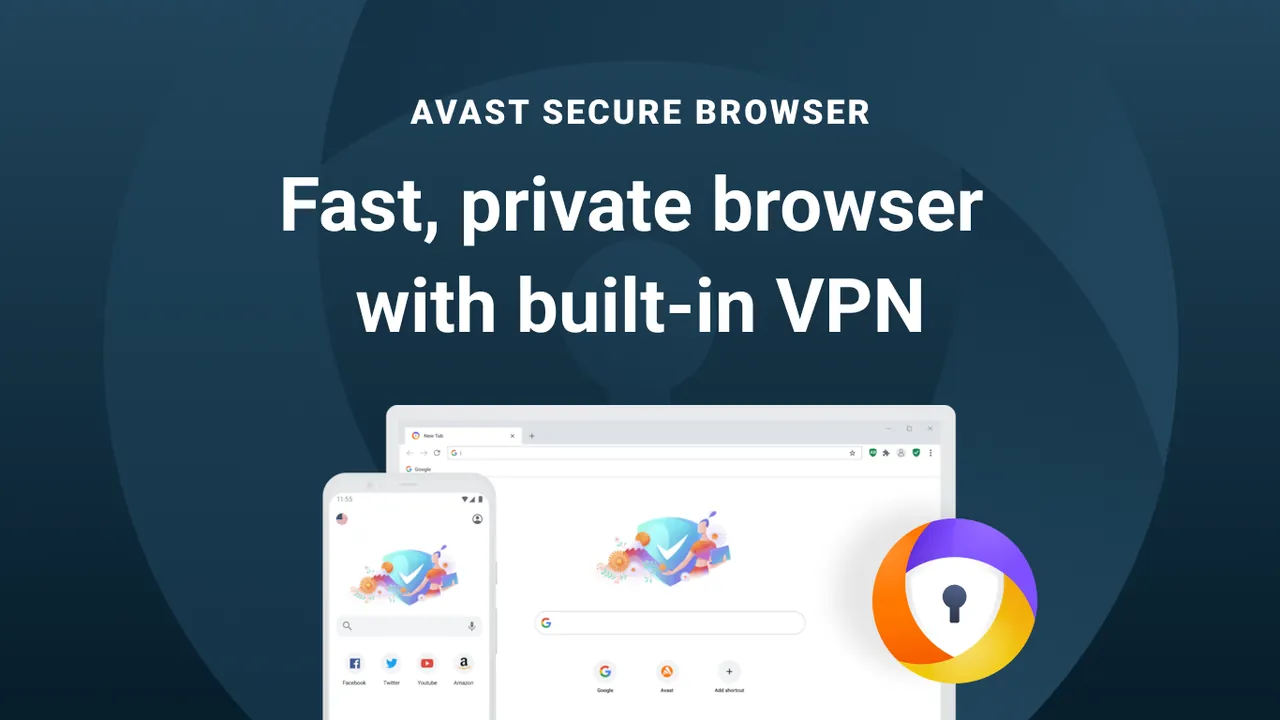
About Avast Secure Browser
Avast Secure Browser is made by Avast, part of Gen Digital. It is compatible with Chrome add-ons from the Chrome Web Store and adds Avast's own security and privacy tools, managed from one settings page: an ad blocker with adjustable strength, anti-tracking that blocks third-party trackers, protection against browser fingerprinting, blocking of phishing sites and harmful downloads, and forced HTTPS where sites support it.
Bank Mode opens an isolated, encrypted session for online banking and payments. The browser can also check whether your email address appears in known data leaks, lock browsing data behind a PIN, group tabs and sync encrypted history and bookmarks with the mobile versions. The free version does not hide your IP address; the built-in VPN requires the paid Avast Secure Browser PRO.
What it does well
- Built-in ad blocker. Blocks ads at a chosen strength, from only the most intrusive to all ads.
- Anti-tracking. Blocks third-party tracking cookies and masks the browser fingerprint.
- Anti-phishing. Blocks known phishing sites, malicious websites and harmful download links.
- Bank Mode. Runs banking and payment pages in an encrypted, isolated session.
- Chrome extensions. Installs add-ons from the Chrome Web Store.
Who it is for
Good fit
People who want ad blocking, tracker blocking and phishing protection active without installing extensions.
Look elsewhere
Users who want an independent or open-source browser, or a free built-in VPN.
Pros and cons
Pros
- Ad blocker and anti-tracking enabled out of the box
- Bank Mode for isolated banking sessions
- Runs Chrome Web Store extensions
- Encrypted sync with mobile versions
Cons
- VPN and IP hiding only in the paid PRO version
- Promotes other paid Avast products
- Closed source, so the privacy claims cannot be checked independently
How to install Avast Secure Browser
The button downloads Avast's official online installer. It downloads the rest during setup, so stay online. Read each setup screen and untick options you do not want, such as making it the default browser. Inside the browser, expect offers for Avast Secure Browser PRO and other Avast products, which you can ignore.
Questions about Avast Secure Browser
Is Avast Secure Browser free?
Yes. The browser is free; Avast sells an optional Avast Secure Browser PRO upgrade with a built-in VPN.
Does Avast Secure Browser hide my IP address?
Not in the free version. Hiding your IP address needs the VPN in Avast Secure Browser PRO.
Can I install Chrome extensions in Avast Secure Browser?
Yes. Avast says the browser is compatible with Chrome-based add-ons from the Chrome Web Store.


