

Our verdict: Comet is a Chromium browser built around Perplexity: search goes to Perplexity, and the Comet Assistant in the sidebar can summarize pages, compare sources and carry out tasks on websites. Browsing data stays on the PC by default, but every AI request sends the page and the context it needs to Perplexity's servers. If you do not want AI in your browser, a regular Chromium browser does the same job.
About Comet
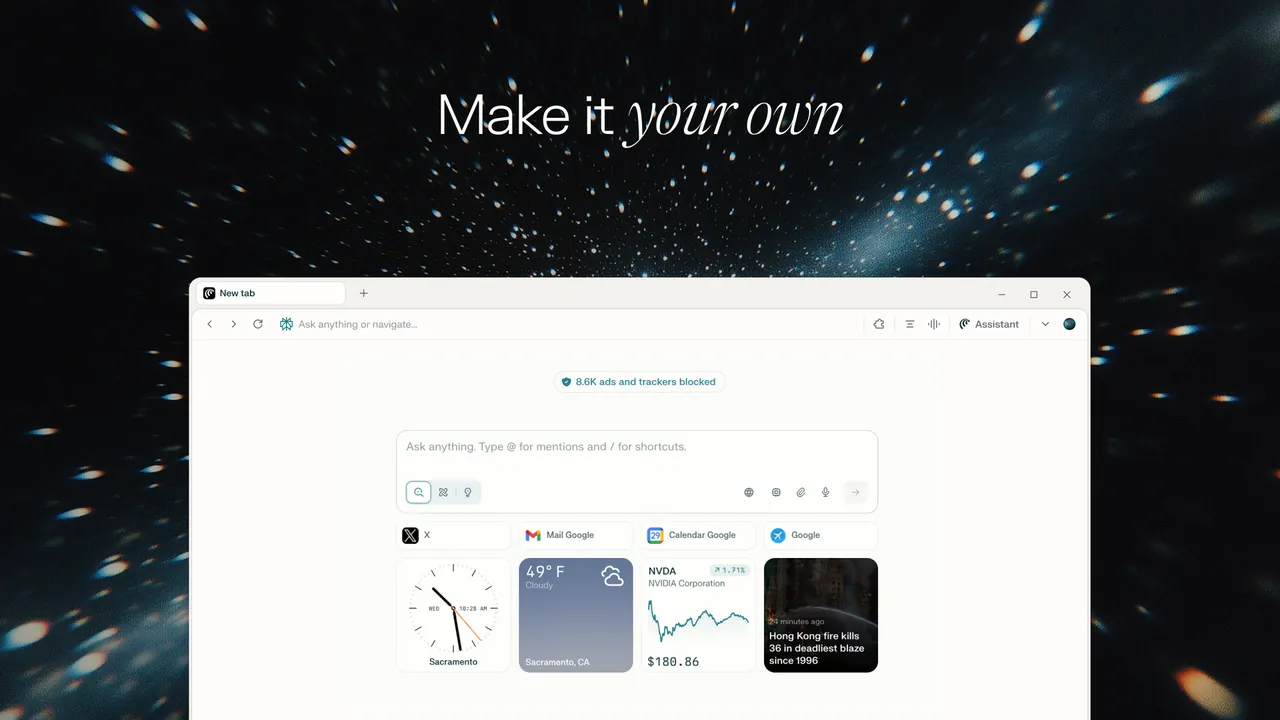
Comet is made by Perplexity AI and has been free for everyone since October 2025. It is based on Chromium, so websites render as in Chrome and most Chrome extensions install normally, except those that replace the new tab page. Perplexity is the default search engine, and the browser has its own ad blocker, page translation, autofill and password suggestions.
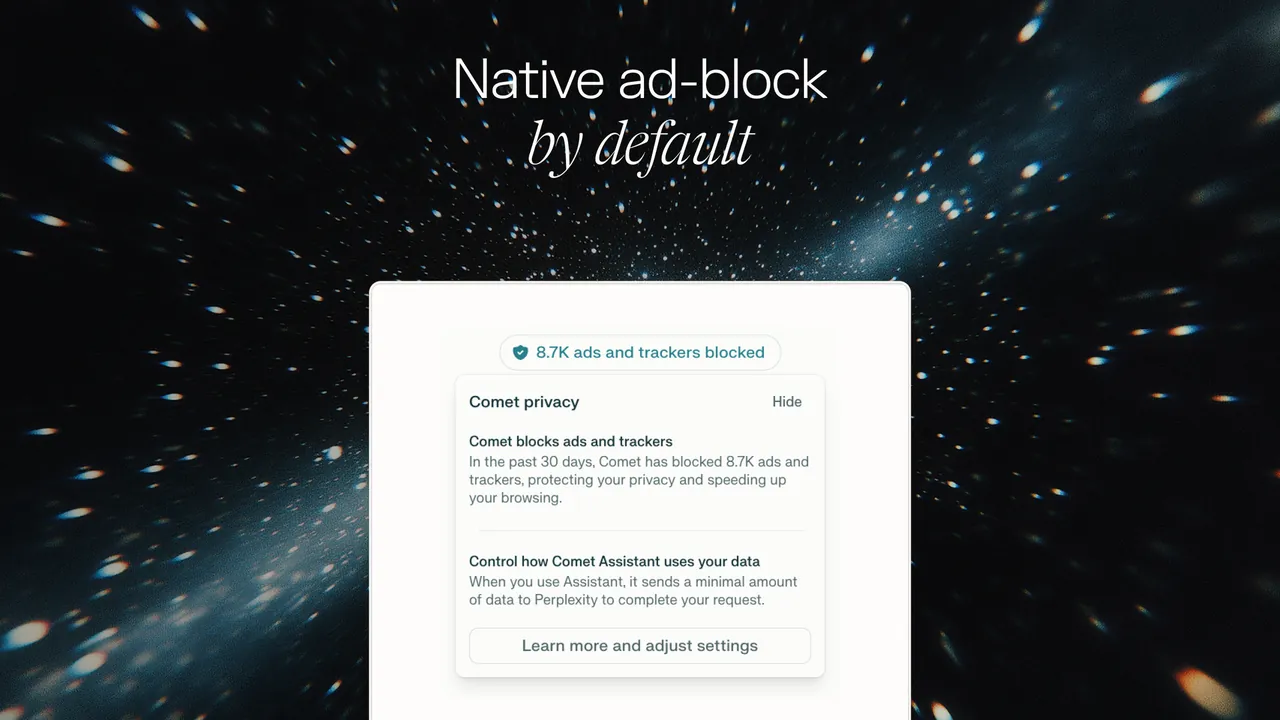
The Comet Assistant in the sidebar summarizes pages, verifies information, translates and can navigate websites and fill in forms on your behalf. Personal search can use your open tabs and browsing history. According to Perplexity, history, cookies, cache and autofill data stay on your device and passwords are kept in Windows Credential Manager, but AI requests, even in Incognito, send your query and the needed page context to Perplexity. Higher AI limits come with paid Perplexity plans.
What it does well
- Comet Assistant. A sidebar assistant summarizes the open page, checks facts, finds related content and translates text.
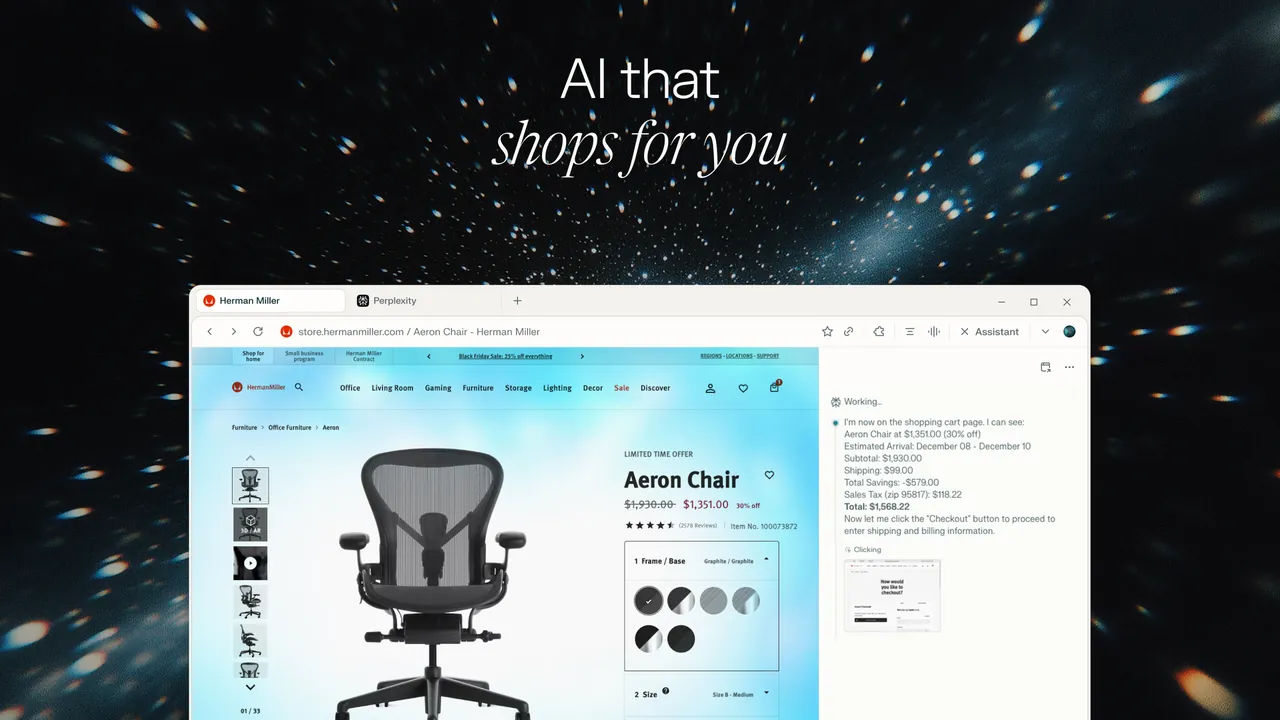
- Agentic browsing. The assistant can navigate websites, click and fill in forms to complete a task you describe.
- Chrome extensions. Built on Chromium, it runs most Chrome Web Store extensions except new-tab replacements.
- Built-in ad blocking. Blocks ads without a separate extension.
- Local browsing data. History, cookies, cache and autofill stay on the device; passwords go to Windows Credential Manager.
Who it is for
Good fit
Perplexity users who want an AI assistant that can read the current page and handle routine web tasks.
Look elsewhere
People who do not want page content sent to an AI service, or who need a browser without an AI assistant.
Pros and cons
Pros
- Free browser with an AI assistant built in
- Supports most Chrome extensions
- Built-in ad blocker
- Browsing history and cookies stay on the device by default
Cons
- AI requests send page content and context to Perplexity, even in Incognito
- Higher AI limits need a paid Perplexity plan
- An AI agent acting on websites can make mistakes, so tasks need checking
How to install Comet
Download the installer from the official Comet page; it needs an internet connection during installation. On first start Comet offers to sign in with a Perplexity account and import data from another browser. Review the AI privacy settings and the permissions you give the assistant before letting it act on sites where you are logged in.
Questions about Comet
Is Comet free?
Yes. Perplexity made Comet free for everyone in October 2025. The AI features have usage limits on the free plan; paid Perplexity plans raise them.
Is Comet based on Chrome?
Comet is built on Chromium, the open-source project behind Chrome and Edge, so most Chrome extensions work in it.
Does Comet send my browsing history to Perplexity?
Not by default. Perplexity says history and cookies stay on your device, but when you use the assistant or personal search, the open page and relevant history are sent to Perplexity to answer the request.


