

Our verdict: Beekeeper Studio is one of the friendliest database GUIs: a fast SQL editor with autocomplete, a spreadsheet-like table view and tidy connection folders. The free Community Edition covers the popular SQL databases with no connection limits. Import and export, editing query results and databases such as Oracle, MongoDB and ClickHouse require a paid plan.
About Beekeeper Studio
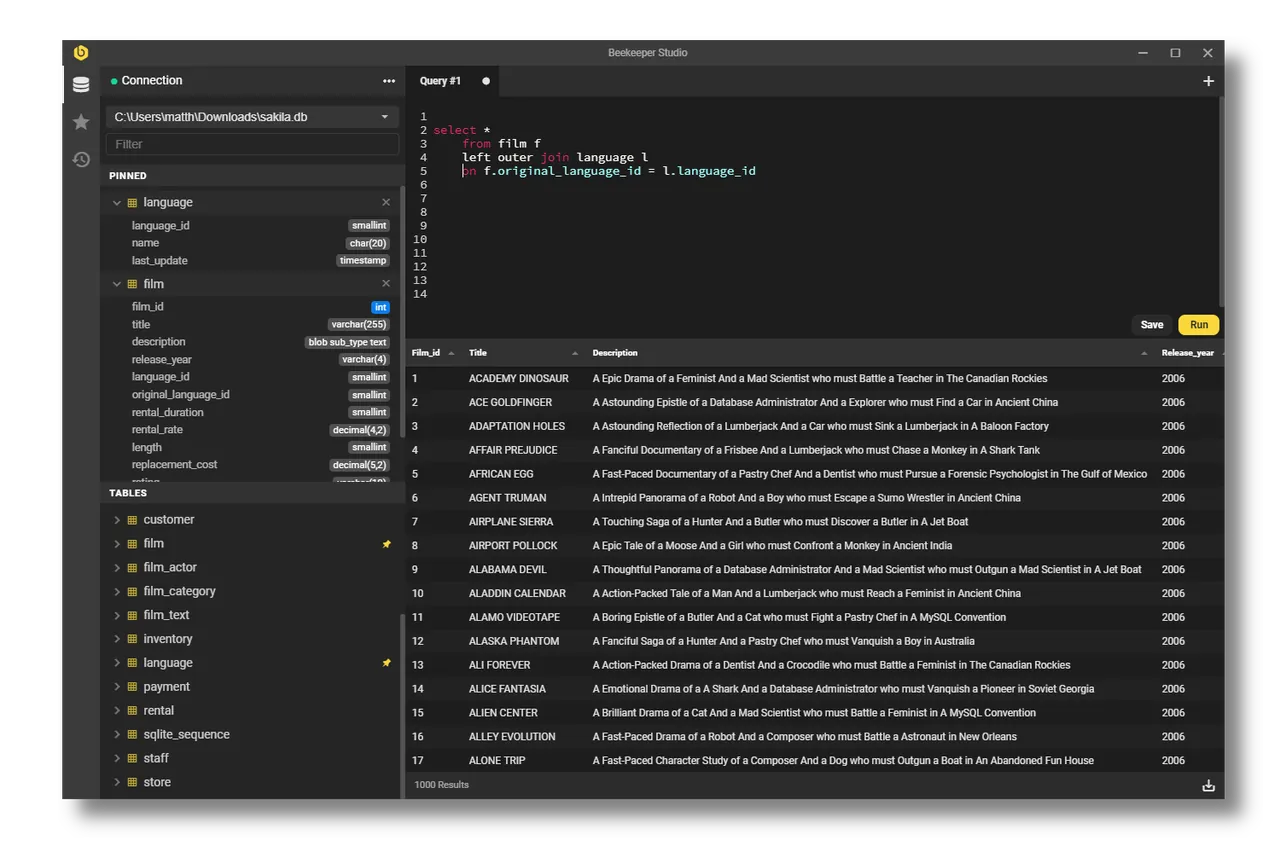
Beekeeper Studio connects to PostgreSQL, MySQL, MariaDB, SQLite, SQL Server, Amazon Redshift, Google BigQuery, Redis and several others in the free Community Edition. You write queries in an editor with autocomplete, browse and edit table data in a spreadsheet-style grid, and create or change tables, relations, triggers and indexes. SSH tunnels are included for remote servers.
The Community Edition is open source under the GPL v3 and free; the developer says it is intended for individuals, students, non-profits and small businesses with fewer than 10 employees or under $1M revenue. One download contains both editions: a 14-day trial of paid features starts only when you click it, with no account or card. Paid plans start at $9 per month billed yearly and add import/export, the JSON sidebar, result editing and more databases.
What it does well
- SQL editor. Autocomplete, saved queries and alternative keymaps for writing SQL.
- Spreadsheet table view. Browse, filter and edit table data inline like a spreadsheet.
- Schema editing. Create and modify tables, relations, triggers and indexes without writing DDL.
- Connection folders. Organize unlimited connections, queries and tabs in folders.
- SSH tunnels. Connects to remote databases through an SSH tunnel.
Who it is for
Good fit
Developers who want a clean, quick GUI for everyday work with PostgreSQL, MySQL, SQLite or SQL Server.
Look elsewhere
Larger companies wanting a free tool, and users who need import/export or Oracle and MongoDB support without paying.
Pros and cons
Pros
- Clean, fast interface
- Open source Community Edition with unlimited connections
- Spreadsheet-style editing of table data
- No account needed; data stays on your PC
Cons
- Import/export and result editing need a paid plan
- Oracle, MongoDB, ClickHouse and some other databases are paid-only
- Community Edition is meant for individuals and small businesses
How to install Beekeeper Studio
The button downloads the 64-bit Windows installer, which updates itself; a portable EXE and an enterprise MSI are on the download page. No account is needed. The app asks whether to start a 14-day trial of paid features; you can skip it and keep using the free Community features.
Questions about Beekeeper Studio
Is Beekeeper Studio free?
Yes, the Community Edition is free and open source under the GPL v3. Paid plans start at $9 per month billed yearly and include a lifetime license for versions released during the subscription. A 14-day trial of paid features needs no account or card.
Which databases does the free version support?
PostgreSQL, MySQL, MariaDB, SQLite, SQL Server, Amazon Redshift, TiDB, Google BigQuery, Redis and a few others. Oracle, Cassandra, DuckDB, MongoDB and ClickHouse need a paid plan.
Does Beekeeper Studio collect my data?
The developer says your data stays on your PC unless you use cloud workspaces. The app checks for updates and licenses, and anonymous usage statistics are opt-in.


