

Our verdict: DBeaver Community is the most practical free choice if you work with several kinds of SQL databases. One window handles MySQL, PostgreSQL, SQLite, SQL Server, Oracle and anything else with a JDBC driver. It is heavier than native tools, and NoSQL support is reserved for the paid editions.
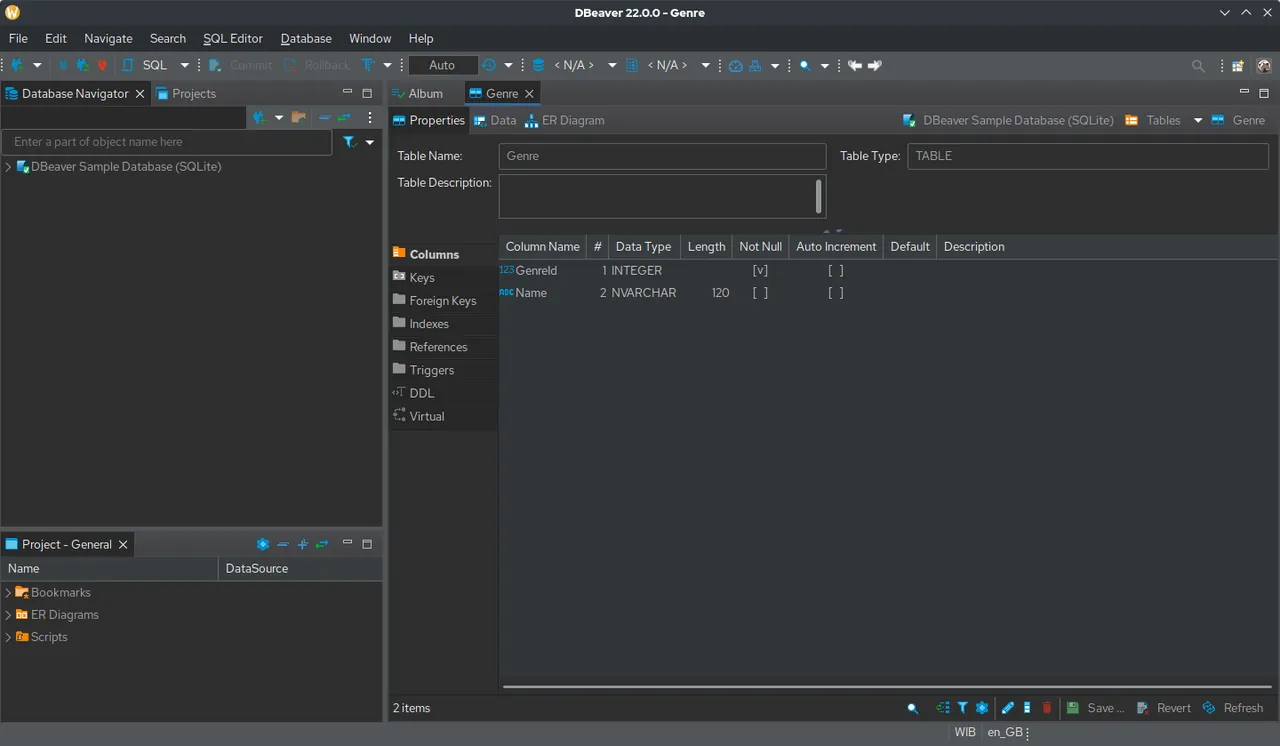
About DBeaver Community
DBeaver Community is the free, open-source edition of DBeaver, developed by DBeaver Corp and published on GitHub under the Apache License 2.0. It is built on Java and Eclipse, and the Windows installer includes its own Java runtime, so you do not need to install Java separately.
You add a connection, DBeaver downloads the matching JDBC driver, and you can browse schemas, edit table data in a grid, run SQL scripts and export results. The company also sells DBeaver PRO editions that add NoSQL databases, cloud tools and support; the Community edition stays free.
What it does well
- Many databases in one app. Connects to MySQL, MariaDB, PostgreSQL, SQLite, SQL Server, Oracle and other JDBC databases.
- SQL editor. Syntax highlighting, autocompletion, script execution and query execution plans.
- Data editor. Edit, filter and sort table rows in a grid and save changes back to the database.
- ER diagrams. Generates entity-relationship diagrams from an existing schema.
- Import, export and SSH. Moves data to CSV, JSON, SQL or other databases and connects through SSH tunnels.
Who it is for
Good fit
Developers, analysts and admins who work with several different SQL databases.
Look elsewhere
People who need MongoDB, Redis or other NoSQL databases for free, or a very lightweight client.
Pros and cons
Pros
- Supports almost every SQL database
- ER diagrams and data export included
- Bundled Java runtime
- Open source
Cons
- NoSQL databases and some advanced tools need a paid PRO edition
- Java-based, so it starts slower and uses more memory than native clients
How to install DBeaver Community
Download the Windows installer from dbeaver.io; it ships with a bundled Java runtime. On the first connection to a new database type, DBeaver asks to download the JDBC driver, which needs internet access. If DBeaver feels slow with large result sets, raise the memory limit in dbeaver.ini.
Questions about DBeaver Community
Is DBeaver free?
Yes. DBeaver Community is free and open source under the Apache License 2.0. DBeaver PRO editions are paid.
Do I need to install Java for DBeaver?
No. The Windows installer includes a Java runtime.
Does DBeaver Community support MongoDB?
No. MongoDB, Redis and other NoSQL databases are supported only in the paid PRO editions.


