

Our verdict: Camtasia is built for tutorials, software demos and training videos rather than films. Recording, cursor effects, callouts and captions sit in one editor, which saves a lot of time. The free version is a full test drive, but every export carries a watermark until you pay for a yearly plan.
About Camtasia
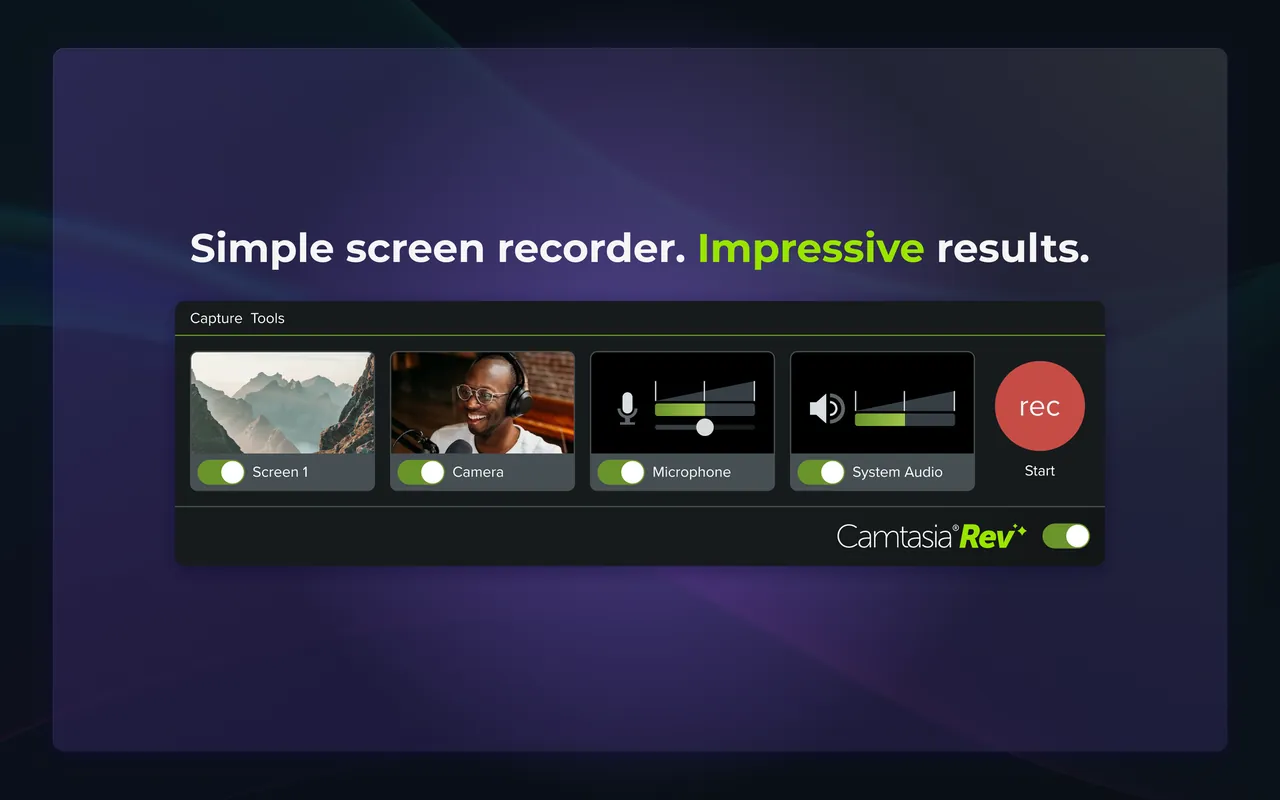
Camtasia is made by TechSmith, the company behind Snagit. Camtasia Editor records the screen, a webcam, a microphone and system audio, then opens the recording on a multitrack timeline where you add zooms, callouts, cursor highlights, transitions and captions.
Camtasia Editor can be used for free with no time limit, but every exported video has a TechSmith watermark. The watermark is baked into the file, so you must re-export the saved project after buying. The cheapest plan that removes it is Camtasia Essentials at $179.88 per year; the $39 Starter plan includes Snagit but keeps the Camtasia watermark. Downloading requires a free TechSmith account; no card is needed.
What it does well
- Screen and webcam recording. Records the screen, webcam, microphone and system audio up to 4K.
- Cursor effects. Smooths mouse movement, enlarges the pointer and highlights clicks and keystrokes.
- Callouts and zoom. Drag-and-drop arrows, shapes, text animations and zoom-and-pan motion.
- Captions and AI editing. Generates captions, removes filler words and edits video by its transcript.
- Quizzes and SCORM. Adds interactive quizzes and exports SCORM packages for learning platforms.
Who it is for
Good fit
Teachers, trainers and software companies making tutorials, demos and e-learning courses.
Look elsewhere
Home users on a budget and editors of films or vlogs who need advanced color and effects work.
Pros and cons
Pros
- Recording and editing in one app
- Excellent cursor and zoom effects for tutorials
- Quizzes and SCORM export
- Free version has no time limit
Cons
- Watermark on every export until you pay
- Expensive yearly subscription
- Download requires a TechSmith account
How to install Camtasia
Create a free TechSmith account on the download page, then download and run the Windows installer. Sign in to Camtasia with the same account. If you buy a plan later, sign in with the email used for the purchase or enter your software key; no reinstall is needed. Save your trial projects so you can re-export them without the watermark.
Questions about Camtasia
Is Camtasia free?
Camtasia Editor can be downloaded and used for free with no time limit, but every exported video has a watermark. Removing it requires a paid plan; the cheapest one that does is Essentials at $179.88 per year. You need a free TechSmith account to download, but no card.
Will the watermark disappear from videos I already exported?
No. TechSmith says the watermark is baked into trial exports. After you activate a paid plan, open the saved project and export it again.
What is the difference between Camtasia Starter and Essentials?
Starter ($39 per year) adds Snagit screen capture but keeps the watermark in Camtasia Editor. Essentials adds watermark-free exports, Camtasia Audiate and AI editing tools.


