

Our verdict: Cemu is the leading Wii U emulator and runs many Wii U games well, often better than the original console. It is free and open source since 2022. No games are included: you need dumps of games you own, made with your own Wii U.
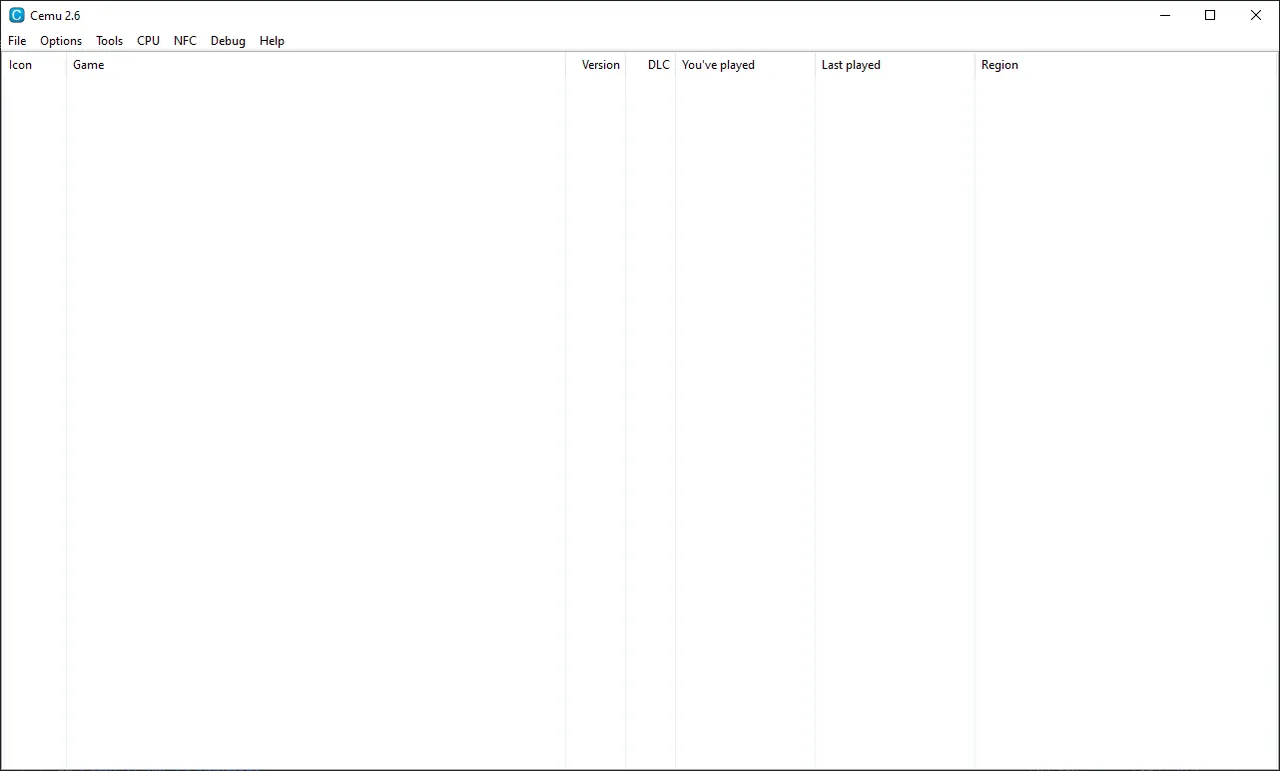
About Cemu
Cemu was created by Exzap and was closed source until 2022, when it was released under the Mozilla Public License 2.0. Development now happens openly on GitHub, and builds are published for Windows, Linux and macOS.
Cemu does not include games or console files. You dump games and the required data from a Wii U you own. On Windows, Cemu needs the Microsoft Visual C++ x64 Redistributable and a GPU with OpenGL 4.5 or Vulkan 1.2.
What it does well
- Vulkan and OpenGL. Vulkan is recommended for most GPUs; OpenGL is the fallback for cards with less than 2 GB of memory.
- Graphic packs. Community packs raise resolution, unlock frame rates and fix issues per game.
- GamePad emulation. Emulates the Wii U GamePad, Pro Controller and Classic Controller, with mouse input for the touch screen.
- Gyro support. Uses controller gyro or right mouse drag for motion controls.
- Controller input. Supports keyboards and USB controllers; Wiimotes are partly emulated.
Who it is for
Good fit
Wii U owners who want to play their games on a PC at higher resolutions.
Look elsewhere
People without their own Wii U to dump games from, or PCs with weak Intel graphics.
Pros and cons
Pros
- Runs many Wii U games well
- Higher resolutions and frame rates via graphic packs
- Open source under MPL 2.0
- GamePad emulation with mouse touch input
Cons
- Windows release is a portable zip that you extract yourself
- Limited support for Intel GPUs
- No games included; dumping needs your own Wii U
How to install Cemu
Install the Microsoft Visual C++ x64 Redistributable linked on cemu.info. Extract the zip to a folder you can write to, such as Documents\Cemu, and run Cemu.exe; the first-run wizard sets the game folder and graphic packs. Choose Vulkan in Graphics settings unless your GPU has less than 2 GB of memory.
Questions about Cemu
Is Cemu free?
Yes. Cemu is open source under the Mozilla Public License 2.0 and has no paid version.
Where do I get games for Cemu?
No games are included. Dump the games you own from your own Wii U console; downloading games you do not own is piracy.
What PC do I need for Cemu?
A 64-bit Windows PC with a GPU supporting OpenGL 4.5 or Vulkan 1.2 and at least 4 GB of RAM; 8 GB or more is recommended.


