

Our verdict: Ditto is a simple, fast clipboard history for Windows that stays on your PC. It keeps far more items than the built-in Win+V history and lets you search them. The interface looks dated, but it does its one job well.
About Ditto
Ditto is an extension to the standard Windows clipboard. Every time you copy something, it saves the item to a local database, so you can paste it again hours or days later. It stores text, images, HTML and custom clipboard formats.
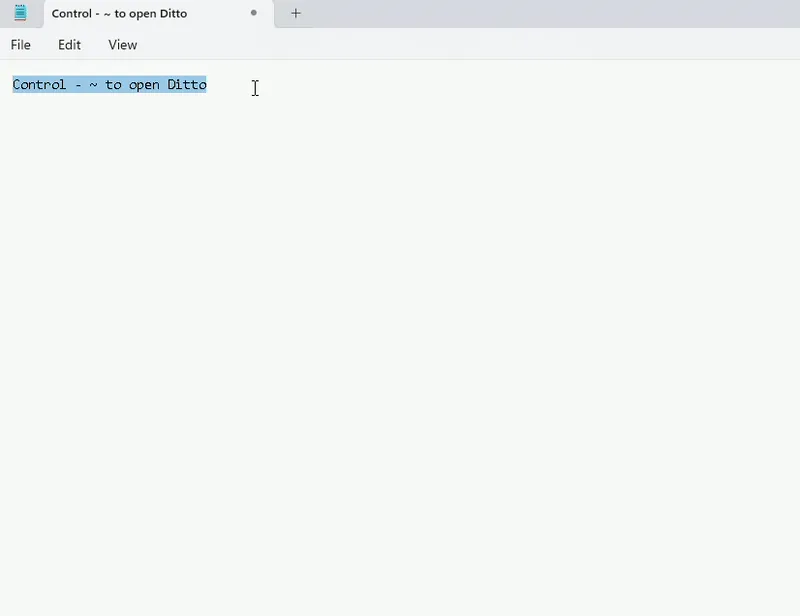
You open Ditto with its hotkey, Ctrl + ` by default, or from the tray icon, then double-click or press Enter on an item to paste it into the previous window. The project describes itself as local first: no login, no cloud and no telemetry.
What it does well
- Clipboard history. Saves every copied item in a local database instead of keeping only the last one.
- Search. Type to filter the history and find an old snippet quickly.
- Many formats. Keeps plain text, rich text, HTML and images.
- Pinned and grouped clips. Keep frequently used snippets at the top or sort them into groups.
- Portable version. A zip edition runs from a folder or USB stick without installation.
Who it is for
Good fit
Writers, developers and office workers who copy and paste many snippets a day.
Look elsewhere
People who need clipboard sync with a phone, or who are happy with the built-in Win+V history.
Pros and cons
Pros
- Free and open source
- No account, cloud or telemetry
- Searchable history with images
- Portable edition available
Cons
- Interface and options window look dated
- Everything you copy, including passwords, stays in the history until you delete it or it expires
How to install Ditto
Download the installer from the Ditto site, which links to the official GitHub release. After installation Ditto starts in the system tray. Press Ctrl + ` to open the history; you can change the hotkey and the number of saved items in Options.
Questions about Ditto
Is Ditto free?
Yes. Ditto is open source under the GNU GPL v3 and has no paid version.
How do I open Ditto?
Press Ctrl + ` (the key left of 1) or click the Ditto icon in the system tray.
Does Ditto upload my clipboard?
No. The history is stored in a local database on your PC.


