

Our verdict: DOSBox Staging is the most polished way to play DOS games on a modern PC. It looks and sounds right with default settings, including CRT shaders and built-in MIDI synths. It is still a command-line DOS environment underneath, so beginners need to learn a few mount commands. No games are included.
About DOSBox Staging
DOSBox Staging is a fork of DOSBox maintained by a volunteer team under the GNU GPL v2 or later. It adds modern features to the original emulator while aiming for sensible defaults that need little manual configuration.
The emulator provides a DOS environment, not games. You use games you own, for example from original disks or digital re-releases, or freeware and shareware DOS titles. Games are started from the DOS prompt after mounting their folder as a drive.
What it does well
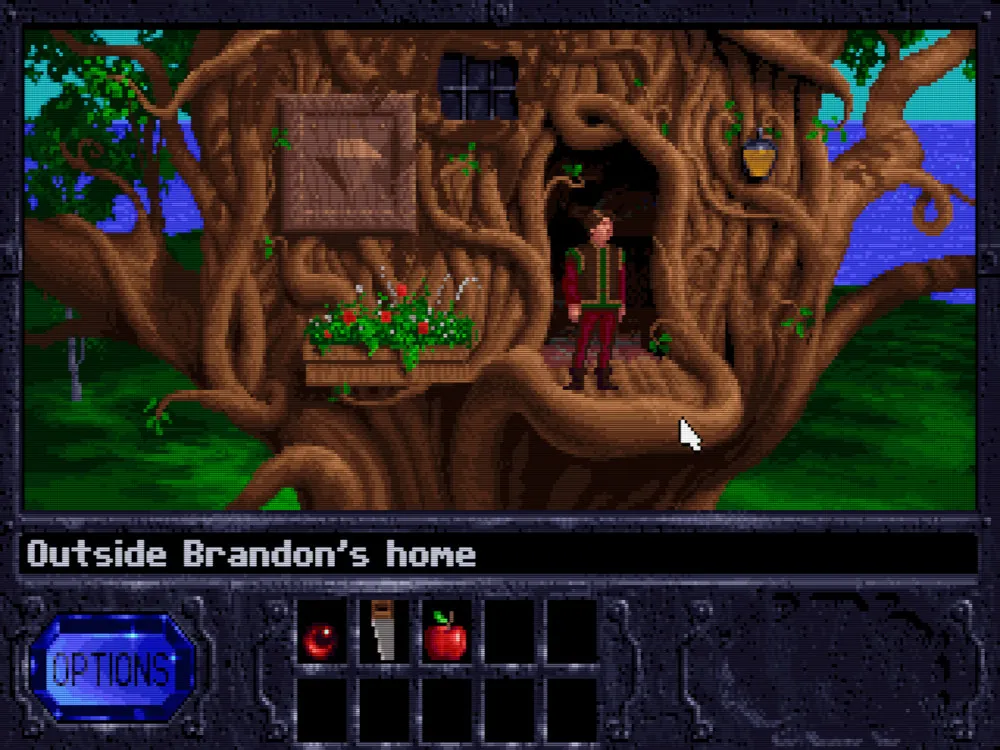
- CRT emulation. Zero-config CRT shaders adapt to the emulated video mode and your screen, from 720p to 4K.
- MIDI and sound cards. Integrated Roland MT-32 and SC-55 emulation, FluidSynth, AdLib, Gravis UltraSound and more.
- 3dfx Voodoo. Low-level 3dfx Voodoo 1 emulation for early 3D-accelerated games.
- Modern host integration. High DPI, variable refresh rate, clipboard integration and a built-in mouse driver.
- Fast dynamic recompiler. 64-bit dynamic recompilation on x64 and ARM for demanding games.
Who it is for
Good fit
Players who own classic DOS games and want them to look and sound authentic on a modern PC.
Look elsewhere
People who want a graphical game library manager, or who expect games to be included.
Pros and cons
Pros
- Great results with default settings
- Authentic CRT look and MIDI music
- Actively developed fork of DOSBox
- Open source with no ads
Cons
- No graphical game library
- Basic DOS commands are needed to start games
- MT-32 emulation needs ROM files you provide
How to install DOSBox Staging
Run the x64 setup and start DOSBox Staging from the Start menu. Mount your game folder with a command like mount c d:\dosgames, switch with c: and run the game's executable. Settings are stored in a dosbox-staging.conf file, which you can edit for MT-32 ROMs or per-game options.
Questions about DOSBox Staging
Is DOSBox Staging free?
Yes. DOSBox Staging is open source under the GNU GPL v2 or later and has no paid version.
What is the difference between DOSBox and DOSBox Staging?
DOSBox Staging is a fork of DOSBox with modern features such as CRT shaders, built-in MIDI synthesizers, 3dfx Voodoo emulation and better defaults.
Does DOSBox Staging include games?
No. You need games you own or freeware and shareware DOS games.


