

Our verdict: GIMP is the most complete free photo editor on Windows. It covers layers, masks, selections, retouching and plugins, and since version 3 many filters are non-destructive. Expect to relearn some habits if you come from Photoshop.
About GIMP
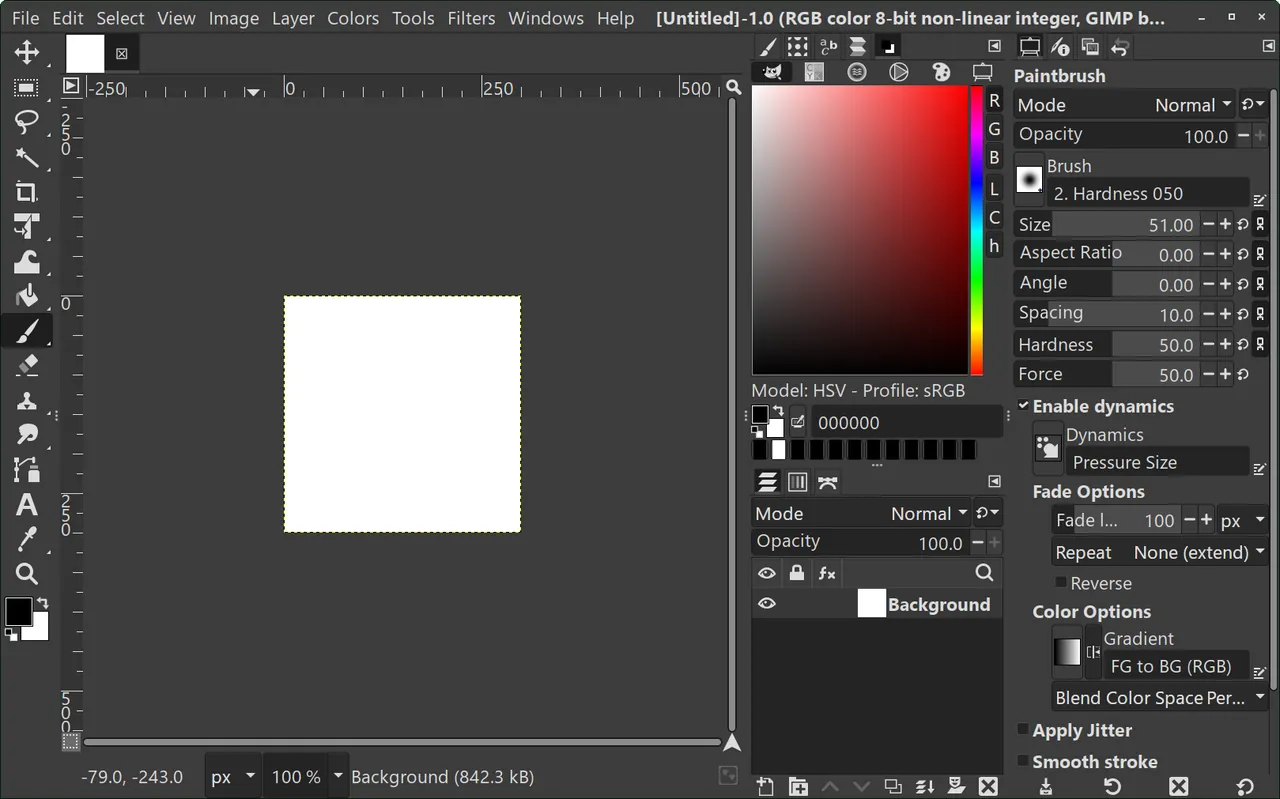
GIMP (GNU Image Manipulation Program) has been developed by volunteers since 1995. The 3.x series modernized the interface, improved high-resolution screen support and added non-destructive filters, which you can edit or remove after applying them.
It reads and writes common formats such as PNG, JPEG, WebP and TIFF, and opens Photoshop PSD files with their layers. Very complex PSD files with Photoshop-specific effects may not look identical.
What it does well
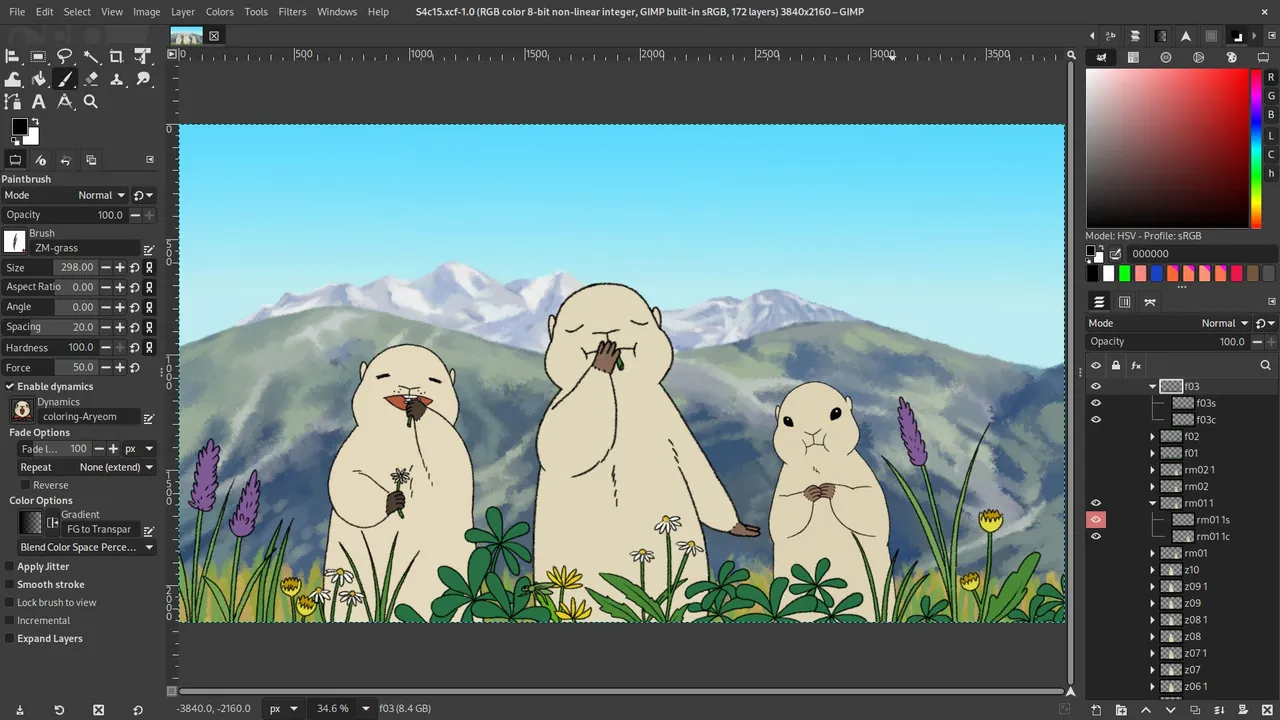
- Layers and masks. Full layer stack with masks, blend modes and layer groups.
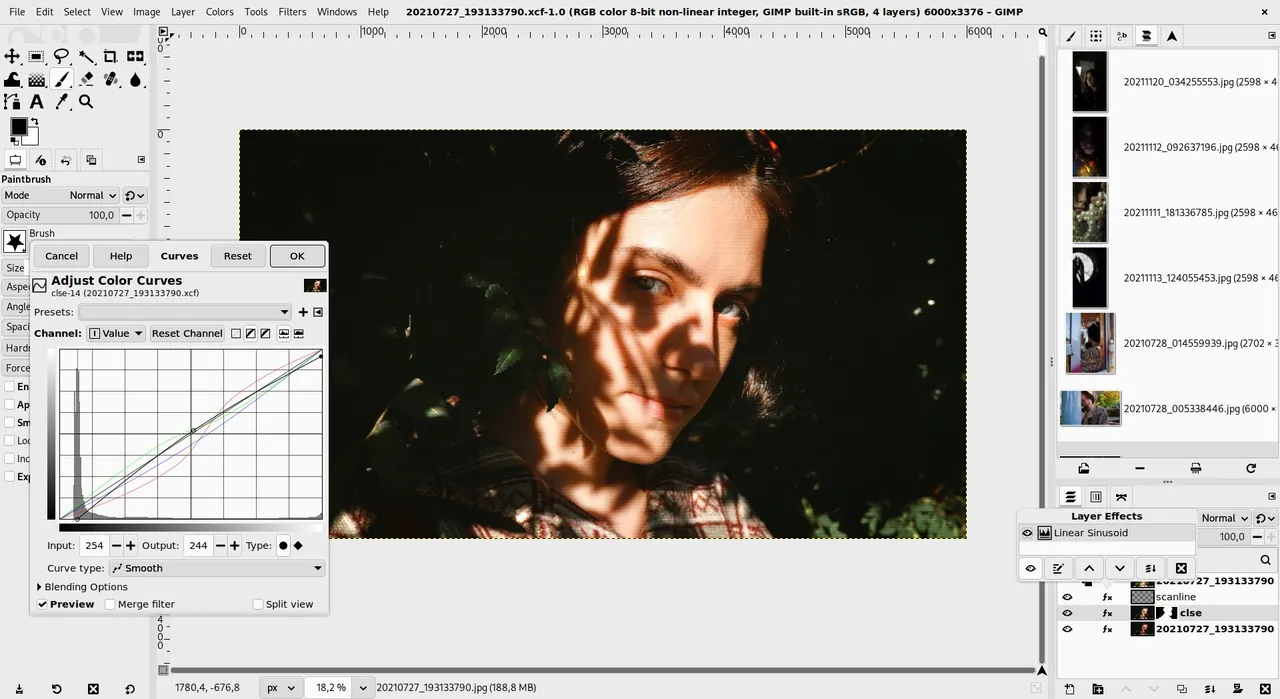
- Non-destructive filters. Many filters stay editable after you apply them.
- Retouching tools. Healing, clone, perspective clone and content-aware-style plugins.
- Precise selections. Paths, foreground select, and selection by color.
- Scripting and plugins. Extend it with Python or Script-Fu, plus a large plugin community.
Who it is for
Good fit
Photo retouching, image editing for the web and anyone replacing Photoshop on a budget.
Look elsewhere
Print designers who rely on a full CMYK workflow, or people who need exact Photoshop behavior.
Pros and cons
Pros
- Professional feature set
- Non-destructive filters in 3.x
- Opens PSD files
- Extensible with plugins
Cons
- Different workflow from Photoshop
- Complex PSD files may not match exactly
- Large download
How to install GIMP
The download page offers a Windows installer directly from gimp.org and a link to the Microsoft Store version. Both are free. The installer is larger than most apps here because it includes all the libraries GIMP needs.
Questions about GIMP
Is GIMP as good as Photoshop?
For most photo editing and web graphics, it does the job well. Photoshop still leads in some areas, such as AI tools and print workflows.
Is GIMP free for commercial use?
Yes. You can use it and sell the images you create without any license fee.
Can GIMP open PSD files?
Yes, including layers. Some Photoshop-only effects may be flattened or look different.


