

Our verdict: Luminar gets dramatic results from landscapes and portraits in a few clicks, thanks to AI tools for skies, lighting and object removal. It is sold once rather than rented, which sets it apart from Adobe. The generative tools are only included for the first year, and its library features are basic.
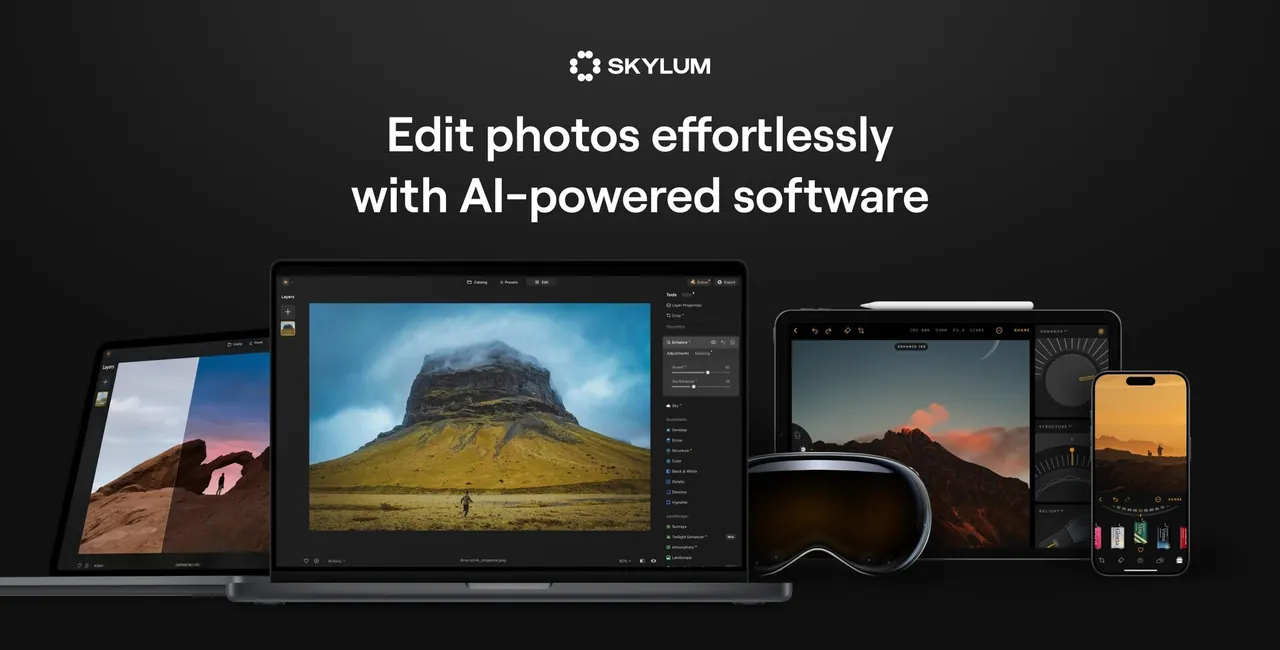
About Luminar
Luminar is Skylum's photo editor; in 2026 Skylum dropped the Neo suffix, and the app is now sold as Luminar on Desktop. The Desktop Only license costs US$129 once and covers two computers. The All Platforms (US$159) and Max (US$199) licenses add the mobile and web apps, and Max includes a year of Luminar Prime with new features and creative assets.
Core AI tools such as Sky AI, Light Depth and background removal keep working as long as you own the license. The generative tools GenErase, GenSwap and GenExpand, plus Restoration and the AI Assistant, are included for one year after purchase and then need a Luminar Prime subscription. The 7-day free trial is requested with an email address and, according to Skylum, needs no payment details.
What it does well
- Sky AI. Detects and replaces the sky, relighting the scene to match.
- Light Depth. Adjusts light in the foreground and background separately using a depth map.
- Generative tools. GenErase, GenSwap and GenExpand remove, replace or extend image content.
- Portrait tools. Automatic skin, face and body retouching.
- Plug-in mode. Runs inside Adobe Photoshop and Lightroom as well as on its own.
Who it is for
Good fit
Hobby and travel photographers who want quick, striking edits without learning masks and layers.
Look elsewhere
Photographers who need a full digital asset manager, or who want generative AI without a recurring fee.
Pros and cons
Pros
- One-time license
- Fast AI sky and light tools
- Works as a Photoshop and Lightroom plug-in
- License covers two computers
Cons
- Generative AI tools need a subscription after the first year
- Basic photo organizing compared with Lightroom Classic
- Big upgrades may cost extra
How to install Luminar
Request the trial on skylum.com with your email address; Skylum sends the download link. On first launch you sign in to a Skylum account, which is also how a purchased license is activated. The app needs a 64-bit Windows 10 version 1909 or later and at least 8 GB of RAM.
Questions about Luminar
Is Luminar free?
No. Skylum offers a 7-day free trial requested with an email address. After it you need a license, starting at US$129 once for Luminar on Desktop.
Is Luminar the same as Luminar Neo?
Yes. Skylum renamed Luminar Neo to Luminar in 2026; existing installations and licenses keep working.
Do the AI tools stop working after a year?
The core AI tools keep working. GenErase, GenSwap, GenExpand, Restoration and the AI Assistant need Luminar Prime after the first 365 days.


