Pinta — Free Image Editor

By Pinta Project · Graphics
  • Open source
  • Free
  • Graphics
Download Pinta Direct download from github.com Official download page Link checked October 19, 2026

Our verdict: Pinta is a clean, easy image editor for quick edits, simple drawings and pixel art. It has layers, live effect previews and unlimited history. It lacks the advanced tools of GIMP or Krita, and the Windows build is less common than Linux.
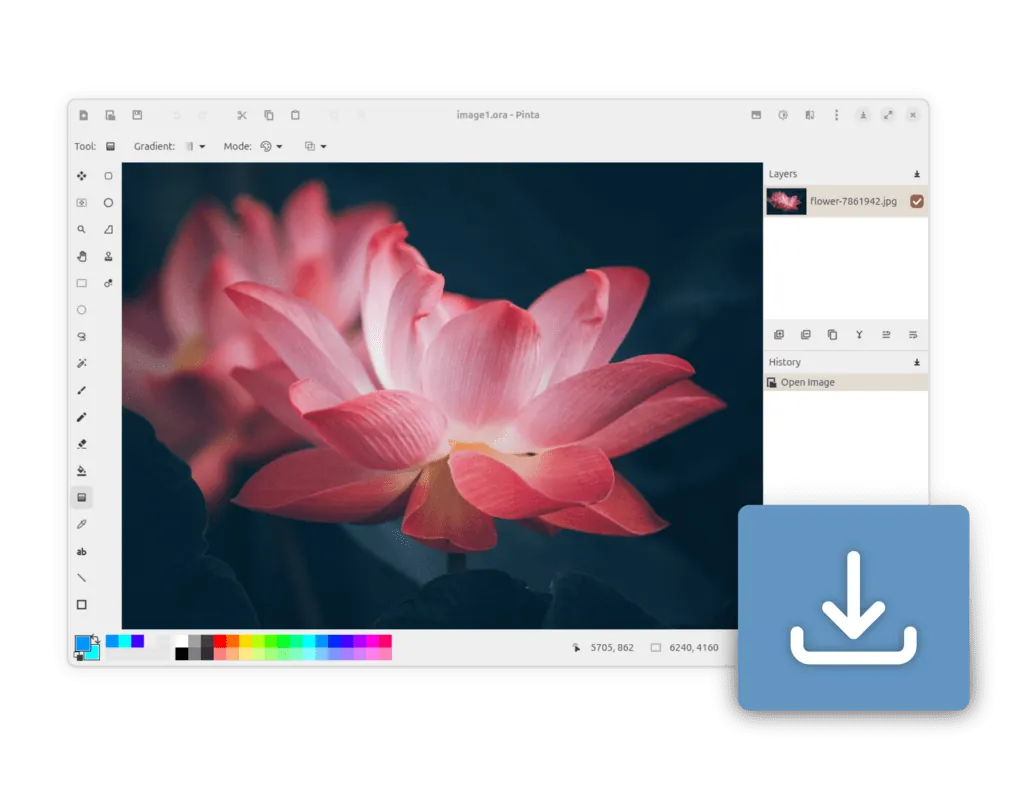
Pinta on its official website
Pinta on its official website · Screenshot from the official website

About Pinta

Pinta is an open-source drawing and image editing program released under the MIT license. Its interface is modeled on Paint.NET and it runs on Windows, macOS, Linux and BSD.

You get the usual tools such as selection, crop, resize, clone and magic wand, along with layers and a range of adjustments and effects. Effects show a live preview before you apply them.

What it does well

  • Layers. Stack and blend layers to build up an image without destroying the original.
  • Adjustments and effects. Brightness, curves, blur, distortion and artistic effects with live preview.
  • Familiar tools. Select, crop, rotate, resize, clone stamp, recolor and magic wand.
  • Unlimited undo. The history panel lets you step back through every action.
  • Cross-platform. The same app runs on Windows, macOS and Linux.

Who it is for

Good fit

Beginners and casual users who want something more capable than Paint but simpler than GIMP.

Look elsewhere

Photographers and designers who need masks, raw editing, CMYK or advanced retouching.

Pros and cons

Pros

  • Very easy to learn
  • Layers and live effect previews
  • MIT-licensed, no ads

Cons

  • Limited tools compared with GIMP or Krita
  • No raw photo or CMYK support

How to install Pinta

Download the x86_64 installer linked from the releases page on pinta-project.com. Pinta opens and saves common formats such as PNG, JPG and BMP; use its own .ora format to keep layers.

Questions about Pinta

Is Pinta free?

Yes. Pinta is open source under the MIT license.

Is Pinta like Paint.NET?

Yes. Its interface and tool set are modeled on Paint.NET, but Pinta also runs on macOS and Linux.

Download Pinta from pinta-project.com ExeDepot does not host this file. The download starts from the developer's server, github.com. Other versions are on the official download page.

Alternatives to Pinta

  • Paint.NET Photo Editor

    Light photo editor with layers and plugins that is easy to learn.

    dotPDN LLC (Rick Brewster) · Freeware · paint.net
  • GIMP Image Editor

    Full photo editor with layers, masks and non-destructive filters.

    The GIMP Team · Open source · gimp.org
  • Adobe Photoshop Photo Editor

    Industry-standard raster editor for photo retouching, compositing and digital art.

    Adobe · Free trial · adobe.com
  • Corel PaintShop Pro Photo Editor

    Layer-based photo editor and design tool for Windows with RAW editing and AI tools, sold without subscription.

    Corel (Alludo) · Free trial · paintshoppro.com

Similar to Pinta All graphics apps

  • Luminar AI Photo Editor

    AI-driven photo editor (formerly Luminar Neo) with sky replacement and generative tools.

    Skylum · Free trial · skylum.com
  • Affinity Design and Photo Editor

    Pro photo editing, vector design and page layout in one app, free with a Canva account.

    Canva (formerly Serif) · Freeware · affinity.studio
  • PhotoDemon Photo Editor

    Portable open-source photo editor with layers, RAW and PSD support, macros and batch processing.

    Tanner Helland and contributors · Open source · photodemon.org
  • Chasys Photo Image Editor

    Freeware image editor, viewer and batch converter suite, formerly called Chasys Draw IES.

    John Paul Chacha's Lab · Freeware · jpchacha.com