

Our verdict: GitHub CLI saves a trip to the browser for most everyday GitHub work: create and check out pull requests, file issues, watch Actions runs and publish releases from the terminal. Sign-in through the browser takes a minute. It only covers GitHub, not GitLab or Bitbucket, and it does not replace Git itself.
About GitHub CLI
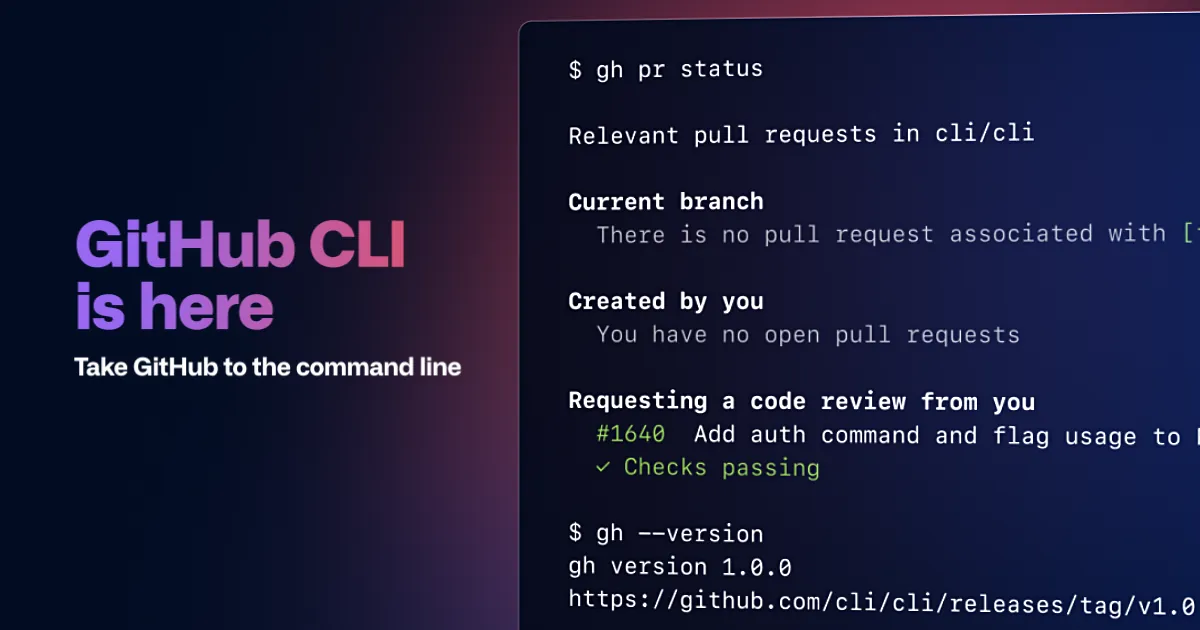
GitHub CLI, run as gh, is GitHub's official command-line client, open source under the MIT license. It works alongside Git: Git handles commits and branches, while gh talks to GitHub for pull requests, issues, releases, gists, repositories, Codespaces and GitHub Actions.
After gh auth login, which opens the browser to authorize the tool, commands such as gh pr create, gh pr checkout, gh issue list and gh run watch work in any repository cloned from GitHub. gh api calls the REST and GraphQL APIs directly, and extensions written by the community add more commands. It also works with GitHub Enterprise Server.
What it does well
- Pull requests. Create, review, check out, merge and comment on PRs from the terminal.
- Issues. List, create and edit issues and their labels and assignees.
- GitHub Actions. Lists workflow runs, watches logs and re-runs failed jobs.
- Releases. Creates releases and uploads assets in one command.
- gh api and extensions. Calls GitHub's APIs directly and adds community commands.
Who it is for
Good fit
Developers who live in the terminal and use GitHub for code review, issues or CI.
Look elsewhere
People who prefer a graphical Git client, and teams on GitLab or Bitbucket.
Pros and cons
Pros
- Free and open source (MIT)
- Covers PRs, issues, Actions and releases
- gh api for scripting anything else
- Extensions add community commands
Cons
- Only works with GitHub
- Command-line only, no graphical interface
- Requires Git to be installed separately
How to install GitHub CLI
Install Git for Windows first, then run the MSI and open a new terminal. Run gh auth login and choose browser sign-in; gh can also configure Git to use its credentials for HTTPS. Upgrade later by installing the newest MSI or with winget upgrade GitHub.cli.
Questions about GitHub CLI
Is GitHub CLI free?
Yes. GitHub CLI is open source under the MIT license and free to use with free and paid GitHub accounts.
Is GitHub CLI the same as Git?
No. Git manages your repository locally; gh adds GitHub features such as pull requests, issues and Actions on top of it.
Does GitHub CLI work with GitHub Enterprise?
Yes. You can sign in to GitHub Enterprise Server hosts with gh auth login --hostname.


