

Our verdict: GitKraken Desktop has one of the clearest commit graphs and a polished merge tool. The catch is the free Community plan: it works only with local repositories and public repositories on GitHub, GitLab and other hosts. If your code is in private remote repositories, you need a paid plan after the 14-day trial.
About GitKraken Desktop
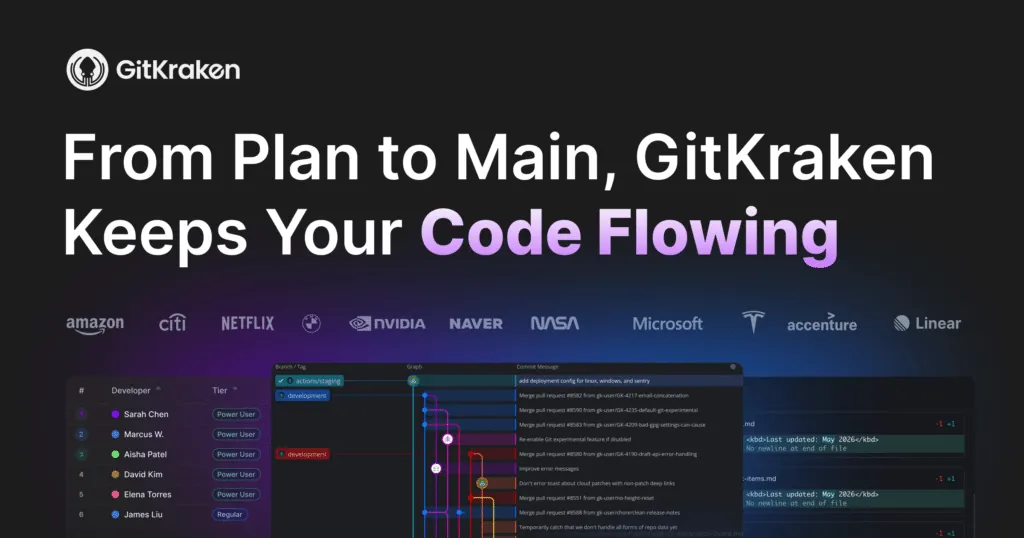
GitKraken Desktop is a closed-source Git client for Windows, macOS and Linux made by Axosoft, which trades as GitKraken. It shows the repository as an interactive commit graph and lets you commit, branch, merge, rebase and resolve conflicts with drag and drop and a built-in merge editor. Git command-line tools are not required for basic use.
New accounts get a 14-day trial of the Pro and Advanced features. After that, the free Community plan stays available for local repositories and public cloud-hosted repositories. Private repositories on remote hosts, multiple profiles, cloud issue tracker integrations, Launchpad and GitKraken AI need a paid plan.
What it does well
- Commit graph. Interactive graph of branches and commits with drag-and-drop merge and rebase.
- Merge conflict editor. Built-in tool to compare both sides of a conflict and pick or edit the result.
- Git host integrations. Connects to GitHub, GitLab, Bitbucket and Azure DevOps for cloning and pull requests.
- Worktrees and agents. Manages Git worktrees and can run coding agents such as Copilot CLI or Claude Code in separate worktrees.
- Cross-platform. Same interface on Windows, macOS and Linux.
Who it is for
Good fit
Developers who work on open-source or local repositories and want a very visual Git client.
Look elsewhere
Anyone whose code lives in private GitHub, GitLab or Bitbucket repositories and does not want to pay.
Pros and cons
Pros
- Very clear interactive commit graph
- Good built-in merge conflict editor
- Works the same on Windows, macOS and Linux
- No separate Git install needed for basic use
Cons
- Free plan does not support private remote repositories
- Requires a GitKraken account
- Closed source, Electron-based and fairly heavy
How to install GitKraken Desktop
The Windows installer runs and launches GitKraken without setup options. You are asked to sign in or create a GitKraken account, and the account starts a 14-day trial of paid features. When the trial ends, private remote repositories become unavailable until you upgrade.
Questions about GitKraken Desktop
Is GitKraken Desktop free?
Partly. The Community plan is free for local repositories and public cloud-hosted repositories. Private remote repositories and extra features need a paid plan.
What happens after the 14-day trial?
You keep using GitKraken Desktop on the free Community plan, but Pro and Advanced features, including private repository access, are locked until you upgrade.
Does GitKraken need Git installed?
Not for basic use. GitKraken includes what it needs to work with repositories.


