

Our verdict: Sublime Merge is a quick, keyboard-friendly Git client that runs real git commands and shows you exactly what they do. The evaluation has no time limit but requires a license for continued use. At $99 it costs more than Fork and much more than free GitHub Desktop.
About Sublime Merge
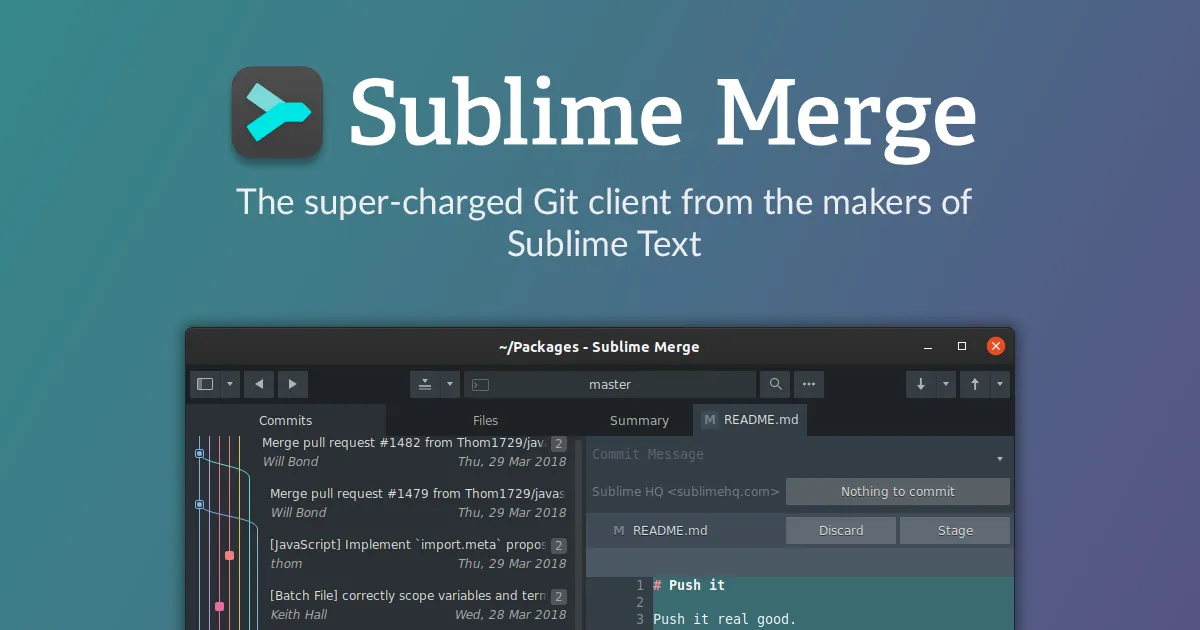
Sublime Merge comes from Sublime HQ, the company behind Sublime Text, and shares its native engine, command palette and Goto Anything search. It works on top of the git command line, so every action it performs is a standard git operation you can reproduce in a terminal.
You can evaluate it for free with no enforced time limit and no account, but a license must be purchased for continued use. A personal license costs $99 once, covers all your computers and includes 3 years of updates; a bundle with Sublime Text costs $168. Businesses buy per-seat subscriptions.
What it does well
- Commit history. Fast graph of branches and commits with full-text search across history.
- Line-level staging. Stage individual lines and hunks before committing.
- Three-way merge. Resolves conflicts in a built-in three-pane merge tool.
- Blame and file history. Shows who changed each line and when.
- Command palette. Runs any git action by typing, with Sublime Text-style key bindings.
Who it is for
Good fit
Developers who want a fast Git GUI that stays close to real git commands.
Look elsewhere
Beginners who want a free, guided Git client, and teams on GitHub-only workflows.
Pros and cons
Pros
- Very fast with large repositories
- Built-in three-way merge tool
- Uses standard git commands under the hood
- Unlimited evaluation without an account
Cons
- License required for continued use; $99 is more than Fork
- Updates beyond 3 years need a paid upgrade
- No built-in pull request or issue integration
How to install Sublime Merge
Download the x64 installer from sublimemerge.com; no account or card is needed to evaluate. Git must be installed separately (Git for Windows). Enter a license key from the Help menu to register; a portable version is also offered on the download page.
Questions about Sublime Merge
Is Sublime Merge free?
No. It can be evaluated for free with no enforced time limit and no account, but a license is required for continued use. A personal license costs $99 once with 3 years of updates.
Do I need Sublime Text to use Sublime Merge?
No. They are separate apps, though they integrate and can be bought together as a $168 bundle.
Does Sublime Merge include Git?
Install Git for Windows separately; Sublime Merge runs the git command line for its operations.


