

Our verdict: Tower is one of the most refined Git clients on Windows: drag and drop for common tasks, undo for mistakes and a clear conflict wizard. It keeps the full power of Git visible instead of hiding it. After the 30-day trial it requires a subscription, and free clients such as Fork or GitHub Desktop cover the basics.
About Tower
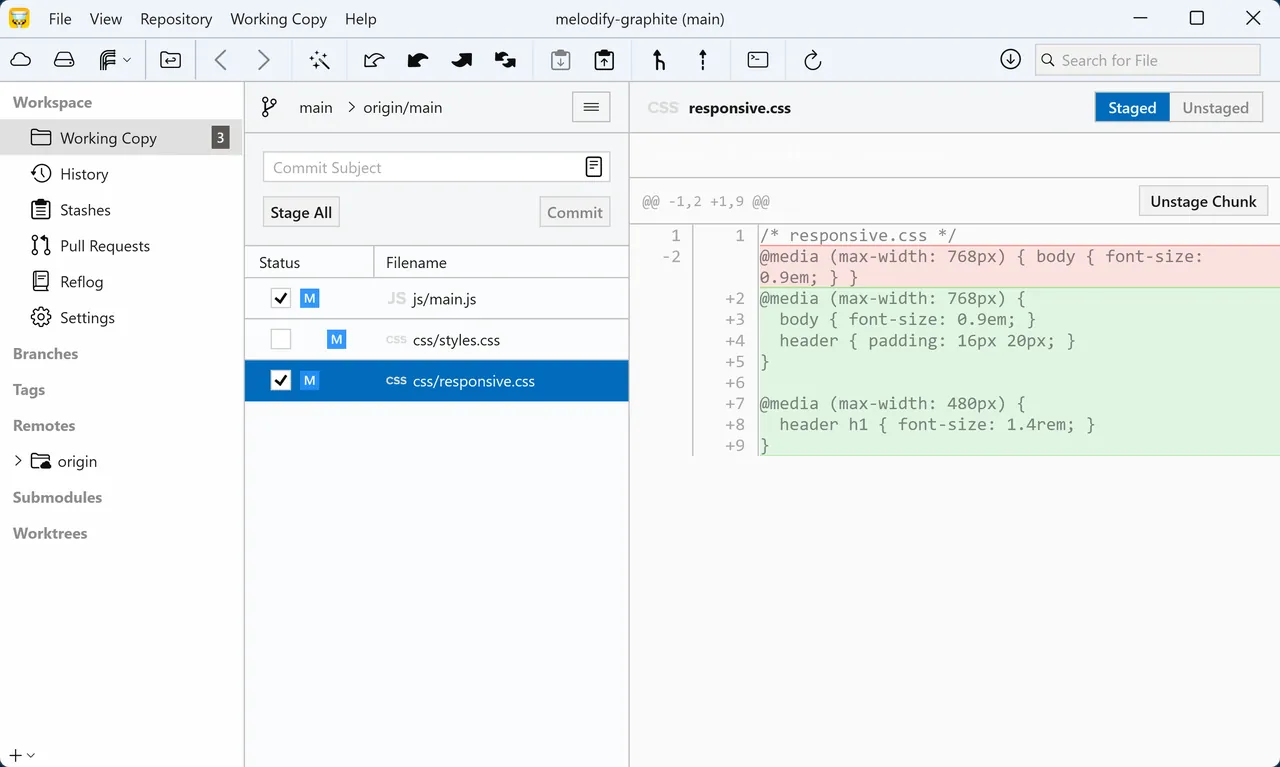
Tower is a commercial Git client from fournova for Windows and macOS. It shows the working copy, history, branches, stashes and remotes in one window and supports pull requests on GitHub, GitLab, Bitbucket and Azure DevOps, interactive rebase, submodules, Git LFS and Git-flow style workflows. Recent versions add stacked branches and automatic branch management.
Every download starts a free 30-day trial of the Pro edition with all features and no credit card. When the trial ends, Tower stops working until you buy a subscription: the Basic plan for individuals costs $69 per user per year, and Pro adds more features. One license works on both Windows and Mac. Students, teachers and non-profits can apply for free licenses.
What it does well
- Undo. Reverts many actions, such as commits, deletions and merges, with Ctrl+Z.
- Conflict wizard. Guides you through merge conflicts file by file.
- Stacked branches. Creates dependent branches and keeps them updated together.
- Pull requests. Creates, reviews and merges PRs for GitHub, GitLab, Bitbucket and Azure DevOps.
- Drag and drop. Merge, rebase, cherry-pick and push by dragging branches and commits.
Who it is for
Good fit
Professional developers who use Git daily and want a refined client on both Windows and Mac.
Look elsewhere
Hobbyists who do not want a subscription, and Linux users.
Pros and cons
Pros
- Very polished interface
- Undo for many Git operations
- Helpful conflict wizard
- One license covers Windows and Mac
Cons
- Stops working after the 30-day trial without a subscription
- Subscription only, from $69 a year
- No Linux version
How to install Tower
The link downloads the Windows installer directly; the Pro trial starts automatically without a card. Connect your GitHub, GitLab or Bitbucket accounts under Remote Services to clone and manage pull requests.
Questions about Tower
Is Tower free?
No. Tower has a free 30-day trial with all Pro features and no credit card. After that you need a subscription, from $69 per user per year for the Basic plan. Students, teachers and non-profits can apply for free licenses.
Does a Tower license work on Windows and Mac?
Yes. Tower licenses are cross-platform and work on both operating systems.
Can I keep using Tower if I cancel?
No. Access ends when the last paid subscription period ends.


