

Our verdict: GoodSync connects almost any storage, from a USB drive to Google Drive, Amazon S3 or another PC, and keeps folders in sync in real time. The full feature set is free only for 15 days. After that the free version allows three jobs with up to 100 files, which is too little for real backups, so plan on the yearly subscription.
About GoodSync
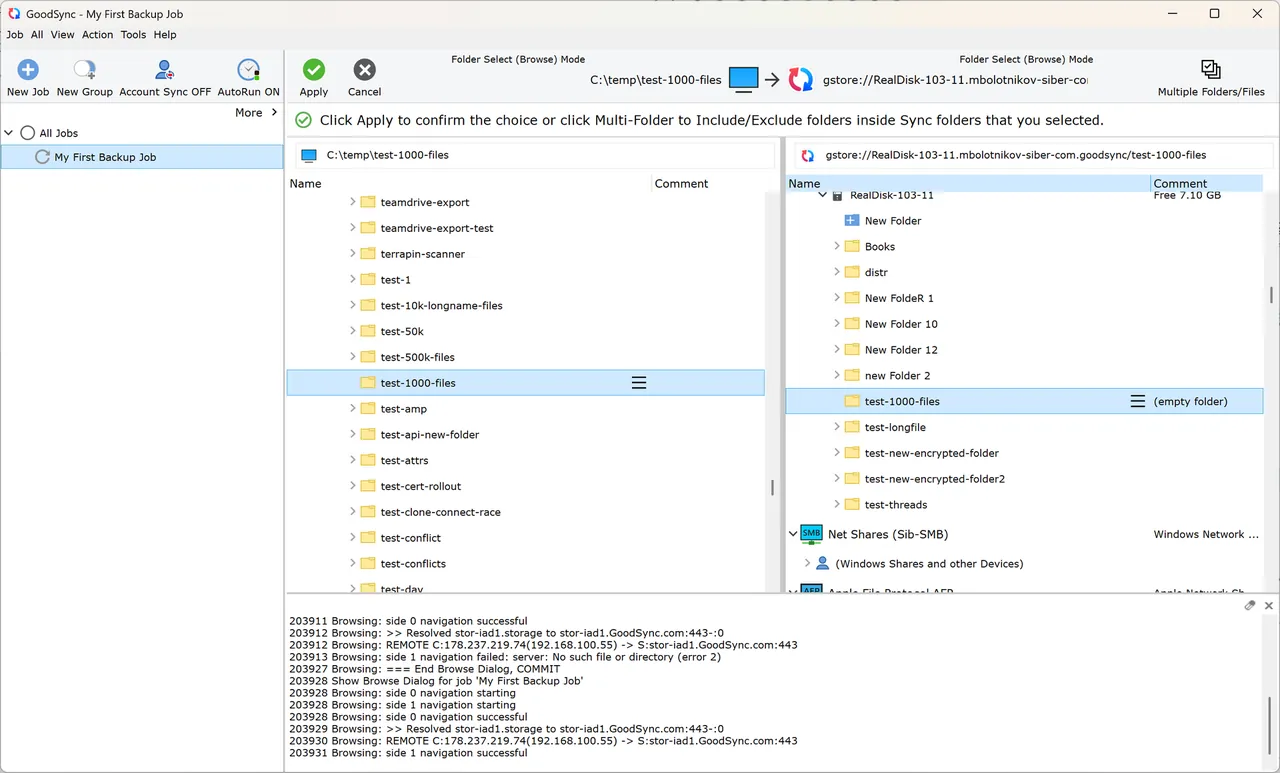
GoodSync is made by Siber Systems, the company behind RoboForm. You create backup jobs, which copy one way, or synchronization jobs, which copy changes in both directions, between local folders, network shares, NAS devices, FTP, SFTP and WebDAV servers and cloud services such as Google Drive, OneDrive, Dropbox, Box, Backblaze B2 and Amazon S3. Jobs can run on a schedule, when files change, or as a background service.
After installation the advanced features are free for the first 15 days. Then GoodSync becomes the free version, limited to 3 jobs and 100 files per installation. GoodSync Personal removes the limits and costs $29.95 per year for up to 5 devices on Windows, Mac and Linux/NAS; it is for consumers only, and business use needs Workstation or Server licenses. No card is needed for the trial.
What it does well
- Backup and sync jobs. One-way backup or two-way synchronization across multiple destinations.
- Many storage types. Local and network folders, NAS, FTP, SFTP, WebDAV and major cloud services.
- Real-time and scheduled runs. Starts jobs on file changes, on a schedule or as an unattended service.
- GoodSync Connect. Direct peer-to-peer transfer between your own devices registered to one account.
- Encryption. AES-256 encryption of data in transit and at rest.
Who it is for
Good fit
Users who sync folders across several PCs, a NAS and cloud storage and are willing to pay a yearly fee.
Look elsewhere
Anyone looking for a fully free tool; the free version is capped at 3 jobs and 100 files.
Pros and cons
Pros
- Works with nearly every storage type and cloud service
- Real-time two-way sync
- One license covers 5 devices on several platforms
- Runs unattended as a background service
Cons
- Free version limited to 3 jobs and 100 files
- Yearly subscription of $29.95 after the 15-day trial
- Personal license excludes business use
How to install GoodSync
The button downloads the official GoodSync Personal installer for Windows; it asks for administrator rights. Business use needs the separate Workstation or Server installer from the same page. GoodSync Connect features need a free GoodSync account.
Questions about GoodSync
Is GoodSync free?
Only in a limited form. All features are free for 15 days without a card; after that the free version allows 3 jobs and 100 files. GoodSync Personal costs $29.95 per year for up to 5 devices.
Does GoodSync work with Google Drive and OneDrive?
Yes. It connects to Google Drive, OneDrive, SharePoint, Dropbox, Box, Backblaze B2, Amazon S3, Azure and other services.
Can I use GoodSync Personal at work?
No. The Personal edition is for consumers only. Businesses need GoodSync Workstation or GoodSync Server licenses.


