

Our verdict: ImageGlass is a clean replacement for the Windows Photos app when you just want to flip through a folder quickly. The free Classic edition covers viewing and basic edits. A few workflow extras, such as the HDR tone mapper and file watcher, are reserved for the paid Pro edition.
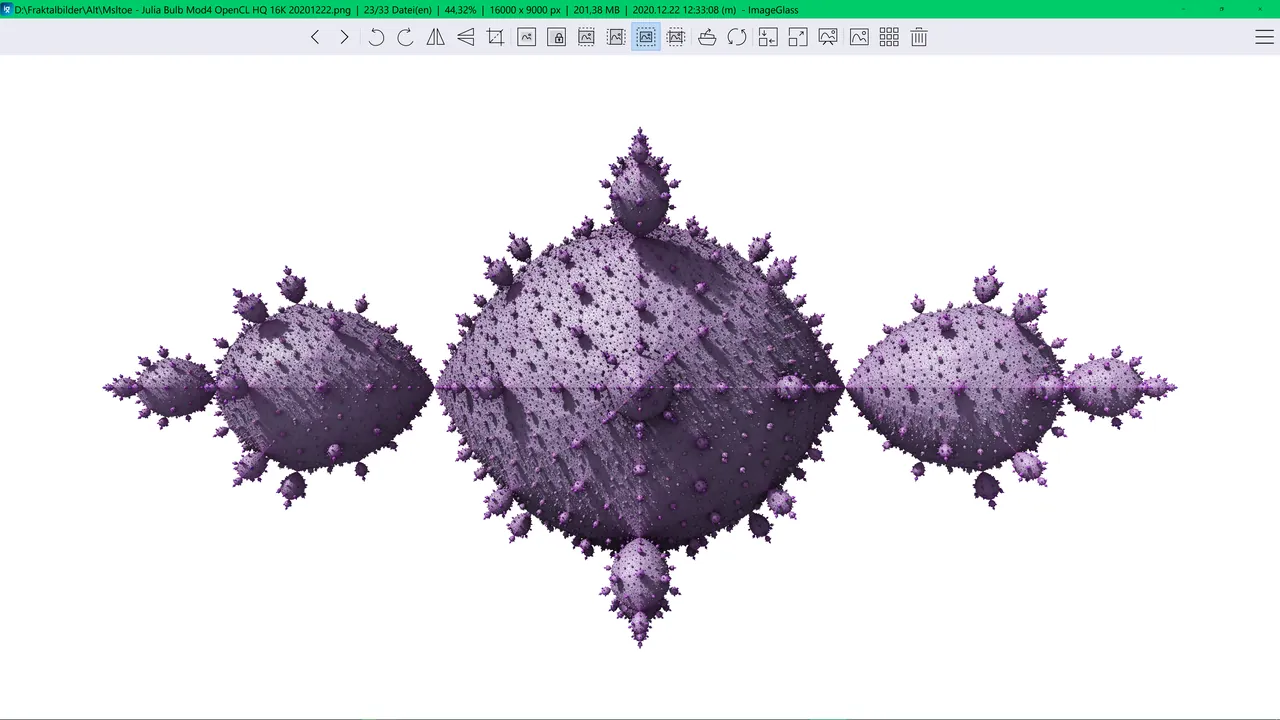
About ImageGlass
ImageGlass has been developed by Duong Dieu Phap for more than 16 years. Version 10 was rebuilt to run on Windows, macOS and Linux. The Classic edition is free under the GPLv3, including commercial use, and a paid Pro license file unlocks extra tools in the same build.
It opens more than 90 formats without extra codecs, including JPEG, WebP, JPEG XL, HEIC, GIF, SVG and camera RAW files. Nearby images are preloaded, so stepping through a large folder stays fast, and a gallery strip lets you jump anywhere in it.
What it does well
- 90+ formats. Opens WebP, HEIC, JPEG XL, SVG, RAW and animated GIF files out of the box.
- Quick browsing. Preloads neighboring images so a large folder flips without delays.
- Basic editing tools. Crop, resize, rotate and flip, with a choice of resampling methods.
- Color picker and frames. Reads pixel values in HEX, RGBA, HSL and more, and steps through animation frames.
- Themes and hotkeys. Light and dark theme packs, custom layouts and configurable shortcuts.
Who it is for
Good fit
People who want a fast, modern image viewer to replace the default Photos app.
Look elsewhere
Users who need photo management with ratings, tags and albums, or real image editing.
Pros and cons
Pros
- Free and open source, including commercial use
- Opens 90+ formats without extra codecs
- Fast folder browsing
- No account required
Cons
- HDR tone mapper, free panning and file watcher require the paid Pro edition
- No library features such as tags, ratings or albums
How to install ImageGlass
Download the 64-bit MSI installer for Windows 10 or 11 (version 1809 or later). After installation, open Settings and set ImageGlass as the default app for the image formats you use. The free Classic edition needs no license or account.
Questions about ImageGlass
Is ImageGlass free?
Yes. The Classic edition is free under the GPLv3 for personal and commercial use. Pro is an optional paid edition with extra workflow tools.
What does ImageGlass Pro add?
According to the official pricing page, Pro adds the HDR tone mapper, free panning, a file watcher, custom mouse click actions and admin settings for managed deployment.
Can ImageGlass open HEIC and RAW photos?
Yes. HEIC, camera RAW, WebP, JPEG XL and SVG are among the 90+ supported formats.


