

Our verdict: qView is the viewer to pick if you want the image to fill the window and nothing else. It opens quickly and flips through folders fast. It has no editing, batch or tagging tools, so it replaces the Photos app, not a photo manager.
About qView
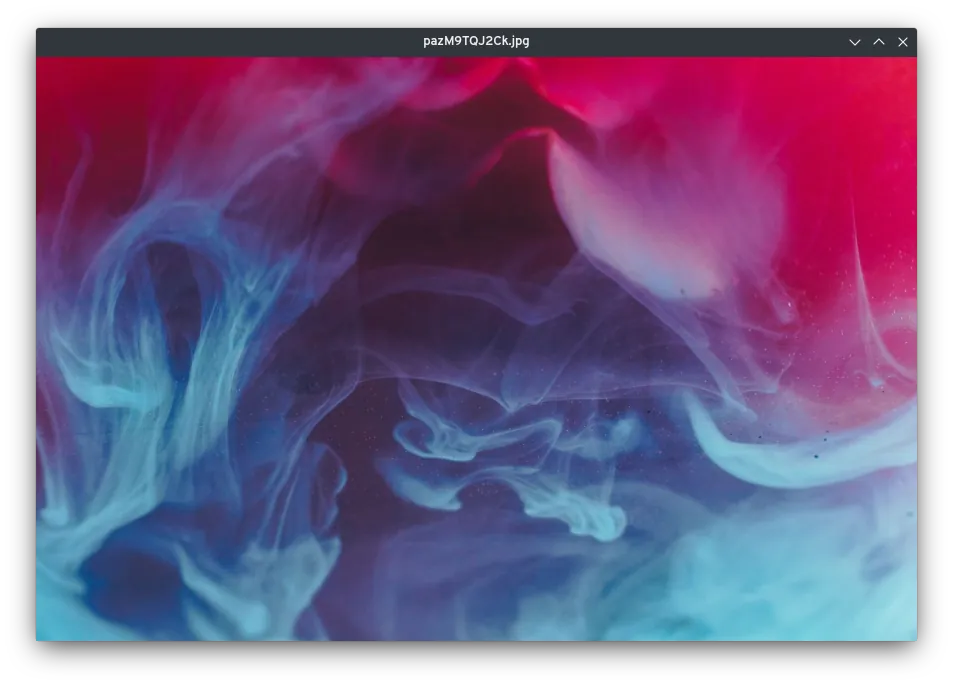
qView is a free and open source image viewer built on Qt and released under the GNU GPL v3. Its whole design goal is space efficiency: the window shows the image and a title bar, with no toolbars, side panels or thumbnails strip.
Behind the minimal window it still has practical features: controls for animated GIFs, a recent files history, rotation and mirroring, and multithreaded preloading of neighbouring images so switching is quick. Most behaviour, such as scaling, window size and mouse actions, can be changed in the preferences.
What it does well
- Distraction-free window. Only the image and a title bar; menus are reached with a right-click.
- Fast preloading. Neighbouring images in the folder are loaded in the background on several threads.
- GIF controls. Pause, step through frames and change the speed of animated GIFs.
- Common formats. Opens BMP, GIF, JPG, PNG, TIFF, WebP and other formats supported by Qt plugins.
- Configurable. Preferences for scaling, window behaviour, mouse wheel and keyboard shortcuts.
Who it is for
Good fit
People who want a fast, clean replacement for the Windows Photos app to browse folders of images.
Look elsewhere
Photographers who need RAW support, metadata editing, tagging or batch conversion in the same app.
Pros and cons
Pros
- Very clean, space-efficient interface
- Opens and switches images quickly
- Free and open source, no ads
- Low memory and CPU use
Cons
- No editing, batch or tagging tools
- Releases are infrequent
- Hidden menus take some getting used to
How to install qView
Download the 64-bit installer from the official download page; it links to qView's GitHub releases. The setup offers to associate image file types, which you can skip and set later in Windows Default apps. A portable ZIP and an ARM64 build are also published.
Questions about qView
Is qView free?
Yes. qView is free and open source under the GNU GPL v3, with no ads or paid version.
Can qView edit images?
Only rotation and mirroring. For cropping, resizing or retouching, use an editor such as Paint.NET or GIMP.
Does qView play animated GIFs?
Yes. It plays animated GIFs and lets you pause them, step frame by frame and change playback speed.


