

Our verdict: Mailbird looks modern and is easy to set up, but the free plan is limited to a single email account, which removes the main reason to use a desktop client. If you manage several mailboxes, Thunderbird or eM Client do more for free. Mailbird makes sense if you like its design and are willing to pay for Premium.
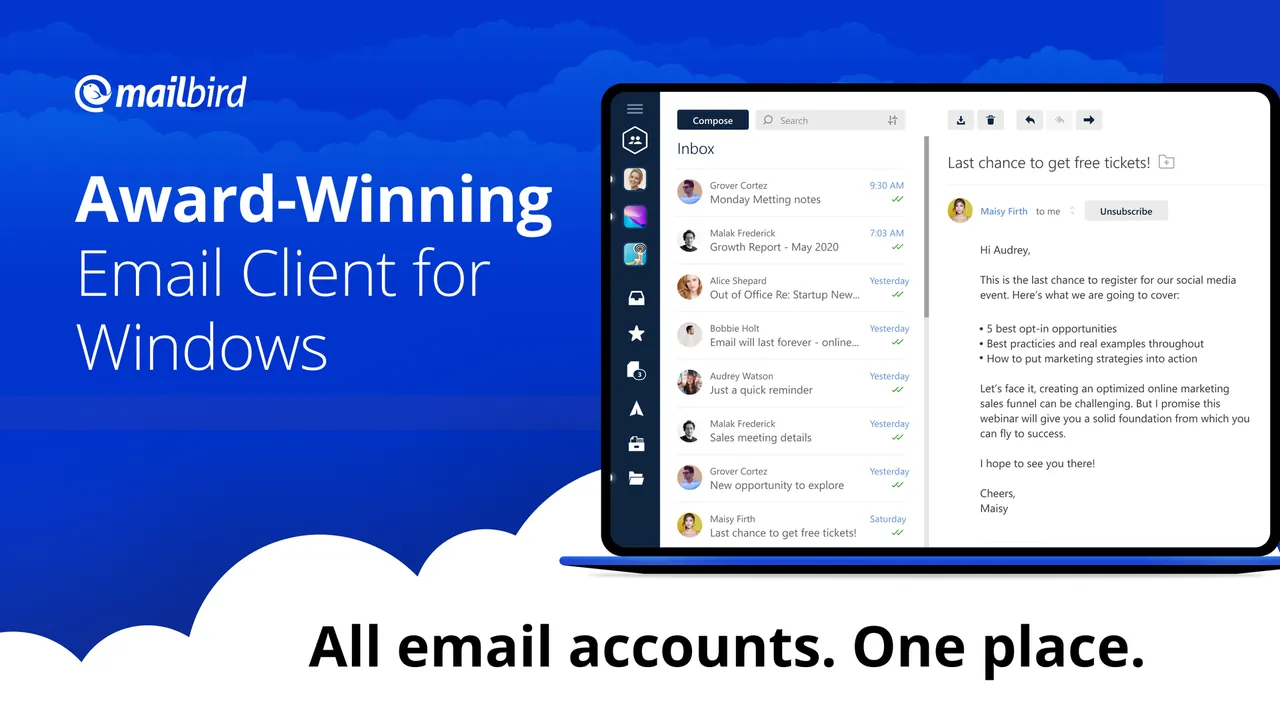
About Mailbird
Mailbird is a desktop email client for Windows and Mac that works with IMAP and POP3 accounts such as Gmail, Outlook.com and Yahoo. It shows mail, contacts and integrated web apps such as calendars and messengers in one window, and offers dark mode, themes and keyboard shortcuts.
The free plan supports one email account on one device with knowledge-base support. Premium adds unlimited accounts with a unified inbox, email templates, custom apps, sender blocking, filters and rules, unlimited email tracking, email support and use on three devices. Premium is sold as a yearly subscription or a one-time license, and a license works on both Windows and Mac.
What it does well
- Clean, modern inbox. Simple layout with themes and dark mode.
- App integrations. Open calendars, messengers and other web apps inside Mailbird.
- Unified inbox. Read all accounts in one list (Premium; free plan has one account).
- Templates and rules. Reusable email templates, filters and sender blocking (Premium).
- Cross-platform license. One Premium license covers Windows and Mac.
Who it is for
Good fit
People who want a good-looking desktop client for one mailbox, or who will pay for Premium.
Look elsewhere
Anyone with several email accounts who does not want to pay, or users who need an open-source client.
Pros and cons
Pros
- Clean, easy interface
- Quick account setup
- Integrated calendar and chat apps
- Premium license works on Windows and Mac
Cons
- Free plan supports only one email account
- Unified inbox, templates and filters require Premium
- Closed source
How to install Mailbird
The downloaded file is a small online installer that fetches the rest of Mailbird. Add your account with the setup wizard; for Gmail and Outlook.com you sign in through the provider's page. The newer Mailbird Next build offered in the download menu is an early-access version.
Questions about Mailbird
Is Mailbird free?
Yes, for one email account on one device. Premium, sold yearly or as a one-time license, adds unlimited accounts and advanced features.
Does Mailbird work with Gmail and Outlook.com?
Yes. Mailbird supports IMAP and POP3 accounts, including Gmail, Outlook.com and Yahoo.
Is there a Mac version?
Yes. Mailbird for Mac requires macOS Ventura or later, and Premium licenses cover both platforms.


