

Our verdict: MPC-BE keeps the light, fast feel of Media Player Classic and adds a darker interface, seek-bar previews and its own set of decoders. It plays almost any local file out of the box. Its menus and settings still follow the old Windows style, which takes some getting used to.
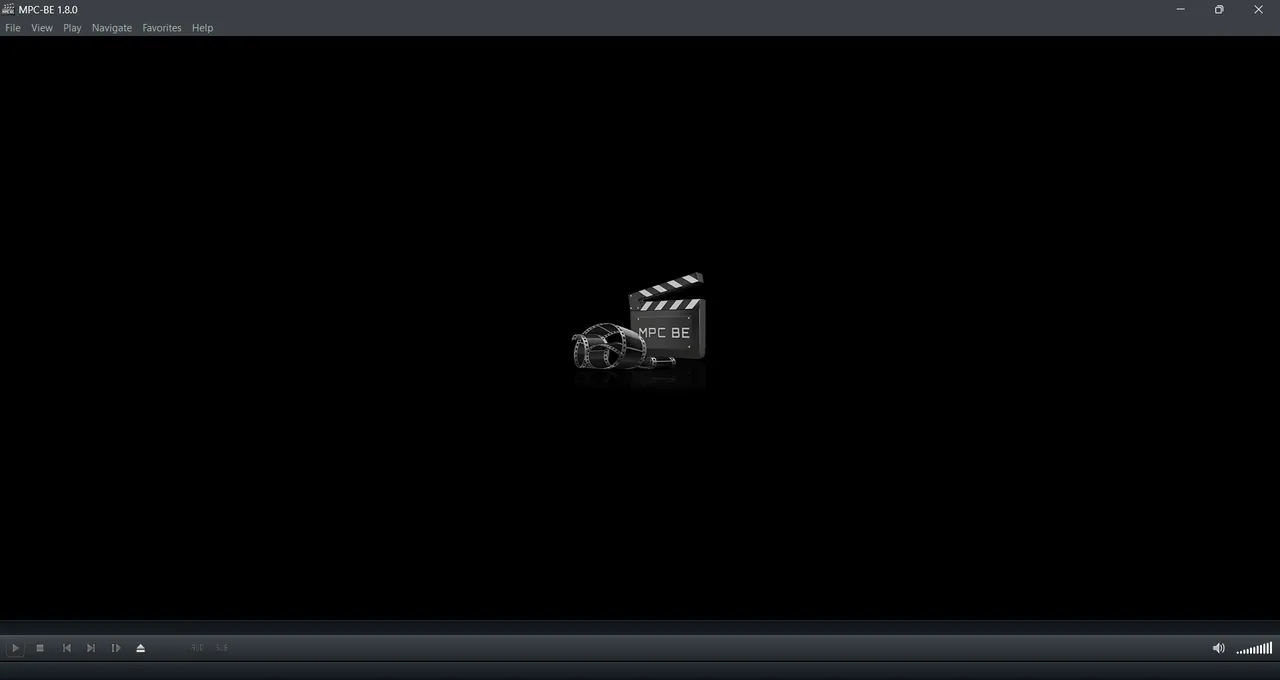
About MPC-BE
MPC-BE (Black Edition) is a fork of Media Player Classic and MPC-HC, developed by a small team led by Aleksoid1978. The code is published on GitHub under the GNU GPL v3, and new versions are released there regularly.
The player ships with internal DirectShow decoders and splitters, so common video and audio formats play without installing a codec pack. It supports hardware-accelerated decoding, external renderers such as MPC Video Renderer, and plays online video from a pasted link.
What it does well
- Built-in decoders. Internal splitters and decoders play MKV, MP4, AVI, HEVC, AV1 and most audio formats without codec packs.
- Hardware decoding. Offloads video decoding to the graphics card to lower CPU usage on high-resolution files.
- Seek-bar preview. Shows a thumbnail of the frame under the mouse when you hover over the timeline.
- Subtitle support. Renders SRT, ASS and other subtitle formats and lets you shift timing and style.
- Online video links. Opens YouTube and other stream links directly from the File menu.
Who it is for
Good fit
Windows users who want a light, classic-style player that handles almost every local video file.
Look elsewhere
People who want a modern media library, streaming services or a player for macOS and Linux.
Pros and cons
Pros
- Plays most formats without codec packs
- Light and fast to start
- Seek-bar thumbnail previews
- No ads or bundled offers
Cons
- Installer is packed inside a ZIP archive
- Dense, old-style settings dialogs
- Windows only
How to install MPC-BE
Download the x64 installer ZIP from the latest GitHub release, extract it and run the setup file inside. The installer lets you choose file associations; tick only the formats you want MPC-BE to open. The default settings work well, so change renderers only if you need HDR or special scaling.
Questions about MPC-BE
Is MPC-BE free?
Yes. MPC-BE is open source under the GNU GPL v3 and has no paid version.
What is the difference between MPC-BE and MPC-HC?
Both come from Media Player Classic. MPC-BE is a separate fork with its own decoders, a darker default look and extras such as seek-bar previews.
Do I need a codec pack for MPC-BE?
No. MPC-BE includes its own decoders for common video and audio formats.


_Portable.png)