

Our verdict: MPC-HC is a fast, no-frills video player that opens instantly and plays almost any local file. The maintained clsid2 version keeps it up to date with modern codecs and HDR. It suits people who want a simple window and a lot of hidden options, not a media library.
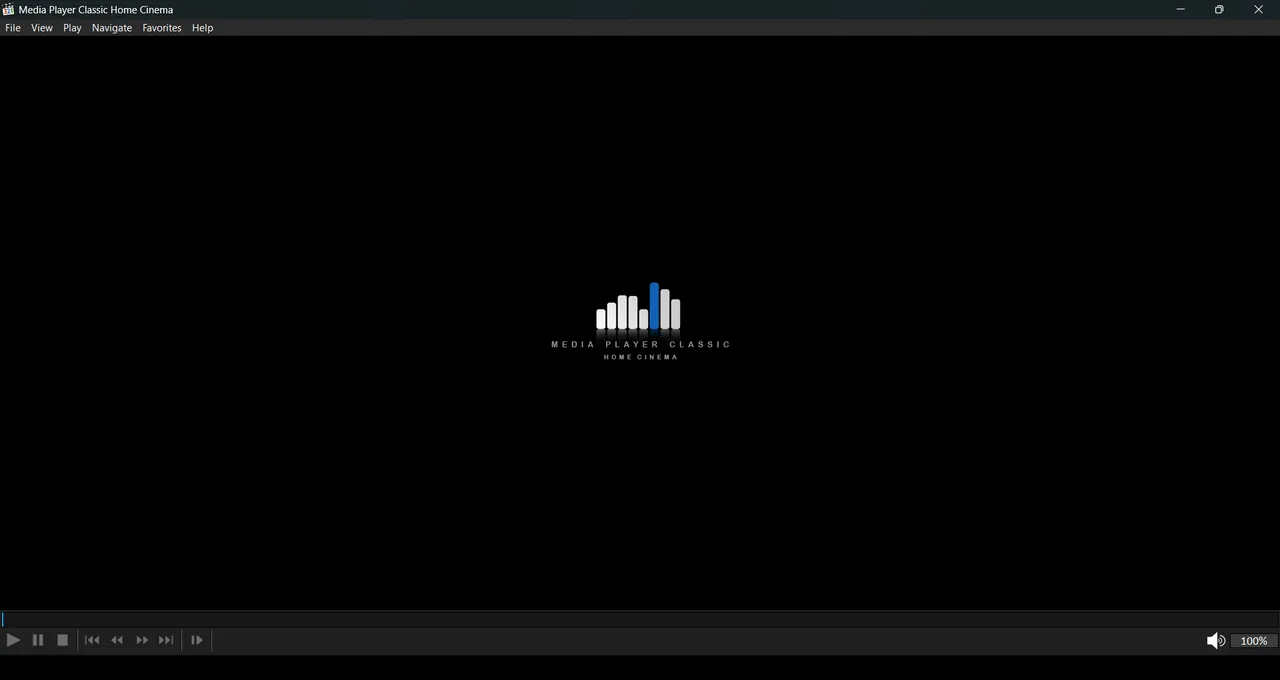
About MPC-HC
Media Player Classic Home Cinema is a Windows-only player with a long history. The original project stopped, and since 2017 the actively maintained version has been developed by clsid2 on GitHub. That version is the one to install today.
Video and audio decoding comes from the bundled LAV Filters, so you do not need codec packs. Because it is a DirectShow player, it can also use third-party filters and renderers such as madVR, and it ships with MPC Video Renderer for HDR playback.
What it does well
- Built-in codecs. LAV Filters decode HEVC, AV1, VVC and most common audio formats without extra packs.
- HDR playback. Plays HDR video through the included MPC Video Renderer or an installed madVR.
- Subtitle tools. Renders ASS, SRT and WebVTT subtitles and can search for subtitles online with the D key.
- Playback control. Speed control with pitch correction, A-B repeat, resume position and seekbar previews.
- Online video via yt-dlp. Opens YouTube and other site URLs if you place yt-dlp.exe in the player folder.
Who it is for
Good fit
Windows users who want a light, quick player for local video files and like tweaking options.
Look elsewhere
People who want a media library, streaming services or the same player on Mac and phone.
Pros and cons
Pros
- Starts and seeks very quickly
- No codec packs needed
- HDR support with the included renderer
- Huge number of customizable hotkeys
Cons
- Windows only
- No media library
- Many useful features are buried in the options
How to install MPC-HC
Open the latest release on the clsid2 GitHub page and download the x64 .exe installer; the .zip is a portable copy. During setup you can associate video and audio file types. Dark theme, seekbar preview and renderer settings are in View → Options.
Questions about MPC-HC
Which MPC-HC should I download?
The clsid2 version on GitHub. It is the maintained continuation of MPC-HC; the original project and its old website are no longer updated.
Does MPC-HC need a codec pack?
No. It includes LAV Filters for decoding, so most video and audio formats play out of the box.
Can MPC-HC play YouTube videos?
Yes, if you put yt-dlp.exe into the MPC-HC folder. Then you can open site URLs via File → Open File/URL.


_for_Windows_PC.png)