

Our verdict: SMPlayer puts a friendly interface on top of the mpv and MPlayer engines, so it plays nearly any file without extra codecs. Its best trick is remembering the position, audio track and subtitles of every file you open. The installer is unsigned, so Windows SmartScreen may warn you on first run.
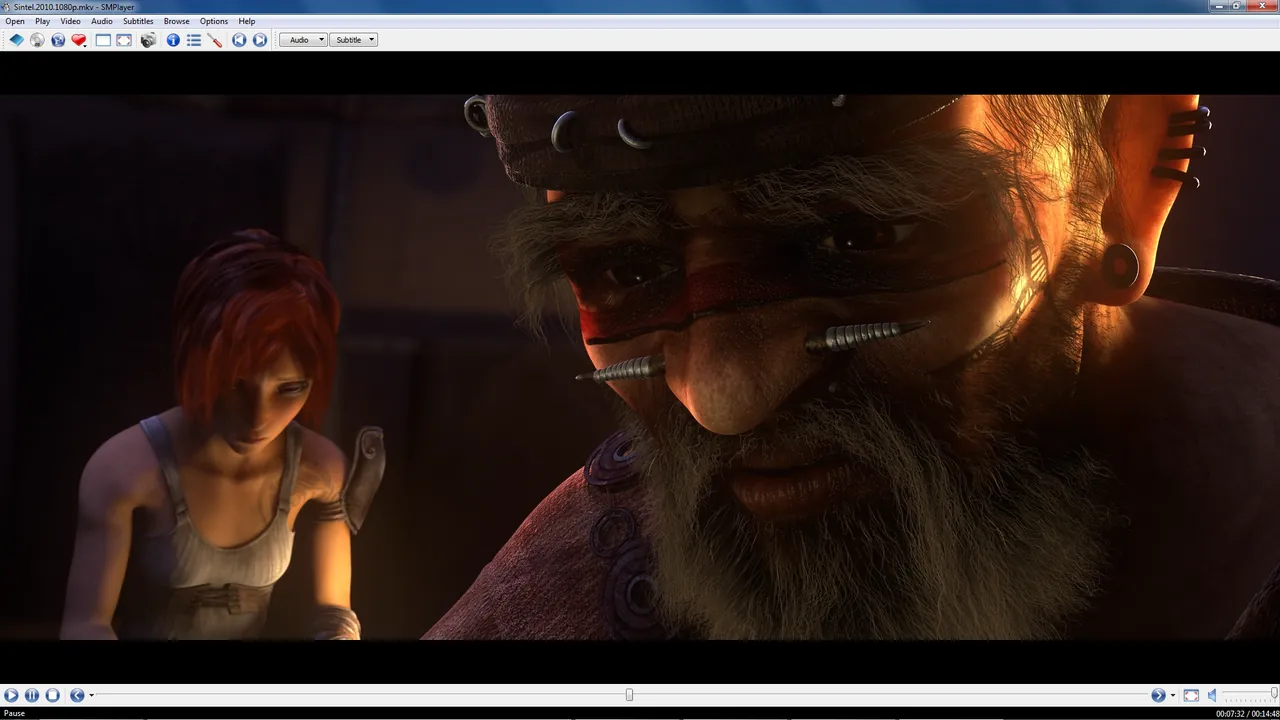
About SMPlayer
SMPlayer is developed by Ricardo Villalba and released under the GNU GPL v2. It is a graphical front end: the actual playback is done by mpv or MPlayer, both included in the Windows package.
When you close a file, SMPlayer saves where you stopped along with the chosen audio track, subtitle and filters, and restores them the next time. It can also play YouTube videos, search subtitles online and send video to a Chromecast.
What it does well
- Resume per file. Remembers position, audio track, subtitles and volume for each file you have played.
- mpv and MPlayer engines. Plays almost every audio and video format without installing codecs.
- Subtitle search. Finds and downloads subtitles from OpenSubtitles for the current video.
- YouTube playback. Opens YouTube links and plays them inside the player.
- Filters and equalizer. Video equalizer, deinterlacing, audio filters and playback speed control.
Who it is for
Good fit
People who watch series or long videos and want each file to resume exactly where they left off.
Look elsewhere
Users who need a media library with posters, or a player with a signed installer from the Microsoft Store.
Pros and cons
Pros
- Resumes every file where you stopped
- Plays nearly any format
- Online subtitle search
- Many skins and interface options
Cons
- Unsigned installer triggers a SmartScreen warning
- Website carries ads, and its main button uses a third-party download host
- Many settings can overwhelm new users
How to install SMPlayer
Download the 64-bit installer and run it. Because the package is not code-signed, Windows SmartScreen may show a warning; click More info and then Run anyway. On first start you can pick mpv or MPlayer as the engine in Options; mpv is the default and the better choice for most files.
Questions about SMPlayer
Is SMPlayer free?
Yes. SMPlayer is open source under the GNU GPL v2 with no paid edition.
Why does Windows warn me about the SMPlayer installer?
The official installer is not code-signed, so SmartScreen does not recognise it. The developer recommends clicking More info and Run anyway.
What is the difference between SMPlayer and mpv?
mpv is a minimal player controlled mostly by keyboard. SMPlayer uses mpv for playback and adds menus, settings dialogs and per-file memory.


