

Our verdict: mpv is the player for people who care about picture quality and like configuring software with text files. It has no menus to speak of, but its video output and scripting are excellent. If you want a point-and-click player, choose something else.
About mpv
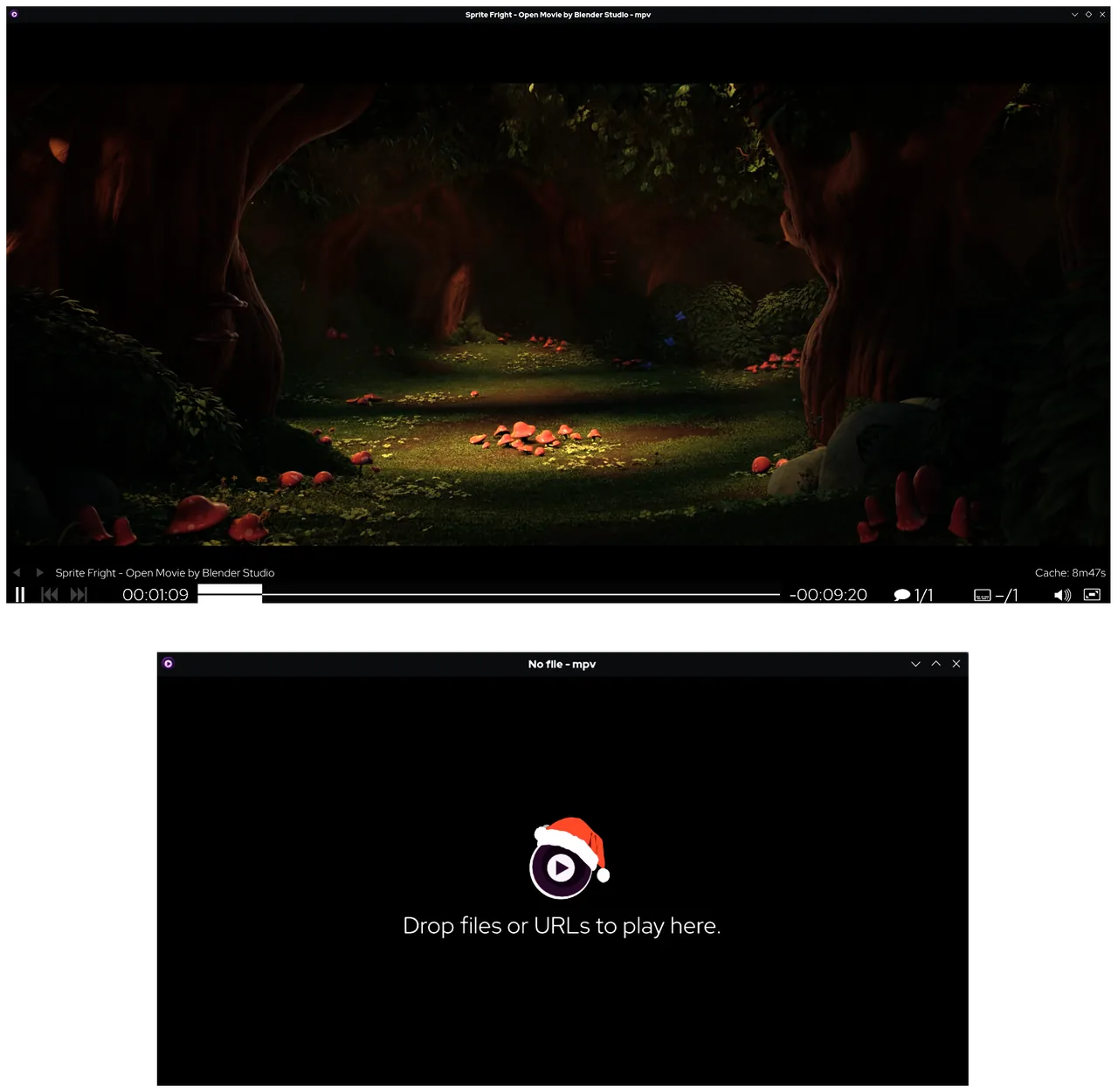
mpv is a command-line media player descended from MPlayer and mplayer2. It opens a plain video window with a small on-screen controller and is driven mainly by the keyboard and the mouse wheel. Settings live in config files rather than in dialog boxes.
The mpv project does not publish an installer for Windows. Its installation page lists builds by third parties such as shinchiro and zhongfly, package managers like Scoop and Chocolatey, and first-party builds from the project's GitHub CI, which the project says are mainly for testing. Most builds are zip archives that you unpack and run.
What it does well
- High-quality video output. OpenGL, Vulkan and Direct3D 11 output with advanced scaling, color management, interpolation and HDR.
- Hardware decoding. Uses most hardware decoding APIs and can be switched on at runtime.
- Scripting. User scripts can add features such as playlists, thumbnails or custom controls.
- On-screen controller. A small overlay for seeking, tracks and volume instead of a full window interface.
- Embeddable library. libmpv lets other applications build their own player around mpv.
Who it is for
Good fit
Enthusiasts who want precise control over video rendering and a fast, keyboard-driven player.
Look elsewhere
Users who expect an installer, settings menus and a familiar Windows player interface.
Pros and cons
Pros
- Excellent video scaling and HDR handling
- Lightweight and fast
- Powerful scripting and config files
- Cross-platform
Cons
- No official installer for Windows
- Almost no graphical settings
- Learning curve for config files and key bindings
How to install mpv
Open the installation page on mpv.io and pick one of the listed Windows builds, then unpack the archive to a folder such as C:\Program Files\mpv. Drag a video onto mpv.exe to play it. Settings go into mpv.conf and key bindings into input.conf.
Questions about mpv
Is there an official mpv installer for Windows?
No. The mpv website links to third-party Windows builds, package managers and first-party CI builds that are meant mainly for testing. Most are portable archives.
How do I change mpv settings?
Create mpv.conf for options and input.conf for key bindings in mpv's config folder. The manual on mpv.io lists every option.
Is mpv free?
Yes. It is open source and has no paid version.


