

Our verdict: Sublime Text is still one of the fastest editors on Windows: it opens large files instantly and stays responsive with many tabs. The evaluation has no time limit, but it shows purchase reminders and a license is required for continued use. Language features like LSP need community packages.
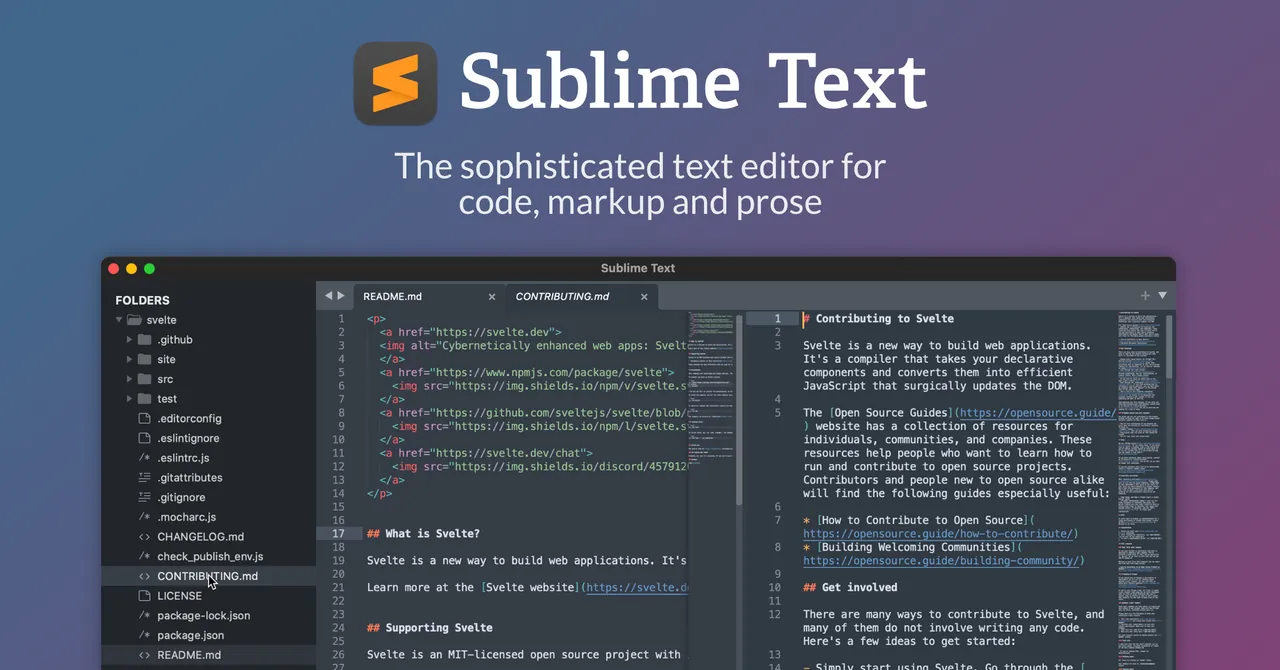
About Sublime Text
Sublime Text is a native editor written by Sublime HQ, not an Electron app, so it starts quickly and uses little memory. Its signature features are multiple selections, Goto Anything for jumping to files and symbols, the command palette and split layouts. Version 4 added GPU rendering, tab multi-select and built-in TypeScript and JSX syntaxes.
You can download and evaluate it for free with no enforced time limit and no account, but Sublime HQ requires a license for continued use, and the unregistered editor periodically asks you to buy one. A personal license costs $99 once, works on all your computers and operating systems, and includes 3 years of updates; later versions need a paid upgrade. Businesses buy per-seat subscriptions instead.
What it does well
- Multiple selections. Edit many lines at once with several cursors or by selecting all matches.
- Goto Anything. Jumps to files, symbols or lines with a few keystrokes.
- Command palette. Runs any command or setting by typing part of its name.
- Split editing. Shows several files or views of one file side by side.
- Packages. Extends the editor with Python plugins; Package Control is the community installer.
Who it is for
Good fit
Developers and writers who want a very fast editor and are happy to configure it.
Look elsewhere
People who want IDE features out of the box or a completely free editor without nag dialogs.
Pros and cons
Pros
- Very fast startup and large-file handling
- Multiple cursors and Goto Anything
- Unlimited evaluation without an account
- One personal license covers all your PCs
Cons
- Requires a $99 license for continued use; evaluation shows purchase reminders
- Code intelligence relies on community packages
- Updates beyond 3 years need a paid upgrade
How to install Sublime Text
Download the x64 installer from sublimetext.com; no account or card is needed to evaluate. Install Package Control from the command palette (Install Package Control) to add languages, linters and LSP support. Enter a license key under Help > Enter License to remove the purchase reminders.
Questions about Sublime Text
Is Sublime Text free?
No. It can be evaluated for free with no enforced time limit and no account, but a license is required for continued use. A personal license costs $99 once and includes 3 years of updates.
Does the license work on several computers?
Yes. A personal license covers all computers and operating systems where you are the primary user, including at work.
What happens after 3 years?
Your license keeps working with versions released within 3 years of purchase. Newer versions need a paid upgrade.


