

Our verdict: PPSSPP is the standard PSP emulator and runs most of the PSP library well on almost any PC. It needs no BIOS file and works with default settings. No games are included: you must use images of UMD discs you own or legal homebrew.
About PPSSPP
PPSSPP was created by Henrik Rydgård and is developed with many contributors under the GNU GPL v2 or later. It is a high-level emulator, so it does not need a PSP BIOS or firmware file.
The emulator does not include any games. You need ISO or CSO images dumped from UMD discs you own, or free homebrew. A paid PPSSPP Gold edition exists to support development; the free version is fully usable.
What it does well
- HD rendering. Renders games at several times the PSP resolution with texture upscaling and filtering.
- No BIOS needed. High-level emulation runs games without a PSP firmware file.
- Save states. Save and load anywhere, alongside regular in-game saves.
- Controllers and remapping. Supports gamepads and fully remappable keyboard controls.
- Ad hoc multiplayer. Play local multiplayer games over a network through ad hoc relay servers.
Who it is for
Good fit
Players who want to replay their own PSP games on a PC or TV with sharper graphics.
Look elsewhere
People expecting games to be included or a way to download games from the app.
Pros and cons
Pros
- Runs most PSP games well
- No BIOS or firmware file required
- Very low system requirements
- Open source and actively developed
Cons
- No games included; you need dumps of your own UMDs
- Some games still have graphics or timing issues
- Online multiplayer needs extra network setup
How to install PPSSPP
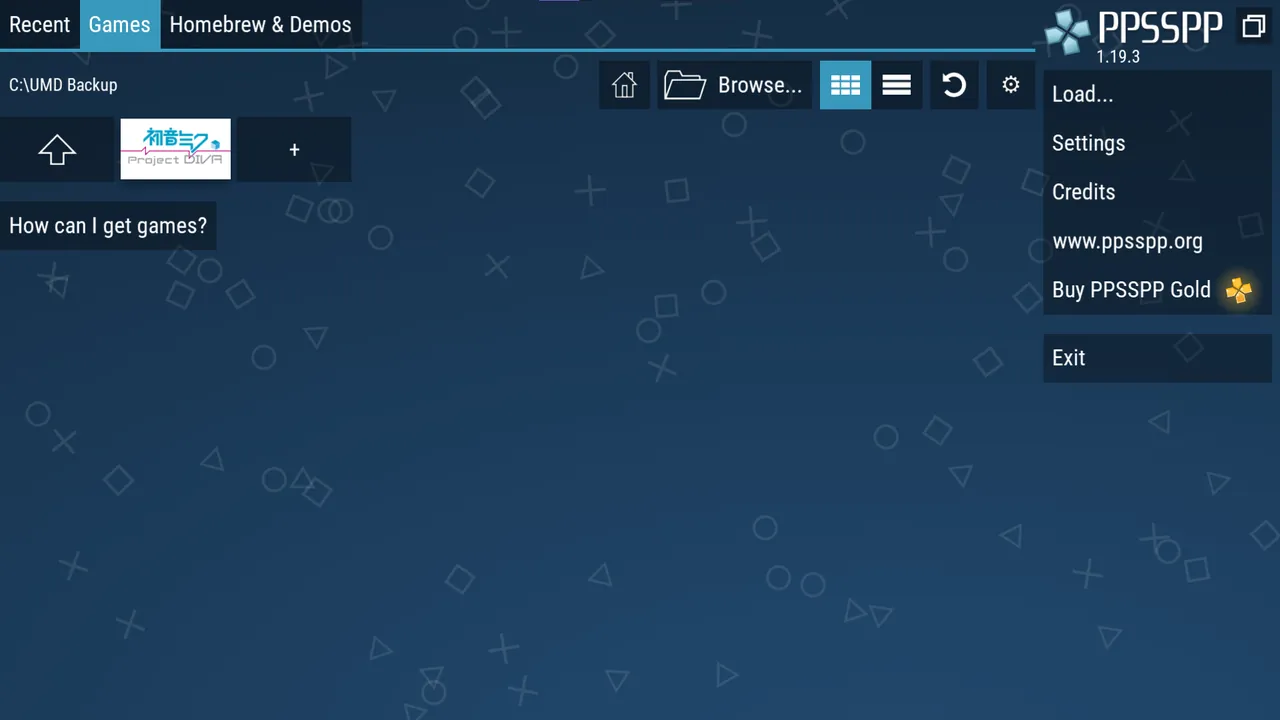
Run PPSSPPSetup.exe and follow the steps. Open Settings to choose the graphics backend and rendering resolution, and set up a gamepad under Controls. Point the Games tab at the folder with your own PSP game images. RetroAchievements can be enabled with a free account.
Questions about PPSSPP
Is PPSSPP free?
Yes. PPSSPP is open source under the GNU GPL v2 or later. PPSSPP Gold is an optional paid edition that supports the developers.
Does PPSSPP need a BIOS?
No. PPSSPP emulates the PSP system software itself, so no BIOS or firmware file is required.
Where do I get games for PPSSPP?
No games are included. Dump UMD discs you own using a PSP, or use free homebrew; downloading commercial games you do not own is piracy.


