

Our verdict: Scribus is the main free alternative to Adobe InDesign for page layout. It produces print-ready PDFs with CMYK and spot colors that print shops accept. It is slower and less polished than commercial tools and cannot open InDesign files.
About Scribus
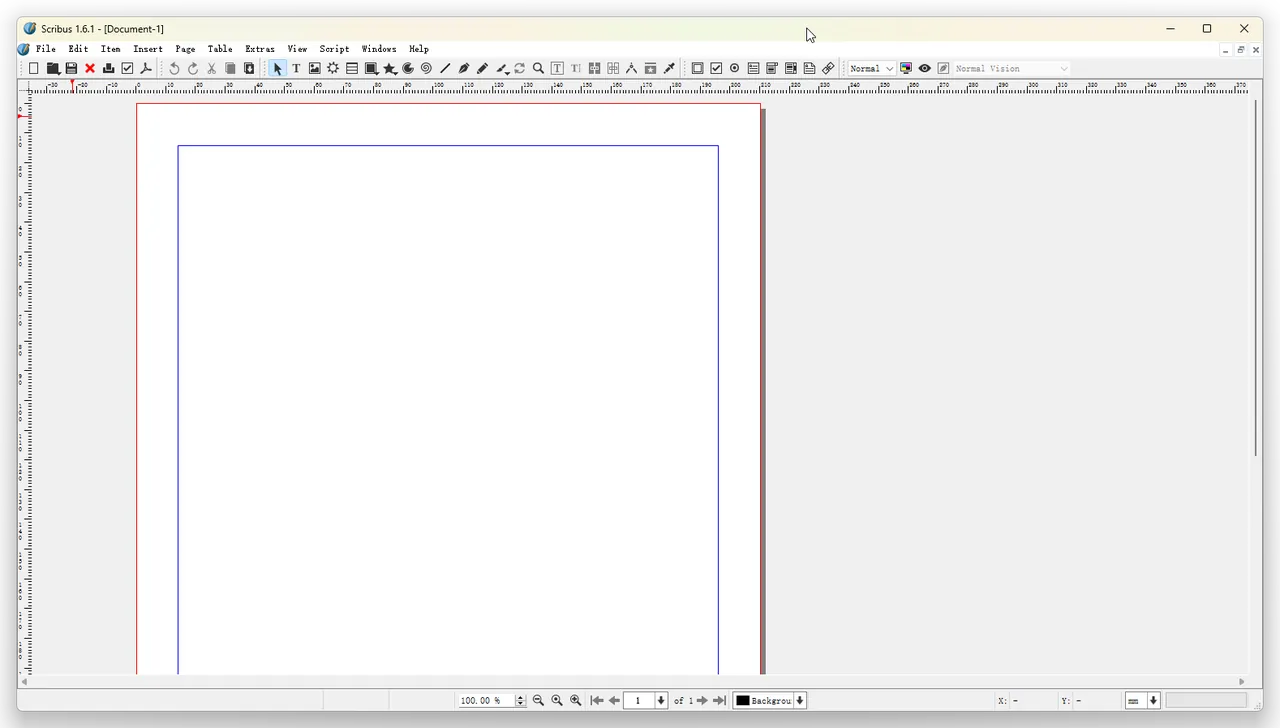
Scribus has been developed by a volunteer team since 2001. You place text and image frames on master pages, link text frames so articles flow across pages, and manage styles for paragraphs and characters.
For print work it supports CMYK, spot colors, ICC color management and PDF/X export, plus a preflight check that warns about problems before export. It can also create interactive PDF forms and imports many image and vector formats.
What it does well
- Frame-based layout. Text and image frames on master pages with linked text flow.
- Print color. CMYK, spot colors and ICC color management.
- PDF/X export. Creates print-ready PDF/X files for professional printers.
- Preflight verifier. Checks the document for print problems before export.
- Interactive PDFs. Adds form fields, buttons and links to exported PDFs.
Who it is for
Good fit
Clubs, schools, small businesses and hobbyists making newsletters, flyers and booklets.
Look elsewhere
Professionals who exchange InDesign files with agencies or need a fast, modern interface.
Pros and cons
Pros
- Free and open source
- Real print features: CMYK, spot colors, PDF/X
- Preflight check before export
- Runs on Windows, macOS and Linux
Cons
- Cannot open InDesign files
- Slower and less polished than commercial layout apps
- EPS and PostScript import needs a separate Ghostscript install
How to install Scribus
The official page links the 64-bit Windows installer, which is hosted on SourceForge, the project's official file host. Install Ghostscript as well if you want to import EPS and PostScript files. Start with a template from File → New from Template to learn the layout tools faster.
Questions about Scribus
Is Scribus free?
Yes. Scribus is open source under the GNU GPL and has no paid version.
Can Scribus open InDesign files?
No. It cannot open INDD files. Exchange content through PDF, text and images instead.
Is Scribus good for printing?
Yes. It supports CMYK, spot colors, ICC profiles and PDF/X export, which print shops commonly require.


