

Our verdict: SeaMonkey keeps the classic Mozilla Suite idea alive: browser, mail, news, chat and a web page editor in one program. It suits long-time users of that workflow. As a browser it lags behind modern Firefox and Chrome, so many current sites and extensions are a problem.
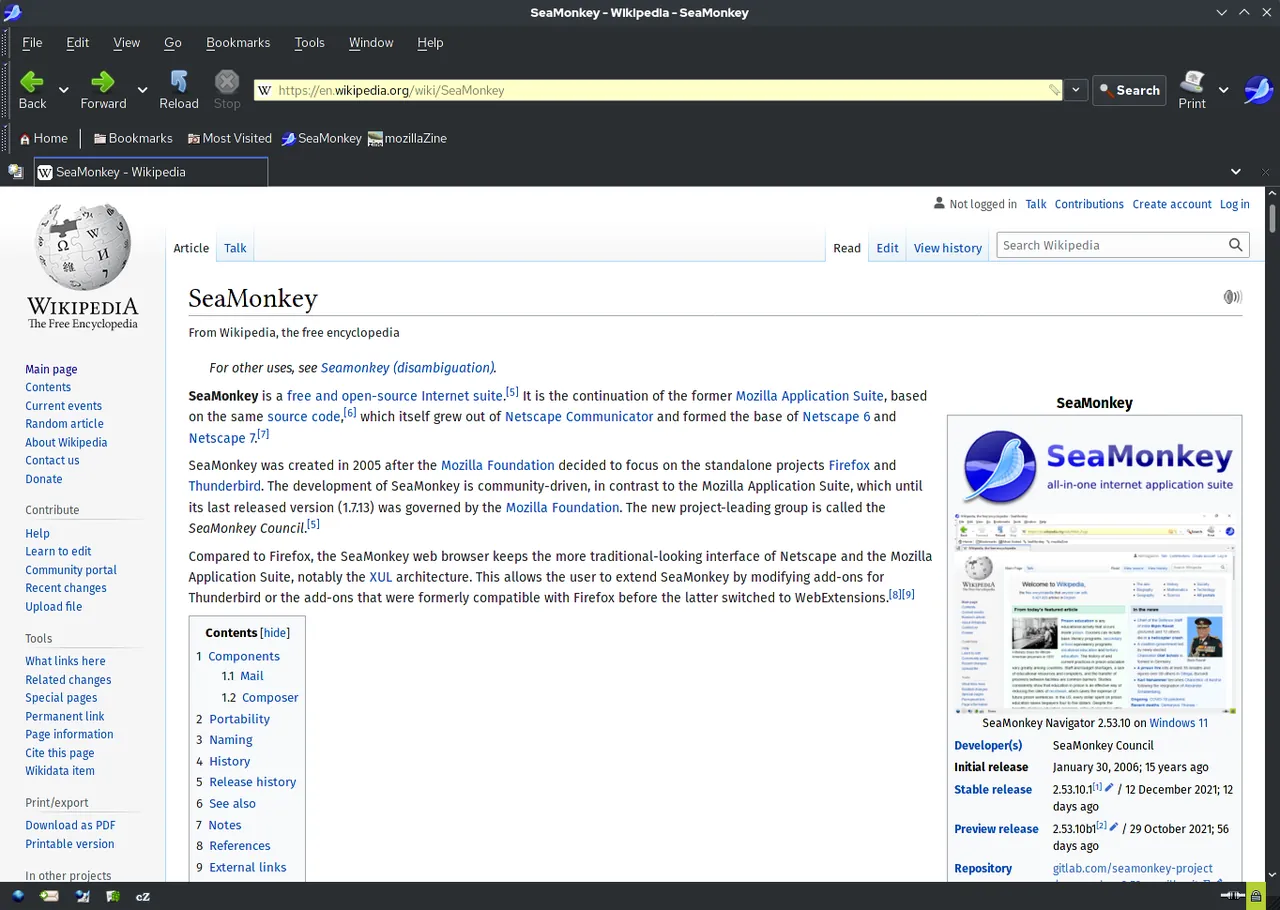
About SeaMonkey
SeaMonkey is a community-run continuation of the Mozilla Application Suite, the successor of Netscape Communicator. It is developed by volunteers of the SeaMonkey Project and released for Windows, macOS and Linux in more than 20 languages.
One application contains a web browser, an email, newsgroup and feed client, the Composer HTML editor and the ChatZilla IRC client. The 2.53 series also bundles DOM Inspector and the Lightning calendar. It is built on an older Mozilla code base that the team maintains and patches itself.
What it does well
- Browser and mail in one. Web browsing, email, newsgroups and RSS feeds share one program and one profile.
- Composer. A WYSIWYG HTML editor for creating and editing simple web pages.
- ChatZilla. A built-in IRC client for chat channels.
- Lightning calendar. Calendar and task management integrated with the mail client.
- Classic Mozilla interface. Menus, sidebar and themes in the traditional Mozilla Suite style.
Who it is for
Good fit
Users who want browser, mail and newsgroups in one classic program, and people maintaining old Mozilla Suite habits.
Look elsewhere
Anyone who needs full compatibility with modern websites or current Firefox and Chrome extensions.
Pros and cons
Pros
- Browser, mail, news, chat and editor in one
- Many interface languages
- Classic, familiar Mozilla layout
Cons
- Built on an old Mozilla code base, so many modern sites misbehave
- No support for current Firefox or Chrome extensions
- Interface looks dated
How to install SeaMonkey
The official installer is available in many languages; the direct link here is the US English 64-bit version, and other languages are listed on the releases page. On first start SeaMonkey can import mail and settings from other programs. Older extensions may not work, as the release notes warn.
Questions about SeaMonkey
Is SeaMonkey free?
Yes. SeaMonkey is free, open-source software maintained by volunteers.
Can I use only the mail client?
Yes. You can open just the Mail & Newsgroups window and set it as the default mail program.
Is SeaMonkey the same as Firefox?
No. Both come from Mozilla code, but SeaMonkey is a separate suite with its own older code base and interface.


