

Our verdict: Thorium is a Chrome-like browser for enthusiasts who want extra speed tweaks and features Google removed, such as Manifest V2 extensions, JPEG XL and FTP. It is essentially a one-person project based on the Chromium LTS branch, so it gets security fixes later than Chrome.
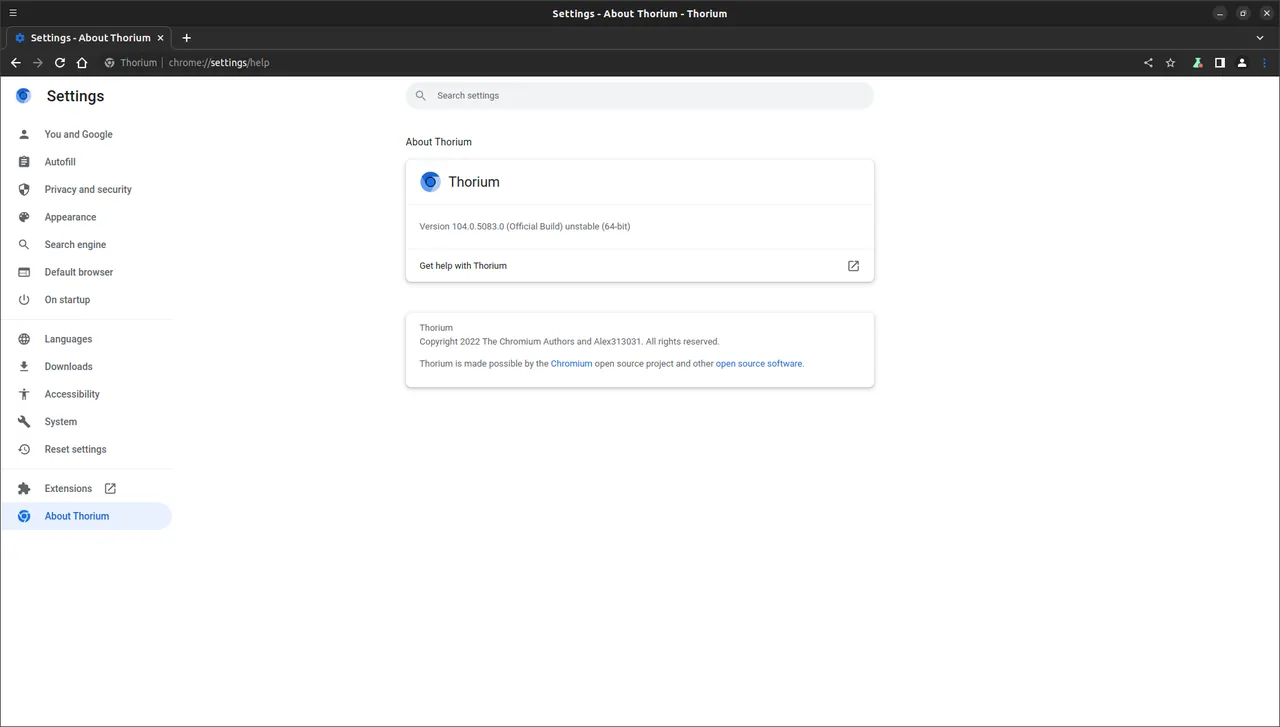
About Thorium
Thorium is a Chromium fork started in 2021 by Alexander Frick (Alex313031). It aims to behave like Google Chrome while adding patches, restored features and compiler optimizations such as LTO and PGO. Windows builds are released separately for CPUs with AVX2, AVX, SSE4 and SSE3 instructions.
Thorium is based on the Chromium LTS (long-term support) branch rather than the newest Chrome version. It adds support for JPEG XL images, HEVC video, FTP sites, Manifest V2 extensions, Global Privacy Control and options such as the classic download shelf and rectangular tabs.
What it does well
- CPU-specific builds. Separate AVX2, AVX, SSE4 and SSE3 builds are compiled for different processor generations.
- Manifest V2 extensions. Can still install older-style extensions that Chrome no longer supports.
- Extra media formats. Supports JPEG XL images and HEVC video, plus all common codecs and Widevine.
- Restored features. Brings back FTP support, the download shelf and other options removed from Chrome.
- Global Privacy Control. Sends the GPC and Do Not Track signals by default.
Who it is for
Good fit
Enthusiasts who want a fast Chrome-compatible browser with features Google has removed.
Look elsewhere
Users who need security patches as soon as Chrome gets them, or who do not want to choose a build for their CPU.
Pros and cons
Pros
- Compiler and CPU optimizations
- Manifest V2 extensions still work
- JPEG XL, HEVC and FTP support
- Familiar Chrome interface
Cons
- Based on an older Chromium LTS branch, so security fixes arrive later than in Chrome
- Small team; updates can pause for months
- Several Windows builds to choose from, which confuses beginners
How to install Thorium
Open the Windows releases from the official site and pick the newest stable release, not the notice-only beta posts. Choose the installer that matches your processor: AVX2 for most CPUs from the last decade, AVX, SSE4 or SSE3 for older ones. The project's About SIMD page explains how to check.
Questions about Thorium
Is Thorium free?
Yes. Thorium is free and open source under the BSD 3-Clause License.
Which Windows version of Thorium should I download?
The AVX2 build suits most processors from roughly the last ten years. Older CPUs need the AVX, SSE4 or SSE3 build.
Can Thorium sync with my Google account?
Thorium includes Google sync support, as noted in its release notes, but it is not an official Google product.


