

Our verdict: Yandex Browser is a Chromium browser packed with Yandex services: page, image and video translation, ad filtering, phishing protection and a document viewer. It is most useful if you already use Yandex search and accounts. The browser is tightly tied to Yandex services and sends data to them, which not everyone will accept.
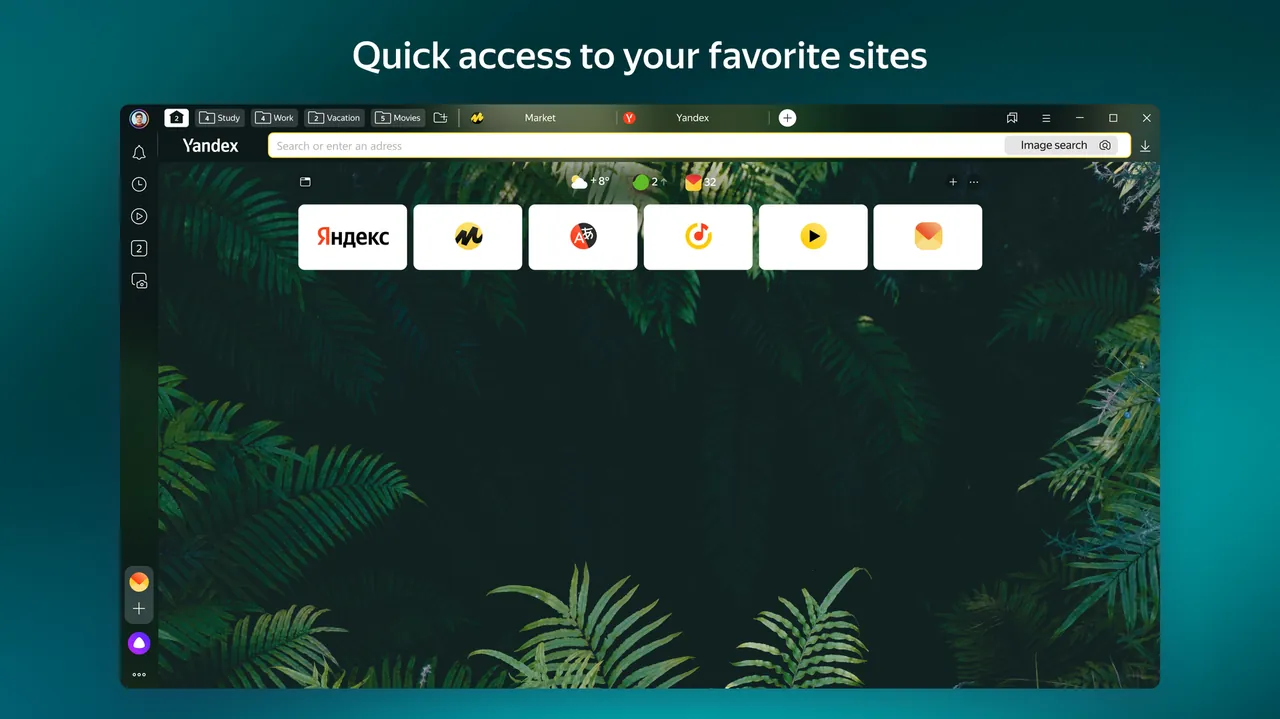
About Yandex Browser
Yandex Browser is developed by Yandex and built on Chromium, so it supports Chromium extensions and renders sites the same way Chrome does. On Windows it now requires 64-bit Windows 10 or 11; support for Windows 7, 8 and 32-bit systems has ended.
Built-in tools include Yandex Translate for pages, words, images and videos, a filter for intrusive ads, Protect security features that warn about dangerous pages, fraud and untrusted certificates, a viewer for Office documents, PDF, FB2 and EPUB files, tab groups and sync through a Yandex account.
What it does well
- Built-in translator. Translates whole pages, selected text, image captions, documents and videos.
- Protect. Warns about dangerous pages, phishing, SMS fraud and untrusted certificates, and protects card entry.
- Ad filtering. Filters out intrusive ads without installing an extension.
- File viewer. Opens Office, OpenOffice, PDF, FB2 and EPUB files directly in the browser.
- Sync and tab groups. Syncs bookmarks, passwords and tabs through a Yandex account and groups related tabs.
Who it is for
Good fit
Yandex users who want translation, ad filtering and security tools built into a Chromium browser.
Look elsewhere
People who want a browser independent of a large company's services, or who avoid sending browsing data to Yandex.
Pros and cons
Pros
- Translation of pages, images and video built in
- Ad filtering and security warnings without extensions
- Opens Office documents and e-books
- Supports Chromium extensions
Cons
- Deeply tied to Yandex services and accounts
- Sends usage data to Yandex unless you opt out
- The default download is an online installer that needs internet during setup
How to install Yandex Browser
The direct link downloads a small online installer that fetches the rest during setup. The download page has a checkbox for sending usage statistics to Yandex; untick it before downloading if you do not want that. During setup, check whether Yandex Browser is being made the default browser and Yandex the default search engine.
Questions about Yandex Browser
Is Yandex Browser free?
Yes. Yandex Browser is free to download and use.
Does Yandex Browser work on Windows 7?
No. Support for Windows 7, 8 and 8.1 ended in December 2024, and 32-bit Windows support ended in August 2025.
Can I install extensions?
Yes. Yandex Browser is based on Chromium and has its own extensions section in the settings.


