

Our verdict: AnythingLLM is one of the most complete free tools for asking an AI about your own files. It bundles a local model provider, embeddings and a vector database, so it works without extra setup. The many options take time to learn, and local models still need a good PC.
About AnythingLLM
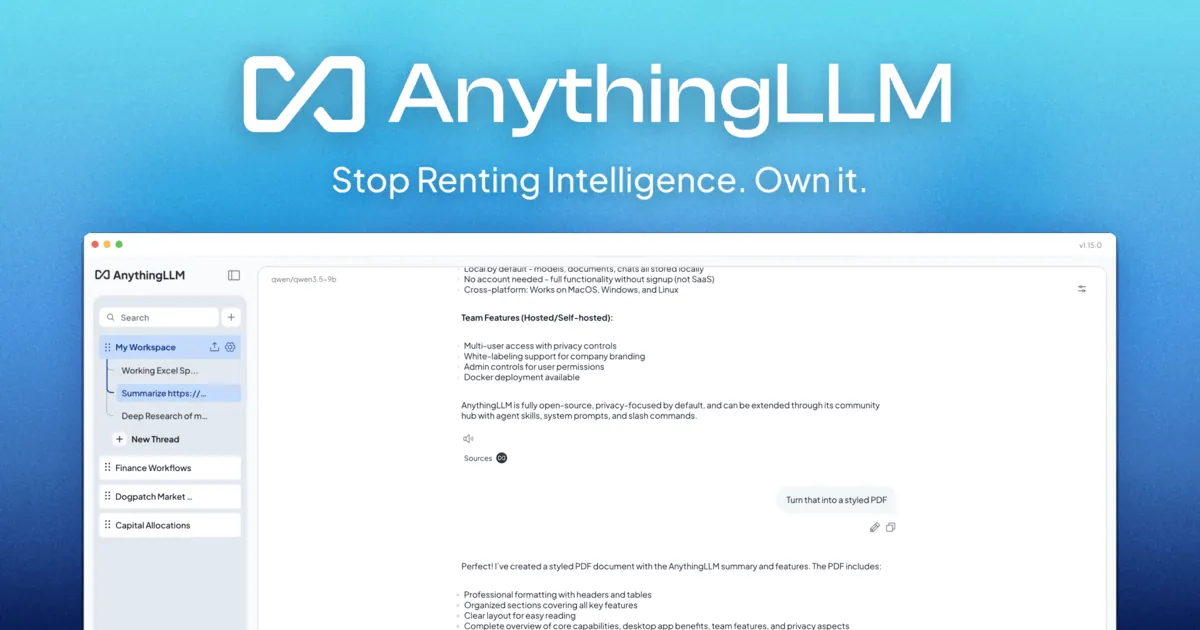
AnythingLLM is an open-source app under the MIT license from Mintplex Labs. You create workspaces, add PDFs, documents or web pages, and chat with a language model that answers using that material. The desktop version includes a built-in LLM provider, a built-in embedder and the LanceDB vector database, so everything can stay on your PC.
You can also connect it to Ollama, LM Studio or cloud providers such as OpenAI with your own API key; with a cloud model, your prompts and document snippets go to that provider. AI agents can browse the web, summarize documents, generate charts and use MCP tools. Multi-user accounts and embeddable chat widgets are only in the self-hosted Docker version.
What it does well
- Document chat. Answers questions using PDFs, documents and web pages you add to a workspace.
- Built-in local stack. Includes a local LLM provider, embedder and vector database.
- Any LLM. Connects to Ollama, LM Studio or cloud providers with your own API key.
- AI agents. Agents can browse the web, summarize documents, make charts and use MCP tools.
- Workspaces. Keeps separate document sets and chat histories per project.
Who it is for
Good fit
People who want to ask an AI questions about their own document collection, locally or with a cloud model.
Look elsewhere
Teams that need multi-user access on the desktop, and PCs with less than 16 GB RAM for local models.
Pros and cons
Pros
- Free and open source
- Works fully locally with built-in components
- Strong document chat and workspaces
- Agents with web browsing and MCP
Cons
- Many settings to learn
- Desktop version is single-user
- Local models need a strong PC
How to install AnythingLLM
Run the Windows installer from the official download page; it is a large download of about 400 MB. On first start choose an LLM: the built-in provider keeps everything local, while cloud providers need an API key. The developer recommends 16 GB RAM, and a GPU with 8 GB VRAM or more helps with local models.
Questions about AnythingLLM
Is AnythingLLM free?
Yes. AnythingLLM Desktop is open source under the MIT license and free. Cloud model providers you connect bill you separately.
Does AnythingLLM upload my documents?
Not with local models. Documents are embedded and stored on your PC; if you use a cloud LLM, relevant text from them is sent to that provider with your question.


