

Our verdict: The ChatGPT desktop app brings OpenAI's assistant, ChatGPT Work and Codex into one Windows window that can also use context from your screen and files. The free plan offers unlimited everyday text chats, but uploads, image creation, voice, deep research and Codex are limited. Turn off model training in Data controls if you do not want your chats used.
About ChatGPT
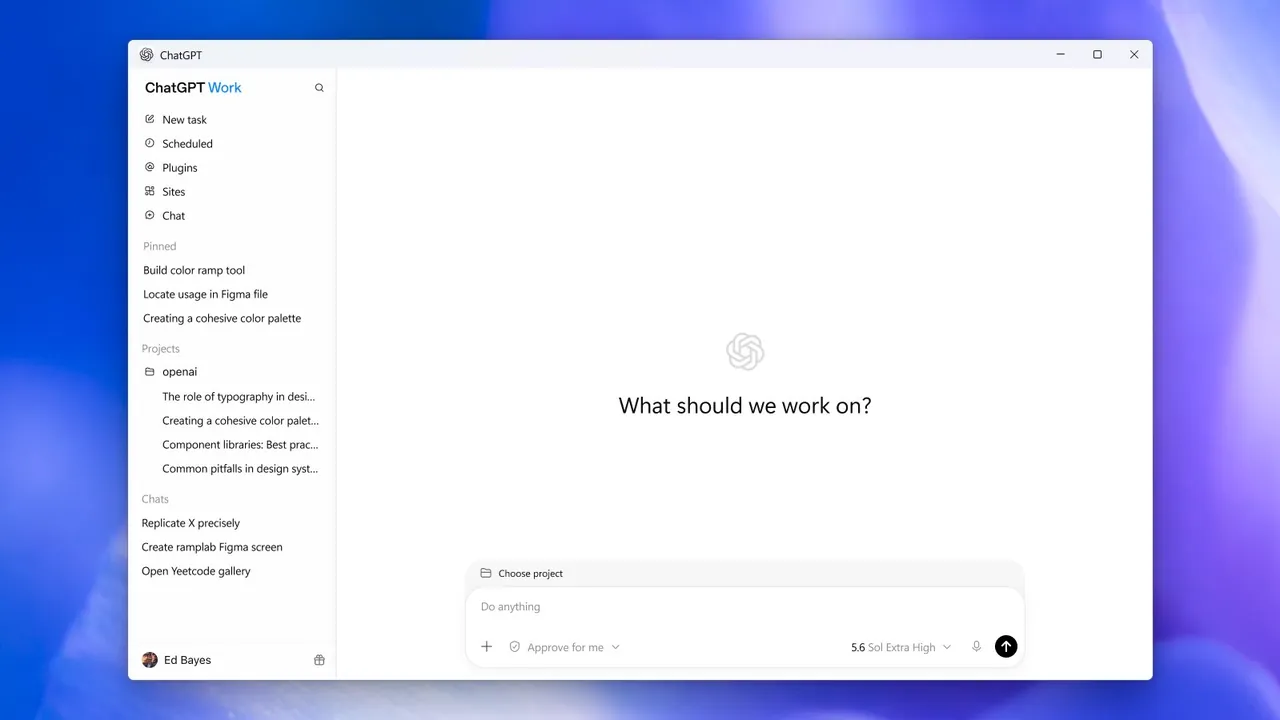
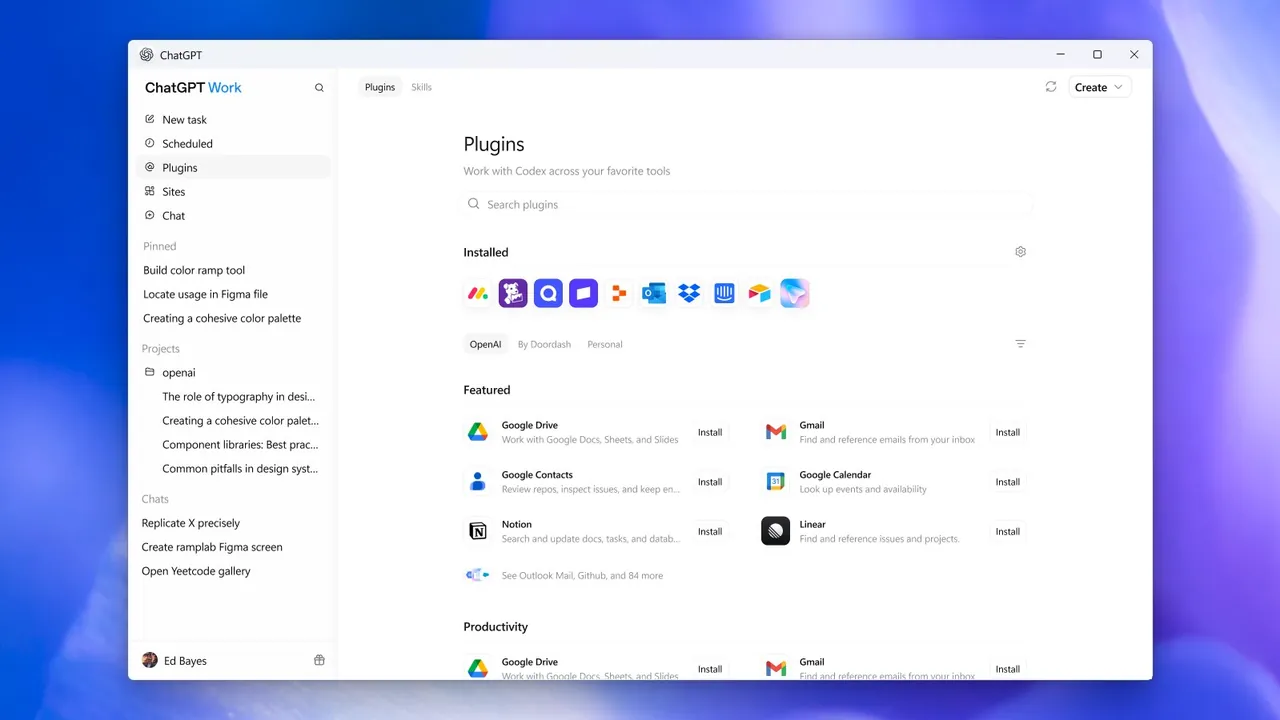
ChatGPT is made by OpenAI. The current desktop app combines regular chat with ChatGPT Work for delegated tasks and the Codex coding agent; existing Codex app users can update to it. It can take context from your email, screenshots, files and what is on your screen, and your chats sync with the web and mobile apps. On Windows the app is distributed through the Microsoft Store; the official download page starts the Store installer.
The free plan includes unlimited text chats with OpenAI's everyday model, subject to abuse guardrails, plus limited uploads, image creation, voice chats, deep research, memory, Codex and ChatGPT Work. Paid Go, Plus and Pro plans raise these limits and add advanced reasoning models; the Go plan may show ads. Chats are processed by OpenAI and may be used to train its models unless you turn off Improve the model for everyone.
What it does well
- Chat and voice. Text and voice conversations with OpenAI's models, synced across devices.
- Screen and file context. Uses screenshots, files, email and on-screen content as context.
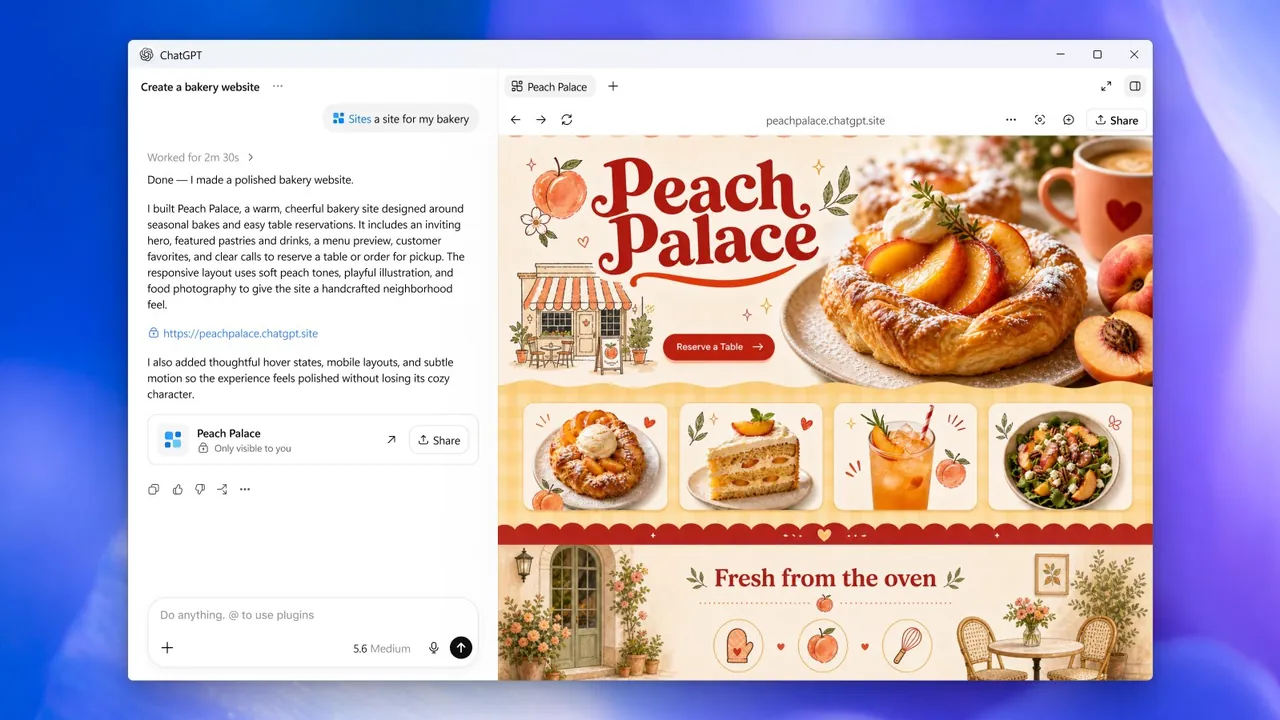
- ChatGPT Work. Hands off longer tasks such as research and documents to an agent.
- Codex. OpenAI's coding agent works on your projects from the same app.
- Image creation and deep research. Creates images and writes cited research reports, with limits on Free.
Who it is for
Good fit
People who already use ChatGPT and want it, Codex and ChatGPT Work in a desktop window.
Look elsewhere
Users who need offline or local AI, or who avoid Microsoft Store installs and cloud processing.
Pros and cons
Pros
- Unlimited everyday text chats on the free plan
- Chat, Codex and ChatGPT Work in one app
- Clear Data controls to opt out of training
Cons
- Uploads, images, voice and Codex are limited on Free
- Windows version installs only through the Microsoft Store
- Chats are used for training unless you opt out
How to install ChatGPT
The download page starts the Microsoft Store installer for the Windows app. Sign in with your OpenAI account. In Settings, Data controls, turn off Improve the model for everyone if you do not want your new chats used for training; Temporary chats are never used for training.
Questions about ChatGPT
Is ChatGPT free?
Yes. The Free plan includes unlimited everyday text chats, subject to abuse guardrails, plus limited uploads, image creation, voice, deep research, Codex and ChatGPT Work. Go, Plus and Pro plans raise the limits.
Does ChatGPT use my chats for training?
On personal plans, yes, unless you turn off Improve the model for everyone in Data controls. Temporary chats and content from Business and Enterprise workspaces are not used for training.
Is there a direct installer for Windows?
No. The official download page installs the Windows app through the Microsoft Store.


