

Our verdict: The Claude desktop app gives you the full Claude assistant in a native window, plus desktop extensions that let it work with local files and apps. The free plan covers chat, web search, file creation, memory and connectors with usage limits. Claude Code, Research and the Chrome and Microsoft 365 integrations need Pro, which costs $20 per month.

About Claude
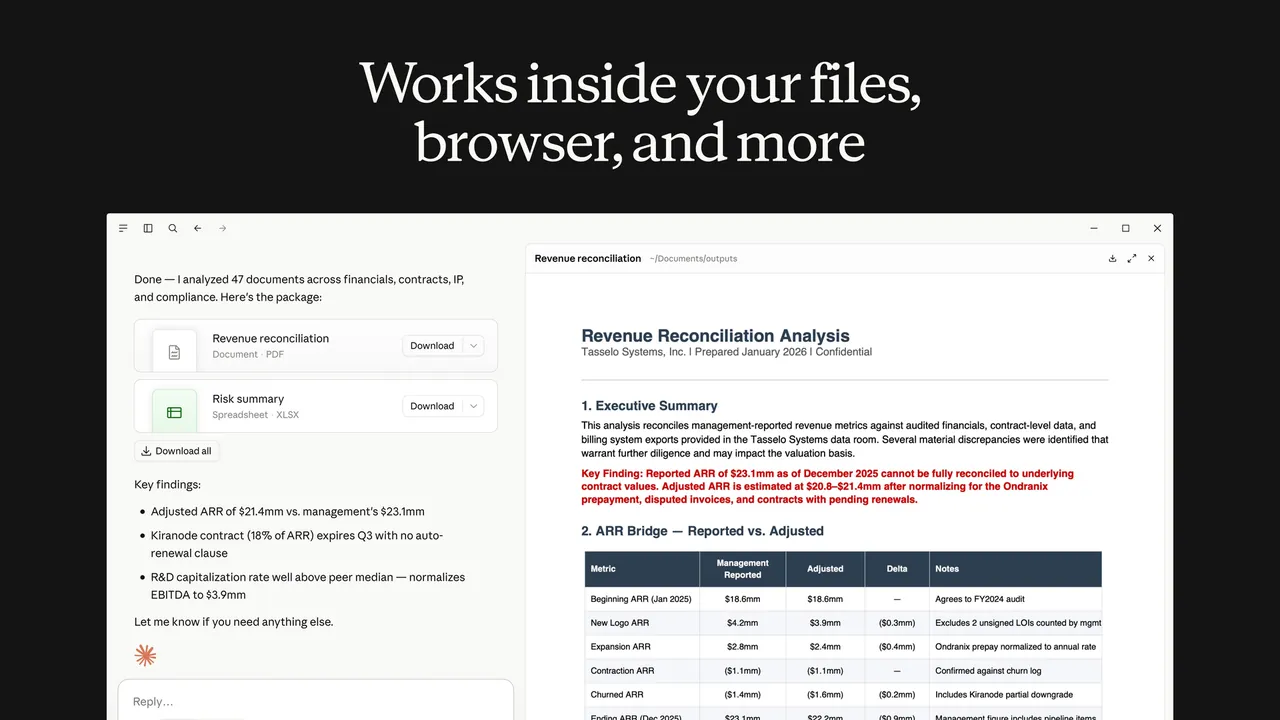
Claude is Anthropic's AI assistant, and the desktop app is available on every plan, including Free. Compared with the browser version, it stays in the taskbar, has a quick-entry shortcut and supports desktop extensions that are installed locally and give Claude access to your file system, browser and native apps. Conversations, projects, memory and preferences sync across desktop, web and mobile. On paid plans, Claude Code runs inside the app to preview servers and review local code changes.
The free plan includes chat, web search, creating files with code execution, memory, connectors, Artifacts, voice mode and up to five projects, with usage limits. Pro costs $20 per month, or $17 per month billed annually, and Max starts at $100 per month. Chats are processed in Anthropic's cloud; they are used to improve Claude only if you allow it in the privacy settings, and incognito chats are never used.
What it does well
- Desktop extensions. Locally installed extensions connect Claude to files, browsers and native apps.
- Connectors. Works with apps such as Google Drive and Slack, plus MCP servers.
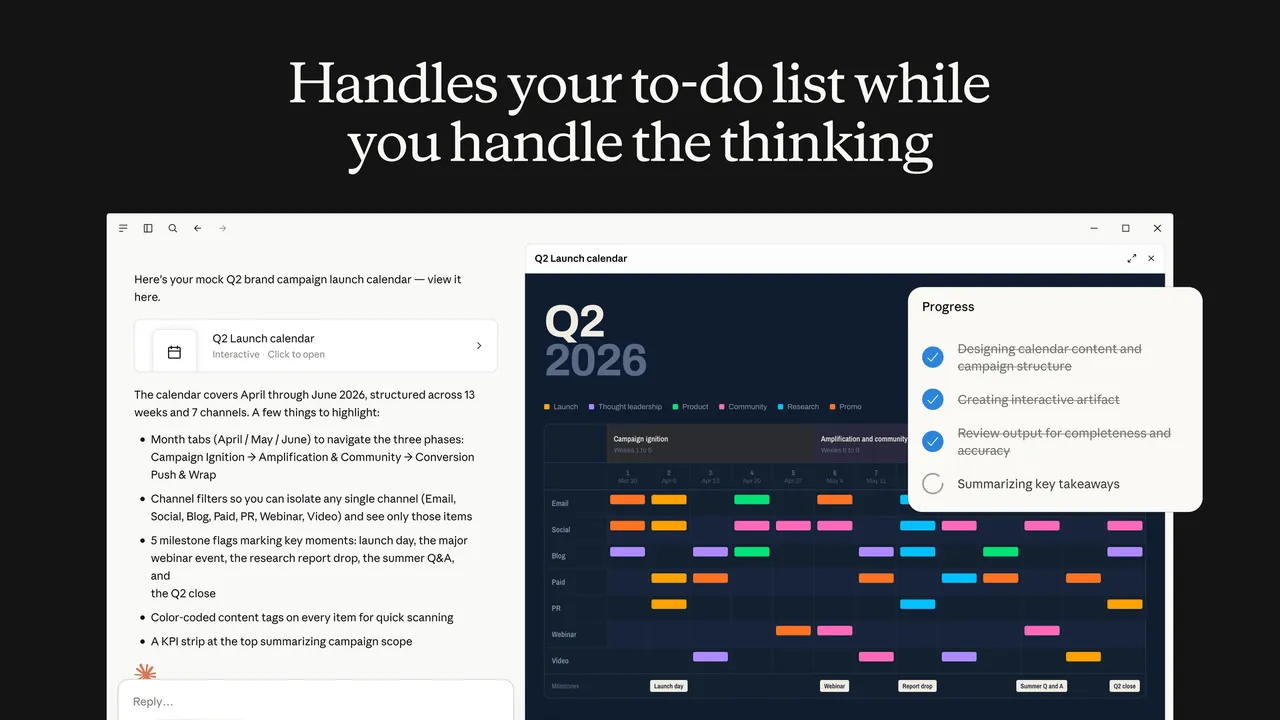
- File creation. Creates and edits documents, spreadsheets and code files with code execution.
- Memory and projects. Remembers context across chats and groups work into projects.
- Claude Code. Runs coding tasks on local projects inside the app on paid plans.
Who it is for
Good fit
People who use Claude daily and want it to work with local files and apps from the desktop.
Look elsewhere
Users who need offline AI, local models or heavy use without a subscription.
Pros and cons
Pros
- Desktop app available on the free plan
- Desktop extensions reach local files and apps
- Chats and projects sync with web and mobile
Cons
- Free plan has usage limits and no Claude Code or Research
- Requires an account and an internet connection
- Prompts and files are processed in Anthropic's cloud
How to install Claude
The download button gets the 64-bit Windows installer; an ARM64 build and a Microsoft Store version are on the download page. Sign in with your Claude account. Check Settings, Privacy to decide whether your chats may be used to improve Claude, and review each desktop extension's permissions before enabling it.
Questions about Claude
Is Claude free?
Yes. The Claude desktop app works on the Free plan, which includes chat, web search, file creation, memory and connectors with usage limits. Pro costs $20 per month or $17 per month billed annually, and Max starts at $100 per month.
Does Claude train on my chats?
On consumer plans, Anthropic uses chats to improve its models only if you allow it in the privacy settings, or if a conversation is flagged for safety review. Incognito chats are not used.
What does the desktop app add over the website?
Quick entry from anywhere in Windows and desktop extensions that give Claude access to local files, browsers and apps.


