

Our verdict: The Copilot app puts Microsoft's AI assistant in its own Windows window and works with both personal and work accounts. With a free personal Microsoft account you get chat, web answers, voice and image creation with usage limits. Higher limits and features such as Cowork, Researcher and Analyst come with Microsoft 365 subscriptions, and with a work account it can draw on your organisation's files and email.
About Microsoft Copilot
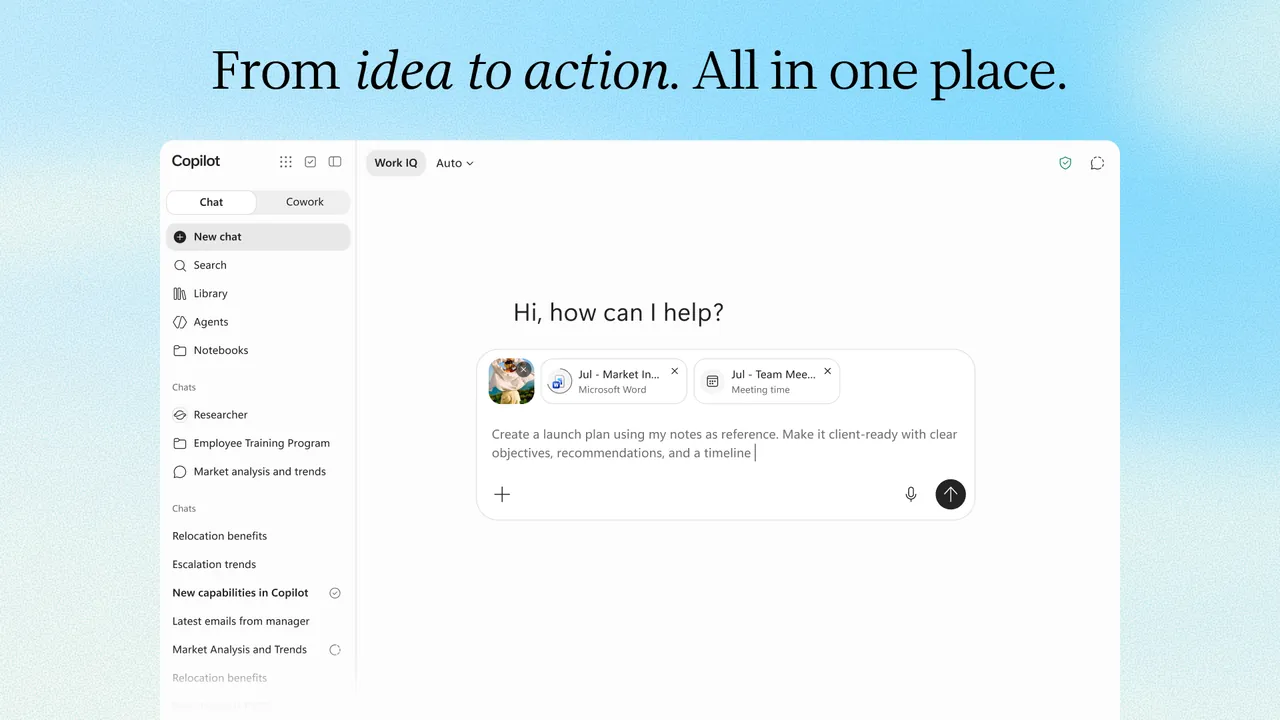
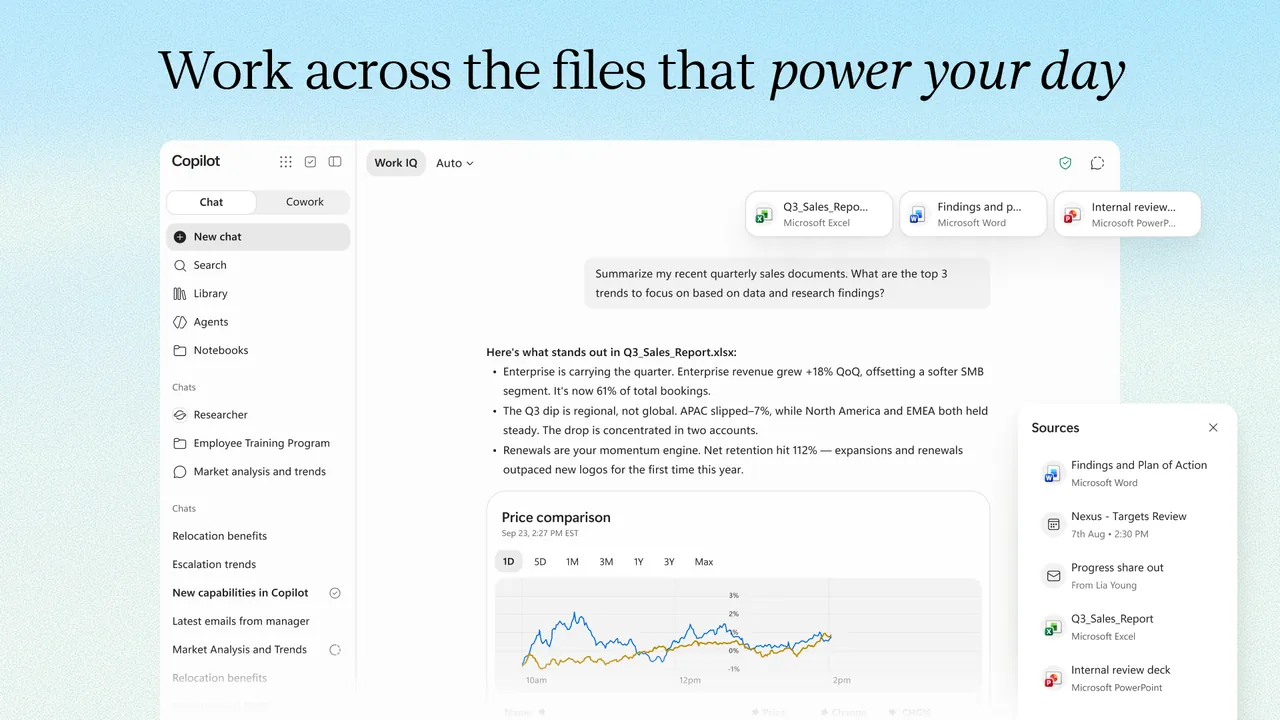
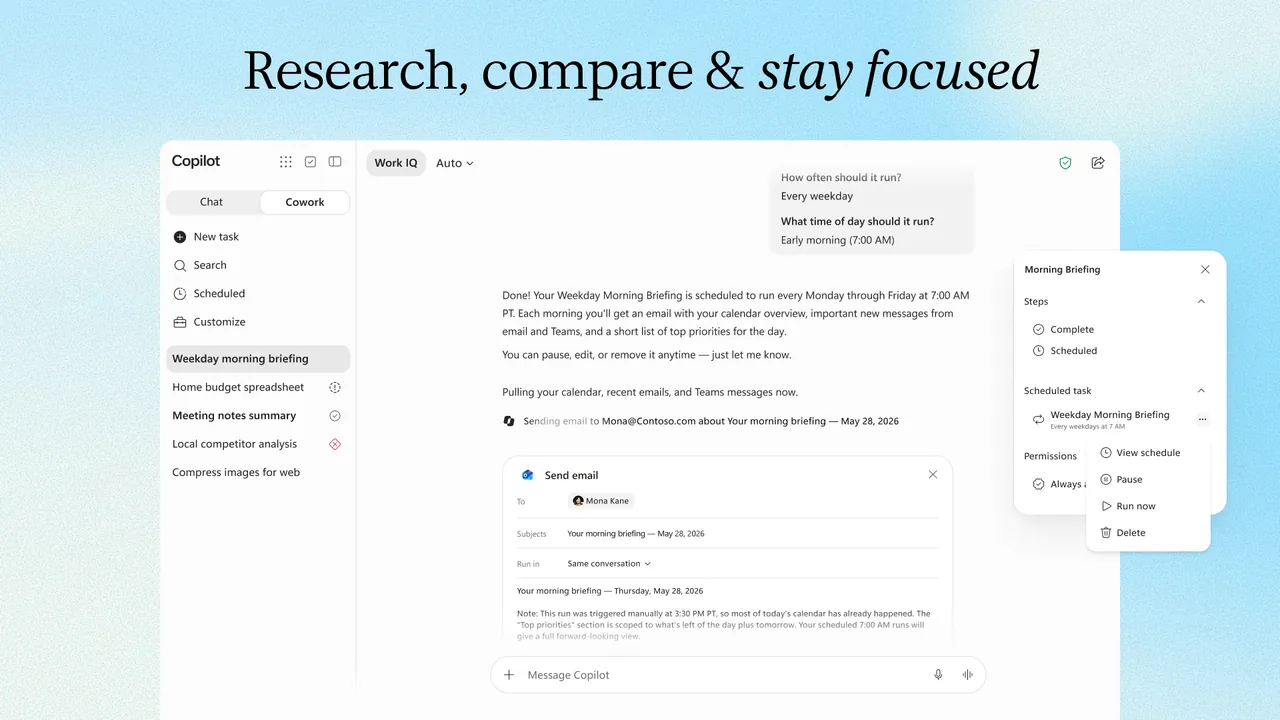
Microsoft Copilot is Microsoft's AI assistant. It offers Chat for questions, summaries and drafting, Cowork for longer multi-step tasks it completes on its own and, for work accounts, Code for coding tasks, plus Notebooks, Pages and image creation. You can switch between OpenAI and Anthropic models. With a work or school account, Work IQ lets Copilot use your organisation's files, email and Teams meetings; with a personal account it uses your own content and the web.
Copilot is free to use with a personal Microsoft account, with usage limits. Microsoft 365 Personal at $9.99 per month adds higher usage for chat, image creation and visual assistance, plus Copilot in the Word, Excel, PowerPoint and Outlook desktop apps; Microsoft 365 Premium and Pro add Cowork, Researcher and Analyst with larger limits. Prompts are processed in Microsoft's cloud, so an internet connection and sign-in are required.
What it does well
- Chat. Answers questions, summarises files and drafts text using the web and your content.
- Cowork. Plans and completes multi-step tasks while you keep control, on eligible plans.
- Model choice. Switches between leading OpenAI and Anthropic models.
- Voice and vision. Talks with you and helps with what is on your screen or camera.
- Create. Generates images, posters, infographics and videos in Copilot.
Who it is for
Good fit
Windows users with a Microsoft account, especially those already paying for Microsoft 365.
Look elsewhere
Users who want local or offline AI, or who do not want to sign in with a Microsoft account.
Pros and cons
Pros
- Free with a personal Microsoft account
- Works with OpenAI and Anthropic models
- Integrates with Microsoft 365 apps and work data
Cons
- Cowork, Researcher and Analyst need Microsoft 365 Premium or Pro
- Feature availability varies by country, account and licence
- Requires sign-in and cloud processing
How to install Microsoft Copilot
The download button gets Microsoft's small online installer, which downloads the current app. Sign in with a personal Microsoft account or a work or school account. Features and limits depend on your account and Microsoft 365 plan, and some can be disabled by an organisation's administrator.
Questions about Microsoft Copilot
Is Microsoft Copilot free?
Yes. Copilot is free with a personal Microsoft account, with usage limits. Microsoft 365 Personal at $9.99 per month raises the limits, and Premium and Pro add advanced features such as Cowork, Researcher and Analyst.
Can I use Copilot with a work account?
Yes. With a work or school account, Work IQ can use your organisation's files, email and meetings that you are already allowed to access.
Does the Copilot app need Microsoft 365?
No. Microsoft 365 is optional and only raises limits and unlocks extra features.


