

Our verdict: The Perplexity app answers questions with cited web sources and, unlike the website, can read and create files in folders you allow. The free plan covers simple everyday questions with limited weekly use of the best models; research, file creation and higher limits need Pro. Installation goes through the Microsoft Store and a Perplexity account is required.
About Perplexity
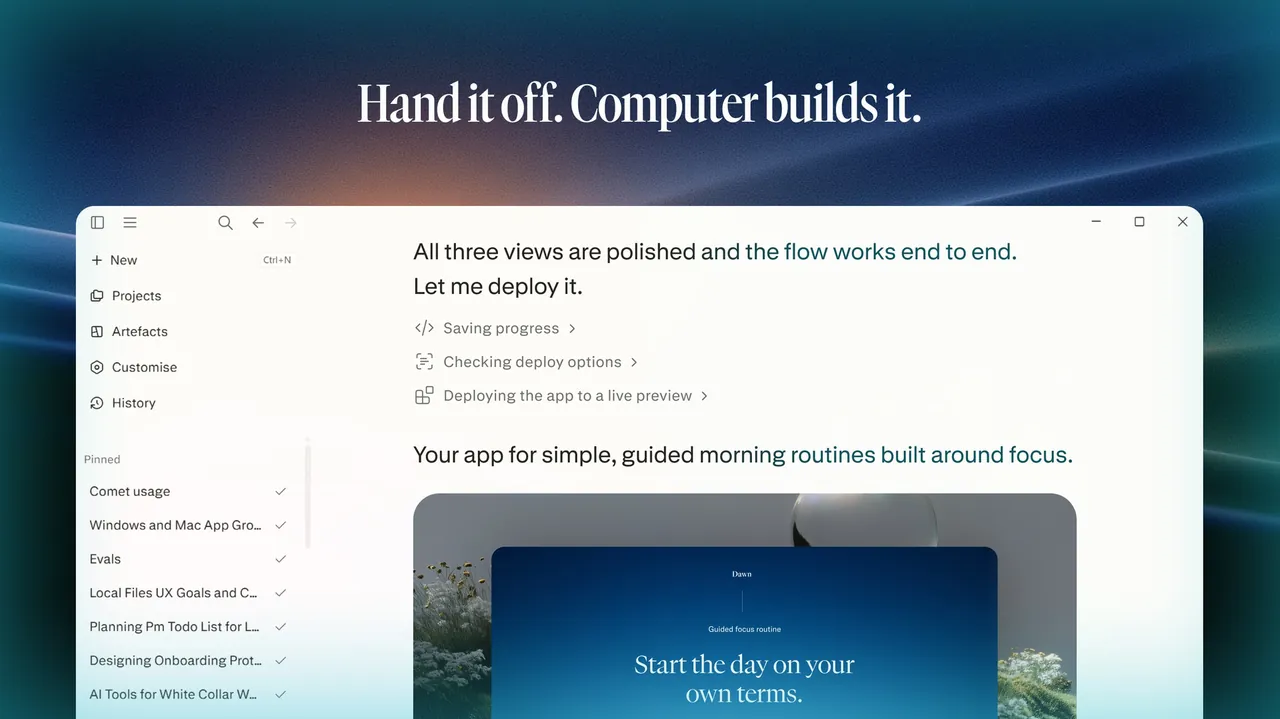
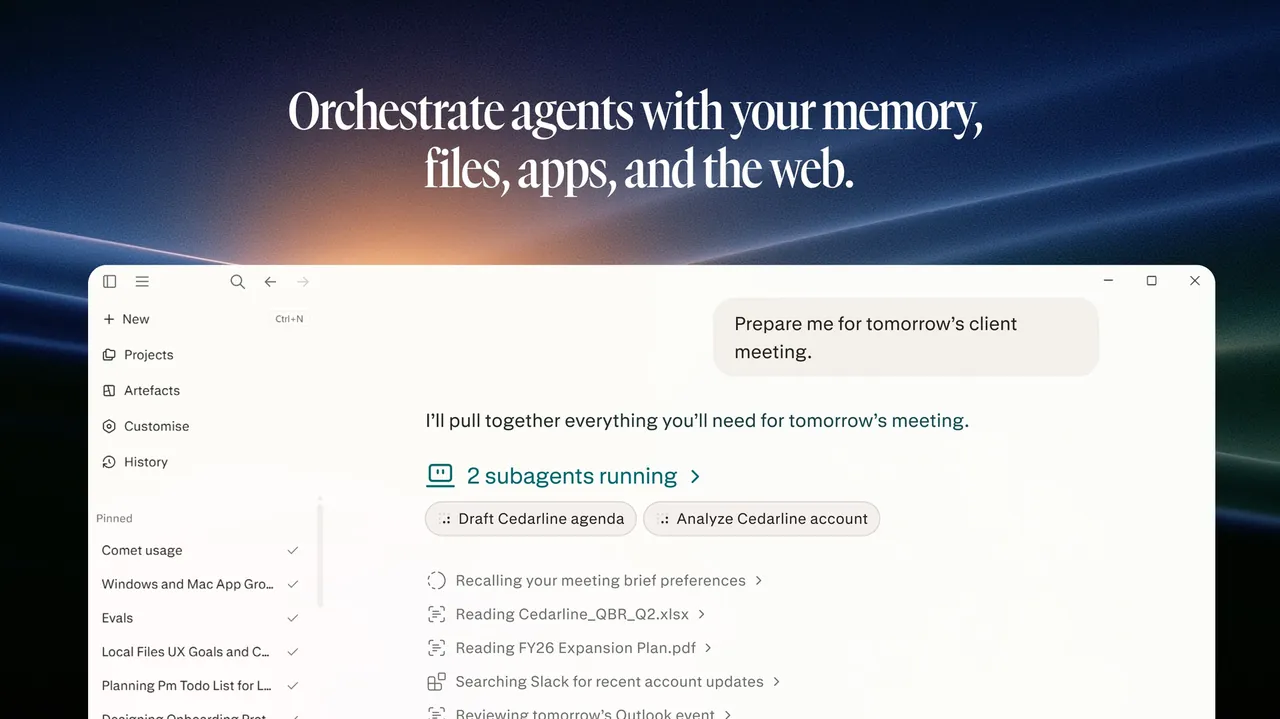
Perplexity is an AI answer engine made by Perplexity AI, Inc. You ask in text or by voice and get an answer with citations to the sources it used, and you can keep asking follow-up questions in the same thread. The desktop app adds what the website cannot do: it works with files and folders on your computer that you choose, opens from a floating task bar over other apps, and supports Remote Access to start and monitor desktop tasks from your phone or the web.
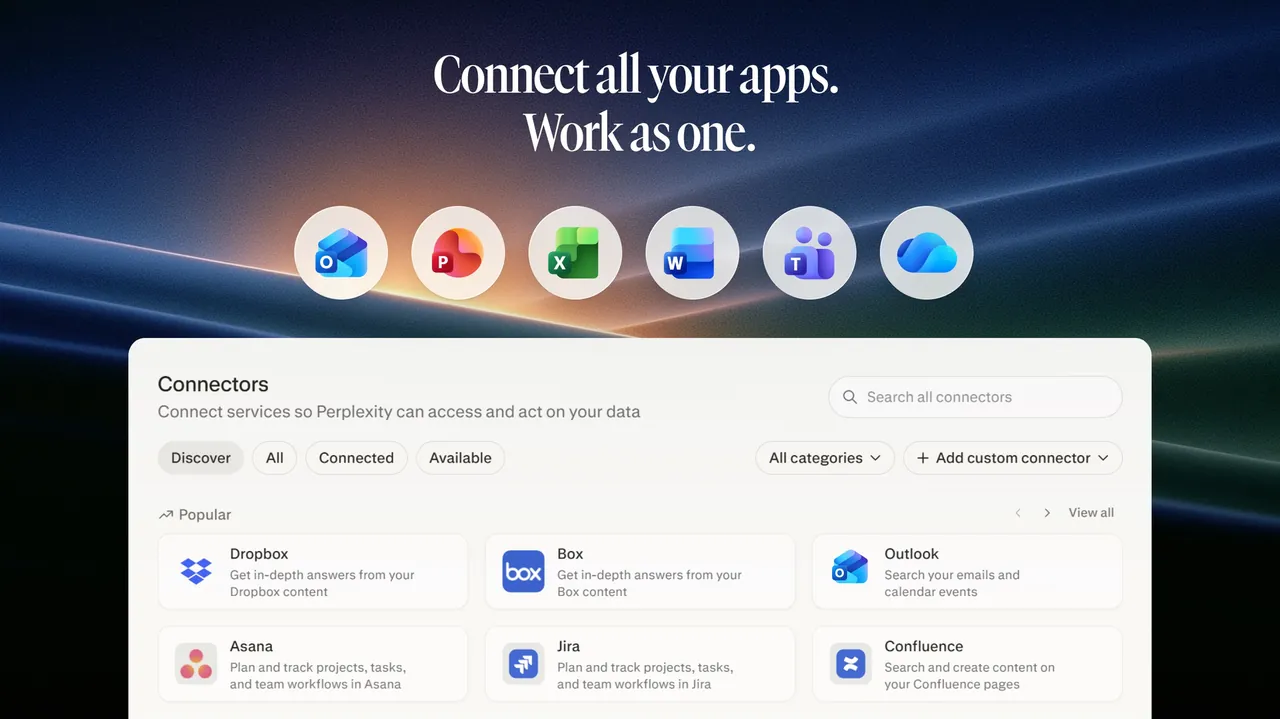
The free plan includes cited answers and basic AI models with limited weekly use. Pro, listed at $17 per month billed annually, raises the limits and adds deep research, a choice of top models, Perplexity Computer and document and app creation; Max is aimed at heavy use. On Windows the app installs and updates through the Microsoft Store, including when you start from the website installer.
What it does well
- Cited answers. Every answer links to the web sources it was built from.
- Local files and folders. Reads and creates files only in folders you give it access to.
- Floating task bar. Opens Perplexity on top of the app you are working in.
- Remote Access. Start and follow desktop tasks from another device or the web.
- Threads and library. Follow-up questions and a searchable history of past sessions.
Who it is for
Good fit
People who want quick, sourced answers and research on the desktop instead of a browser tab.
Look elsewhere
Users who need offline or local AI, or who avoid Microsoft Store installs and cloud accounts.
Pros and cons
Pros
- Answers come with source citations
- Can work with local files in folders you choose
- Free plan for everyday questions
Cons
- Free plan has tight weekly limits on the best models
- Windows version installs only through the Microsoft Store
- Requires an account and an internet connection
How to install Perplexity
Open the official download page and run the Windows installer, which uses the Microsoft Store to install and update the app, or install it from the Store listing. Sign in with your Perplexity account, then choose which folders the app may use. Older Perplexity apps do not upgrade automatically: install the new app, sign in, then remove the old one.
Questions about Perplexity
Is Perplexity free?
Yes. The Free plan gives cited answers with basic AI models and limited weekly use. Pro, from $17 per month billed annually, and Max raise the limits and add deep research and more models.
Is there a direct installer for Windows?
The website offers a Windows installer, but it installs and updates the app through the Microsoft Store in the background.
What does the desktop app add over the website?
It can work with files and folders on your computer that you allow, opens from a floating task bar and supports Remote Access from other devices.


