

Our verdict: Foxit PDF Editor is one of the closest Acrobat Pro replacements: the ribbon interface is familiar, editing, OCR, conversion and forms are all there, and it costs less. It is also one of the few editors still sold as a perpetual license. After the 14-day trial it falls back to the free Foxit PDF Reader features, so it only makes sense if you edit PDFs regularly.
About Foxit PDF Editor
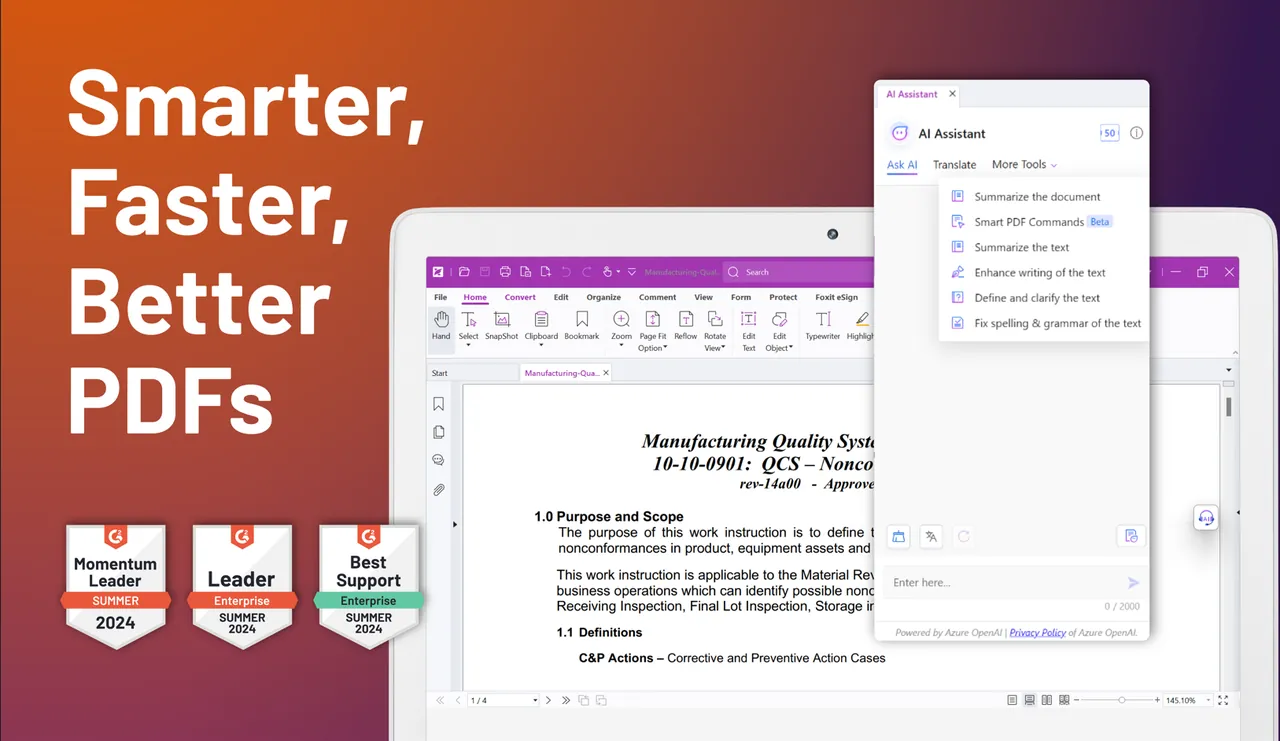
Foxit PDF Editor is a commercial PDF editor from Foxit Software, the maker of the free Foxit PDF Reader. It edits text, images and pages, converts PDFs to and from Word, Excel and PowerPoint, turns scans into searchable PDFs with OCR, compares two versions of a document, creates and fills forms, and protects files with passwords and redaction. Subscriptions include the Foxit Document Management System with cloud storage and an AI assistant with 300 free credits a month for chat, summaries and translation.
The free trial lasts 14 days and unlocks the full PDF Editor+ plan on Windows, macOS, web and mobile. It needs only a free Foxit account created with an email address or Google sign-in, and no credit card, so nothing is charged when it ends. After the trial you can keep using the free Reader features (viewing, annotating, form filling and fill-and-sign) or buy a plan: PDF Editor costs $129.99 per user per year, PDF Editor+ $159.99 per year, and a perpetual PDF Editor 14 license for Windows or macOS costs $209.99 without AI and cloud features.
What it does well
- Edit text and images. Changes text, images and page layout directly inside existing PDFs.
- Office conversion. Converts PDFs to and from Word, Excel and PowerPoint files.
- OCR. Turns scanned documents into searchable, editable PDFs.
- Forms and security. Creates and fills forms, adds passwords and redacts content.
- AI Assistant. Chats with documents, summarizes and translates, with 300 free credits a month.
Who it is for
Good fit
Offices and freelancers who edit, convert and sign PDFs every week and want an Acrobat alternative at a lower price.
Look elsewhere
People who only read, annotate or fill PDFs; Foxit PDF Reader and other free tools do that at no cost.
Pros and cons
Pros
- Familiar ribbon interface close to Microsoft Office
- Full editing, OCR, conversion and redaction
- Perpetual license still available
- Trial needs no credit card and does not auto-renew
Cons
- Editing tools lock after the 14-day trial
- Subscription from $129.99 a year; perpetual license costs $209.99
- Account sign-in required to start the trial
How to install Foxit PDF Editor
The official trial page asks for an email address or Google sign-in before it starts the download, so there is no direct link here. The same free Foxit account activates the 14-day trial in the app; no card is asked for. Nothing renews automatically when the trial ends, so you can install it without cancelling anything later.
Questions about Foxit PDF Editor
Is Foxit PDF Editor free?
No. It has a 14-day free trial of PDF Editor+ that needs a free Foxit account but no credit card. After the trial the editing tools stop working and only the free Reader features remain, unless you buy PDF Editor for $129.99 a year or a $209.99 perpetual license.
Can I buy Foxit PDF Editor once instead of subscribing?
Yes. Foxit sells a perpetual PDF Editor 14 license for Windows or macOS for $209.99. It includes editing, conversion, OCR, forms and security, but not the AI Assistant, Document Management System or cloud features.
What is the difference between PDF Editor and PDF Editor+?
PDF Editor covers desktop and web. PDF Editor+ adds the iOS and Android apps, AI-powered Smart Redact and Foxit eSign with 150 envelopes a year.


