

Our verdict: Master PDF Editor is a light, no-subscription alternative to Acrobat that also runs on Linux and macOS. The demo has no time limit and is enough for annotating, filling forms, splitting and merging at home, but anything you edit is saved with a watermark. A $79.95 perpetual license removes it and includes a year of updates.
About Master PDF Editor
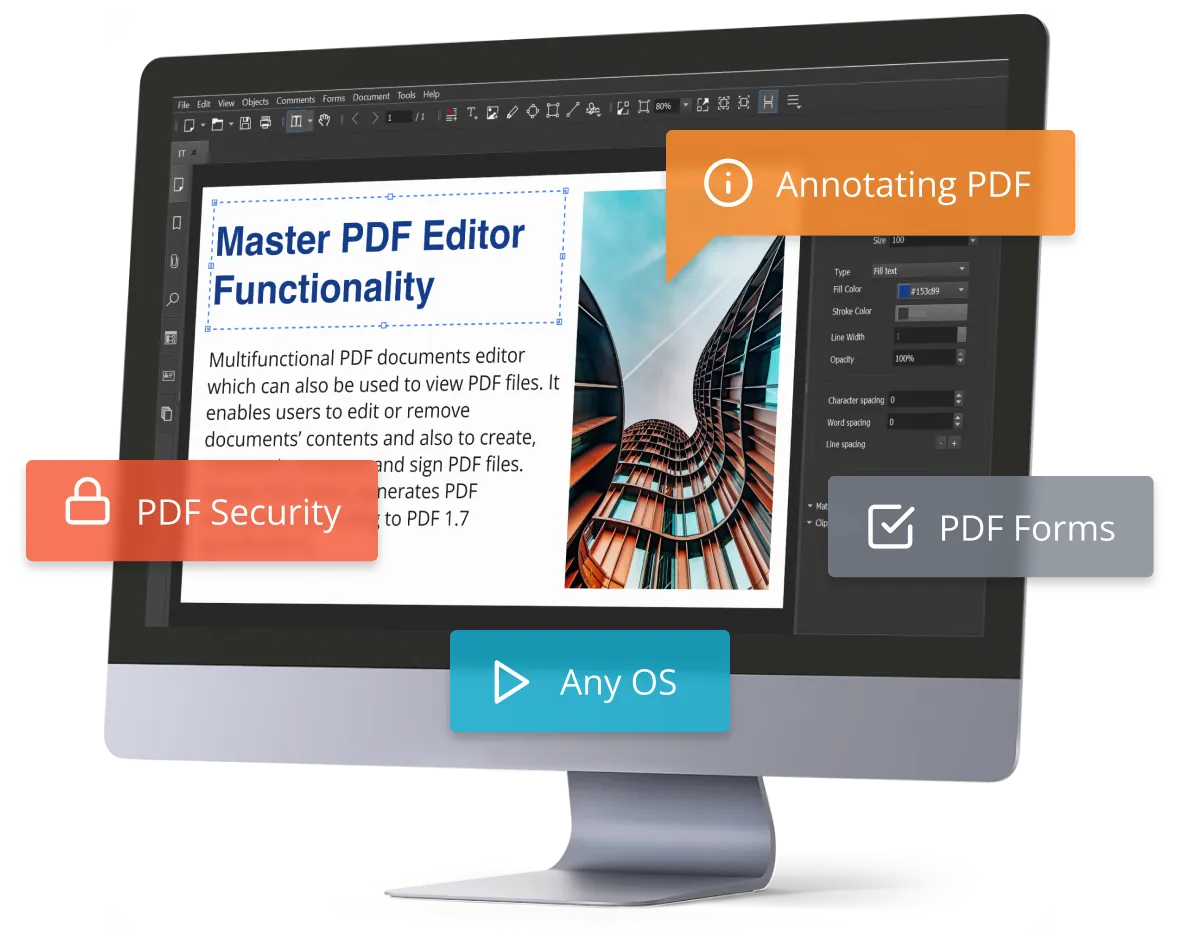
Master PDF Editor is a PDF editor from Code Industry Ltd. It edits and adds formatted text, inserts and moves images and objects, annotates with notes, stamps, shapes and measuring tools, and creates or fills interactive forms with JavaScript calculations and validation, including dynamic XFA forms. It also merges and splits files, reorders and rotates pages, runs OCR on scans, signs documents with digital certificates and installs a virtual PDF printer on Windows.
The unregistered version runs without a time limit, but only for personal, non-commercial use: viewing, filling forms, commenting, bookmarks, splitting, merging and printing. Editing text and images, creating forms, optimizing, digital signatures, headers, watermarks and AES encryption are available in the demo but put a watermark on the output file. A license costs $79.95 per user, works forever for the purchased version and includes 12 months of updates and support; later years cost half price.
What it does well
- Edit text and images. Adds or edits formatted text and inserts, moves and resizes images and objects.
- PDF forms. Creates and fills interactive forms, with JavaScript calculations and XFA support.
- OCR. Recognizes text in scanned documents so it can be searched and edited.
- Pages and bookmarks. Merges, splits, inserts, rotates and resizes pages and manages bookmarks.
- Signatures and printer. Signs PDFs with certificates and adds a virtual PDF printer on Windows.
Who it is for
Good fit
Home users and small offices who want a one-time-purchase PDF editor, including on Linux.
Look elsewhere
Anyone who needs to edit PDFs for free; the demo watermarks edited files and forbids commercial use.
Pros and cons
Pros
- Perpetual license, no subscription
- Demo has no time limit
- Editing, forms, OCR and signatures in one app
- Same editor on Windows, macOS and Linux
Cons
- Edited files get a watermark until you buy a $79.95 license
- Free use is limited to personal, non-commercial purposes
- Updates after the first year cost extra
How to install Master PDF Editor
The button downloads the official 64-bit MSI installer for Windows 10 and 11 from code-industry.net; installers for Windows 7 and 8 are on the same page. No account is needed. After buying, a registration key arrives by email and is entered in the program to remove the watermark.
Questions about Master PDF Editor
Is Master PDF Editor free?
Partly. The unregistered version never expires and can view, fill forms, annotate, split and merge PDFs for personal non-commercial use. Editing text and images and other advanced tools add a watermark to the output until you buy a $79.95 license; no account or card is needed for the demo.
Is Master PDF Editor a subscription?
No. A license is perpetual for the version you buy and includes 12 months of updates and support. After that, another year of updates costs half the current price.
Does Master PDF Editor run on Linux?
Yes. Code Industry publishes DEB, RPM, AppImage and tarball packages for Linux, as well as versions for Windows and macOS.


