

Our verdict: CapCut Desktop makes social-media editing quick, with templates, trending effects, keyframes and automatic captions in a simple interface. The free plan covers basic editing, but many effects, templates and AI tools are marked Pro and require a paid subscription. It is closed-source software from ByteDance, the company behind TikTok.
About CapCut
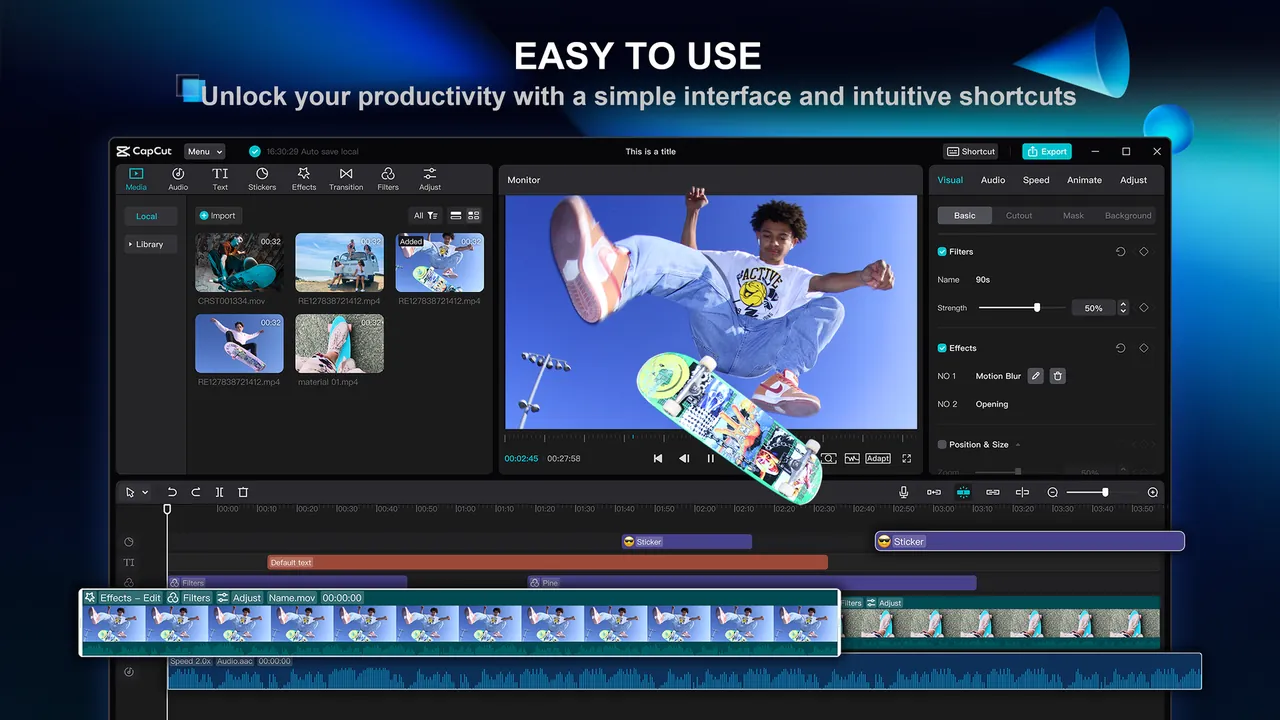
CapCut is made by ByteDance and is available on Windows, macOS, phones and the web. The desktop app offers a multitrack timeline, keyframes and graphs, a colour wheel, auto-adjust, speed changes and automatic captions from speech.
The free plan includes free templates and basic editing tools. CapCut Pro, a paid subscription, unlocks premium effects, templates, AI features and more cloud space; items that need Pro are labelled in the app. Projects can be stored in your CapCut cloud Space and opened on other devices after you sign in.
What it does well
- Templates and effects. Large library of trending effects, filters, transitions and templates; many are Pro-only.
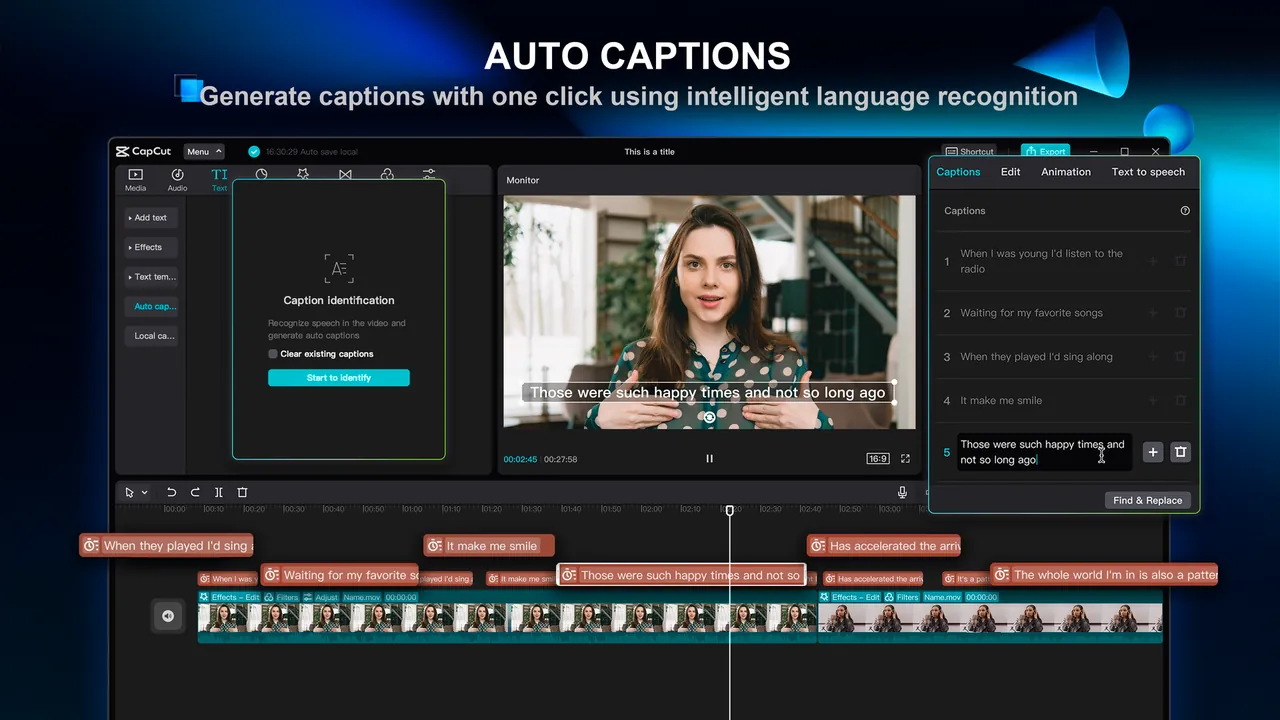
- Automatic captions. Generates captions from the video's speech and lets you style them.
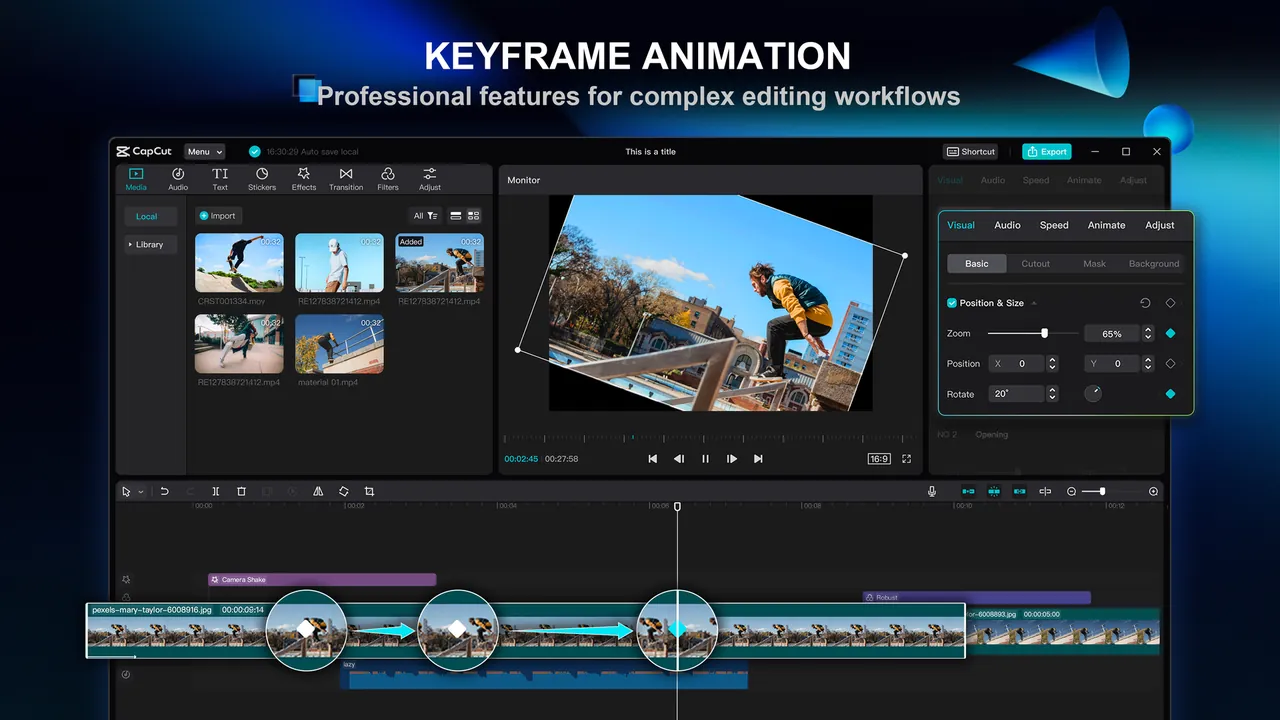
- Keyframes and graphs. Animates position, scale and other properties with curve control.
- Colour tools. Colour wheel and one-click auto adjust for quick grading.
- Cloud Space. Saves projects to the cloud to continue on another device.
Who it is for
Good fit
Creators who make short videos for TikTok, Reels and YouTube Shorts and want results fast.
Look elsewhere
People who want everything free and unlocked, or prefer open-source software without an account.
Pros and cons
Pros
- Very easy to learn
- Strong auto-caption tool
- Trendy templates for short videos
- Projects sync across devices
Cons
- Many effects, templates and AI tools require a paid Pro subscription
- Closed source from ByteDance, with an account needed for cloud features
- Fewer professional tools than full editors
How to install CapCut
The official installer is a small downloader that fetches the rest of CapCut during setup. Sign in to use cloud Space and some features. Before exporting, check that your project contains no items marked Pro, or the export will ask you to subscribe.
Questions about CapCut
Is CapCut free on PC?
Yes, the desktop app is free with basic editing tools. Many effects, templates and AI features are labelled Pro and need a paid subscription.
Why does CapCut ask me to subscribe when exporting?
Your project uses at least one item marked Pro. Remove or replace those items, or subscribe to CapCut Pro, to export.
Who makes CapCut?
CapCut is developed by ByteDance, the company that also owns TikTok.


