

Our verdict: Premiere Pro is the editor many studios, agencies and YouTubers work in, and it fits tightly with After Effects, Photoshop and Audition. It is powerful and well documented, but subscription-only. The 7-day trial needs an Adobe account and a payment method, and billing starts automatically if you do not cancel.
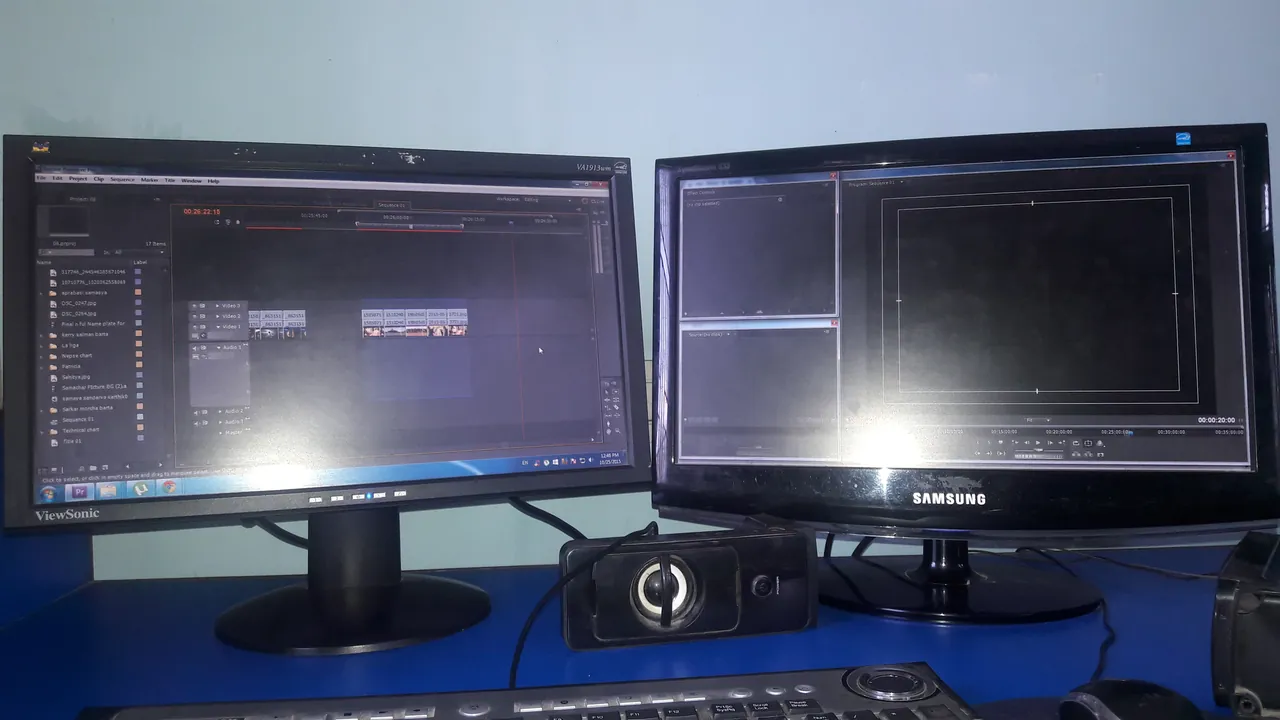
About Adobe Premiere Pro
Premiere Pro is Adobe's professional video editor; Adobe's own pages now call it simply Premiere. It handles video editing, titles and animation, effects and sound mixing, and the single-app plan includes Premiere on iPhone, Adobe Express Premium, Frame.io for review, 100 GB of cloud storage and 25 monthly generative AI credits.
There is no free version. The 7-day free trial starts when you check out a plan with your Adobe account, and when it ends the plan starts billing: $22.99 per month on an annual plan billed monthly. Adobe gives a full refund if you cancel within 14 days of the first charge; after that, cancelling an annual plan costs 50% of the remaining months. The app installs through the Creative Cloud desktop app.
What it does well
- Professional timeline. Multi-track editing for film, TV, social and YouTube projects.
- Titles and effects. Title animation, transitions, color and visual effects inside the editor.
- Sound mixing. Mix, clean up and balance dialogue, music and effects.
- Adobe integration. Works with After Effects, Photoshop and Audition; fonts and templates are included.
- Frame.io review. Share cuts for timestamped feedback; 100 GB cloud storage included.
Who it is for
Good fit
Professional and aspiring editors, agencies and YouTubers who work with other Adobe apps.
Look elsewhere
People who dislike subscriptions, older PCs, or anyone on Windows 10 with current versions.
Pros and cons
Pros
- Industry standard, huge tutorial base
- Tight integration with After Effects and Photoshop
- Frame.io review included
- Regular updates
Cons
- Subscription only, no perpetual license
- Trial needs a payment method and auto-renews
- Early cancellation fee on annual plans
How to install Adobe Premiere Pro
Start the trial on adobe.com: sign in or create an Adobe account, choose a plan and enter payment details. Install the Creative Cloud desktop app, then install Premiere from it. Set a reminder to cancel before day 8 if you do not want to pay. Current versions need Windows 11 24H2, an AVX2-capable CPU and a GPU with at least 4 GB of memory.
Questions about Adobe Premiere Pro
Is Adobe Premiere Pro free?
No. Adobe offers a 7-day free trial, which needs an Adobe account and a payment method. When the trial ends, billing starts at $22.99 per month on an annual plan billed monthly unless you cancel; Adobe refunds the first charge if you cancel within 14 days.
Can I buy Premiere Pro once without a subscription?
No. Premiere Pro is only sold as a Creative Cloud subscription, either alone or in the Creative Cloud Pro plan with 20+ apps.
Does Premiere Pro still run on Windows 10?
Current versions list Windows 11 version 24H2 as the minimum. Adobe says Windows 10 is no longer officially supported by its video apps, and from version 28 installation on Windows 10 will be blocked.


