

Our verdict: Filmora is one of the easiest ways to make YouTube videos, social clips and family films with titles, transitions and music. The free version lets you try every basic editing tool, but exports carry a watermark. Most AI features also cost extra credits, so check the plan before you rely on them.
About Wondershare Filmora
Filmora is made by Wondershare. It uses a drag-and-drop timeline with a large library of titles, transitions, effects and stock media, plus tools that usually belong to bigger editors: keyframes, motion and planar tracking, multi-camera editing, color curves and 3D LUTs.
The free version includes the basic editing features, but every exported video has a Filmora watermark, and cloud storage and the full asset library are locked. The Basic plan costs $49.99 per year and removes the watermark; the perpetual license covers only updates within Filmora 16 and works on one platform. Many AI tools, such as text-to-video or AI music, use Filmora AI credits that are only partly included in paid plans. Activation needs a Wondershare ID.
What it does well
- Magnetic timeline. Clips snap together on a timeline that is quick to learn for beginners.
- Templates and effects. Titles, transitions, stickers and templates, plus a separate Creative Assets library.
- Tracking and keyframes. Motion and planar tracking attach text or images to moving objects.
- Color tools. HSL, RGB curves, 3D LUTs, white balance and HDR adjustments.
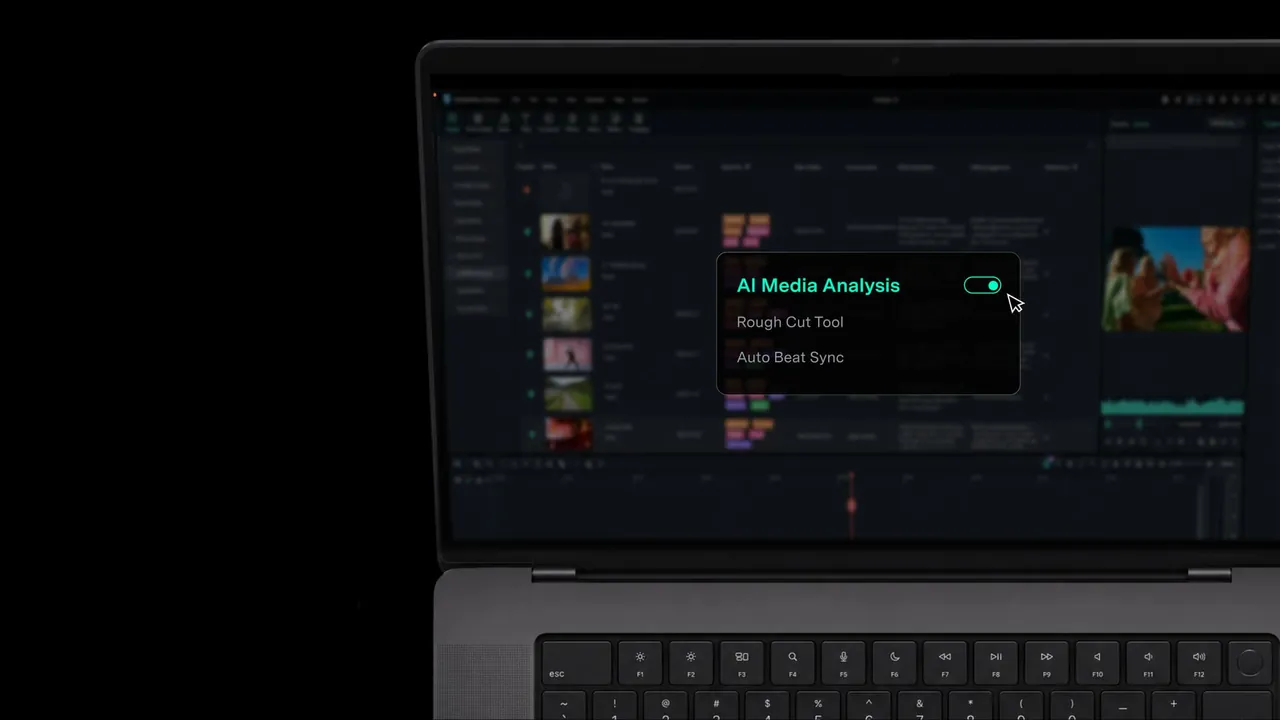
- AI tools. Smart cut, speech-to-text, AI object removal and video enhancer, mostly paid by AI credits.
Who it is for
Good fit
Beginners and content creators who want quick, polished videos without learning a pro editor.
Look elsewhere
People who want a free editor without a watermark; Shotcut, Kdenlive and DaVinci Resolve export clean files for free.
Pros and cons
Pros
- Very easy to learn
- Large library of templates and effects
- Motion tracking and keyframes
- Runs on Windows on ARM natively
Cons
- Watermark on every free export
- Many AI features cost extra credits
- Perpetual license gets no major upgrades
How to install Wondershare Filmora
The download from filmora.wondershare.com is a small online installer that fetches the full program during setup, so keep the PC online. To remove the watermark, buy a plan and sign in with your Wondershare ID inside Filmora.
Questions about Wondershare Filmora
Is Filmora free?
Filmora can be downloaded and used for free with no time limit, but every exported video has a watermark. The Basic plan costs $49.99 per year on the official store and removes it. No card is needed for the free version, but activating a paid plan needs a Wondershare ID.
What is the difference between the Filmora subscription and the perpetual license?
Subscriptions include all future versions and work on both Windows and Mac. The perpetual license covers updates within Filmora 16 only and is tied to one platform.
Are Filmora AI features included in the price?
Only partly. Most generative and AI editing tools spend Filmora AI credits; the Advanced plan includes 1,000 credits per month, and the Basic plan does not.


