

Our verdict: Shotcut is a capable free video editor for YouTube videos, tutorials and family clips. It has a multitrack timeline, plenty of filters and exports without a watermark. The interface takes some getting used to, but you do not have to pay to keep working with it.
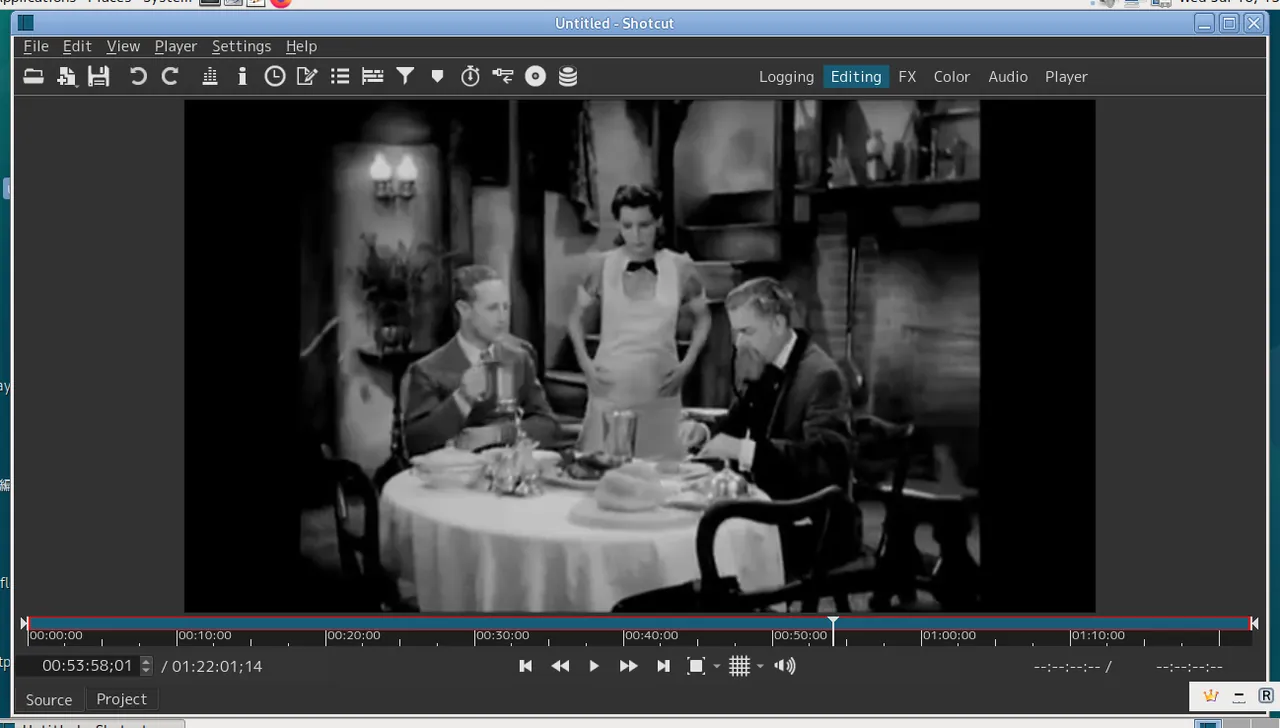
About Shotcut
Shotcut is developed by Meltytech and built on the MLT multimedia framework and FFmpeg. That gives it wide format support: you can usually drop phone, camera and screen recordings onto the timeline without converting them first.
The interface is made of panels you can show, hide and rearrange. Beginners often start with the timeline, the playlist and the filters panel, and add more panels as they need them.
What it does well
- Multitrack timeline. Layer video, audio, titles and images on separate tracks, with ripple editing.
- Filters and keyframes. Color correction, blur, crop, text, speed and more, with keyframes to animate them over time.
- Wide format support. Edits most common formats directly, including 4K footage.
- Audio tools. Volume, fades, noise gate and audio waveforms on the timeline.
- Export presets. Ready presets for YouTube and common devices, plus full control over codecs.
Who it is for
Good fit
Beginners and hobbyists who want a real timeline editor without a subscription.
Look elsewhere
Editors who need advanced motion graphics or a large library of transitions and templates.
Pros and cons
Pros
- No watermark or time limits
- Handles most formats directly
- Proxy editing for slower PCs
- Cross-platform
Cons
- Interface feels technical at first
- Fewer built-in effects than paid editors
How to install Shotcut
The download page lists a Windows installer and a portable ZIP. The installer is the simplest choice. If editing 4K footage feels slow, enable proxy editing in Settings so Shotcut works with lighter copies of your clips.
Questions about Shotcut
Does Shotcut add a watermark?
No. Exports are clean, and there is no paid version that removes anything.
Is Shotcut good for beginners?
Yes, once you learn the timeline and filters panel. The official site has short video tutorials that cover the basics.
Can Shotcut edit 4K video?
Yes. On older computers, turn on proxy editing to keep playback smooth.


