

Our verdict: CCleaner Free still does the basic job well: it clears temporary files, caches and browsing traces in a few clicks. Much of the interface, however, advertises Pro features such as the driver and software updaters. Windows' own Storage Sense covers a lot of the same cleanup for free.
About CCleaner
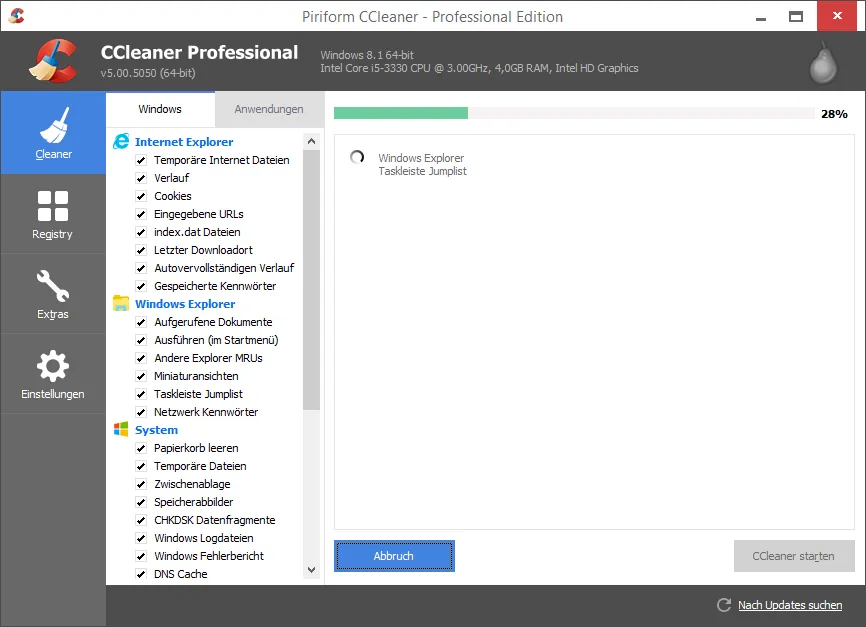
CCleaner was created by Piriform, which Avast bought in 2017; it now belongs to Gen Digital. The free version offers standard cleaning of temporary files, browser caches, cookies and history, standard privacy protection, a basic Health Check and tools to control which apps start with Windows.
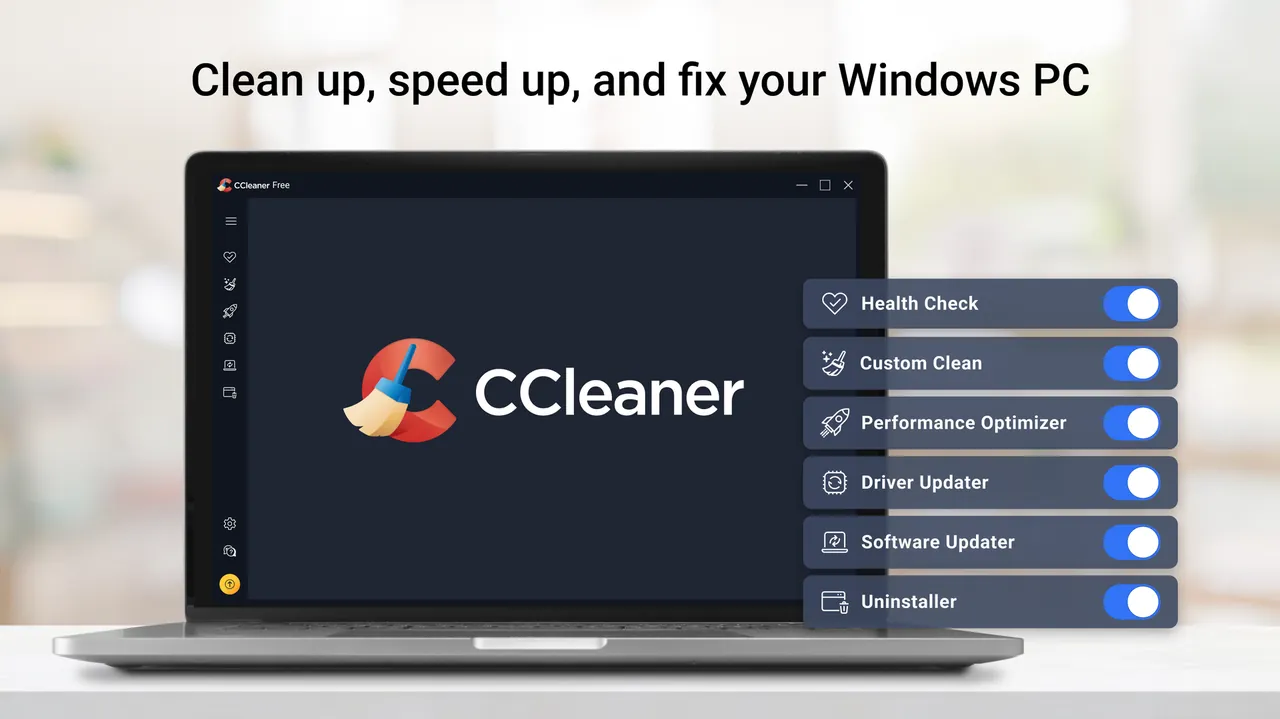
CCleaner Professional adds complete cleaning, a Performance Optimizer, Driver Updater, Software Updater, real-time junk monitoring, scheduled and automatic browser cleaning and priority support. CCleaner Free and Professional are licensed for home use only. In 2017 an official CCleaner build was briefly distributed with malware inserted by attackers; the issue was fixed and disclosed by the company.
What it does well
- Standard cleaning. Removes temporary files, caches, logs and other junk from Windows and apps.
- Browser privacy cleaning. Deletes history, cookies and caches from installed browsers.
- Health Check (basic). Scans for junk, privacy traces and startup apps in one step.
- Startup management. Lets you disable programs that start automatically with Windows.
- Custom rules. Choose exactly which items and cookies to clean or keep.
Who it is for
Good fit
Home users who want a quick way to free disk space and clear browsing traces from all browsers at once.
Look elsewhere
Anyone who dislikes upgrade prompts, or businesses, which need a paid license.
Pros and cons
Pros
- Fast cleanup of junk and browser data
- Cleans many third-party apps, not only browsers
- Fine control over what gets deleted
- Offline installer and portable build available
Cons
- Frequent prompts to upgrade to Pro; updaters and automation are paid
- Setup may include offers for other software
- Home use only; a 2017 official release was compromised by attackers
How to install CCleaner
The download is a small online installer that fetches the latest CCleaner; an offline installer and a portable build are listed on CCleaner's builds page. Read each setup screen and decline any additional software offers. After installing, review which items Custom Clean will delete, especially saved cookies and passwords in browsers, before running the first clean.
Questions about CCleaner
Is CCleaner free?
Yes. CCleaner Free is free for home use. CCleaner Professional adds paid features such as the Driver Updater, Software Updater and automatic cleaning.
Is CCleaner safe to use?
Current versions from the official site are safe. Review what Custom Clean will delete, because it can sign you out of websites by removing cookies.
Do I need CCleaner on Windows 11?
Not necessarily. Windows Storage Sense and Disk Cleanup remove many of the same temporary files; CCleaner adds wider browser and app cleaning.


