

Our verdict: MediBang Paint is a light, beginner-friendly app for illustration and manga that runs well on modest PCs. Screentones, panel tools and cloud fonts make comics easy. Cloud features need an account, and some content is reserved for Premium.
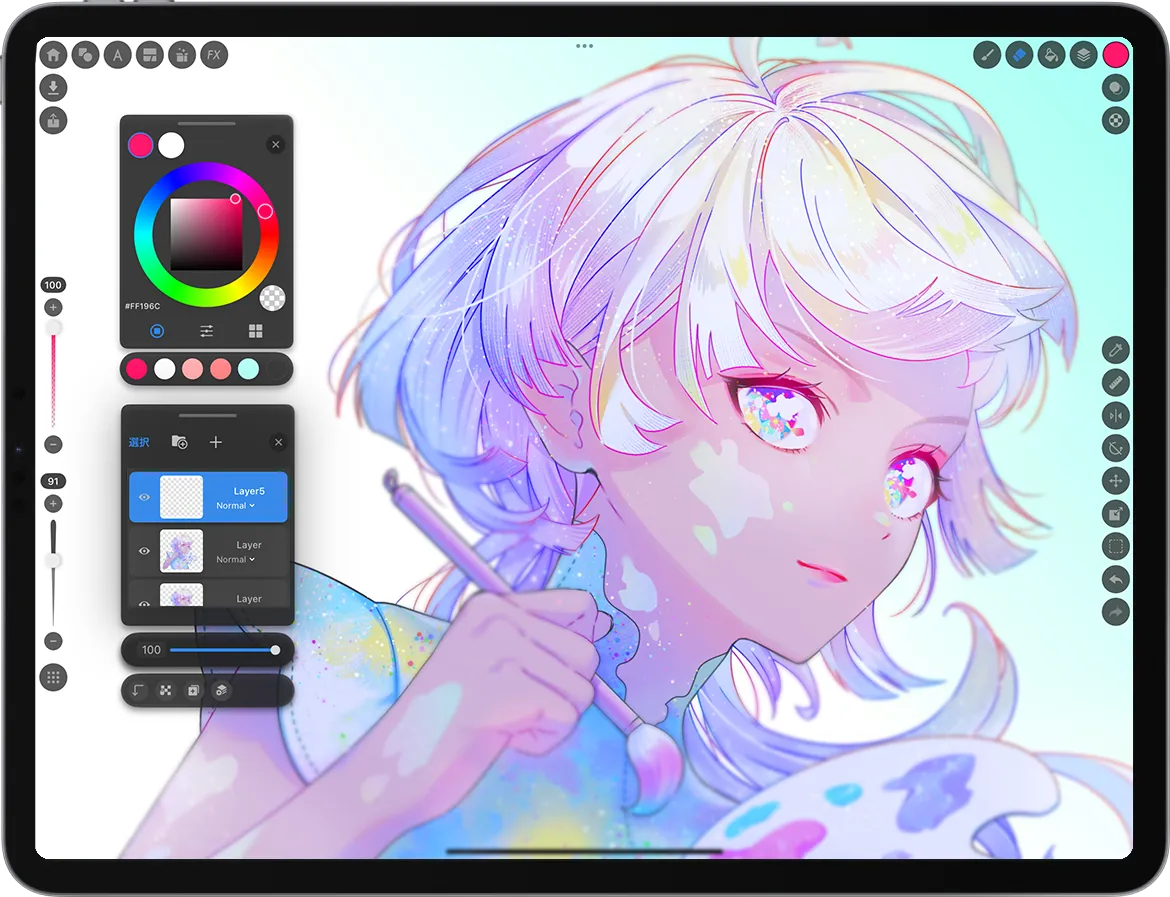
About MediBang Paint
MediBang Paint is made by MediBang Inc. in Japan and is available on Windows, macOS, iPad, iPhone and Android. A free MediBang account syncs files through the cloud, so a drawing started on a phone can be finished on a PC.
The desktop app includes more than 180 brushes and about 1,000 screentones, comic panel division tools, halftone layers, text with cloud fonts and gradient maps. Drawing itself works offline; cloud saving, cloud materials and cloud text need an internet connection. Group Project lets several users work on the same comic.
What it does well
- Brushes and screentones. More than 180 brushes and about 1,000 screentones.
- Comic tools. Panel division, halftone layers and speech text for manga.
- Cloud sync. Save to the cloud and continue on any device with your account.
- Group Project. Share a comic project with other MediBang users.
- Lightweight. Runs on modest PCs with little disk space.
Who it is for
Good fit
Beginner illustrators and comic artists, especially those who also draw on tablets or phones.
Look elsewhere
Users who want an offline-only app without accounts, or advanced photo editing.
Pros and cons
Pros
- Free with strong comic tools
- Runs on modest hardware
- Cloud sync across devices
Cons
- Cloud features need an account
- Some materials and features need Premium
- Closed source
How to install MediBang Paint
Download the Windows 64-bit installer from the official desktop page. You can draw without logging in; create a free MediBang account only if you want cloud saving, cloud fonts and materials. Requirements are Windows 10 or later with 8 GB RAM recommended.
Questions about MediBang Paint
Is MediBang Paint free?
Yes. The app is free; a paid Premium plan adds extra content and features.
Does MediBang Paint work offline?
Yes. Drawing works offline; only cloud saving, cloud materials and cloud text need an internet connection.


