

Our verdict: FireAlpaca is one of the easiest painting apps to start with, and it runs well on older PCs. Brush customization and comic tools cover most hobby illustration. The free edition shows ads, and features like layer masks are reserved for the paid SE.
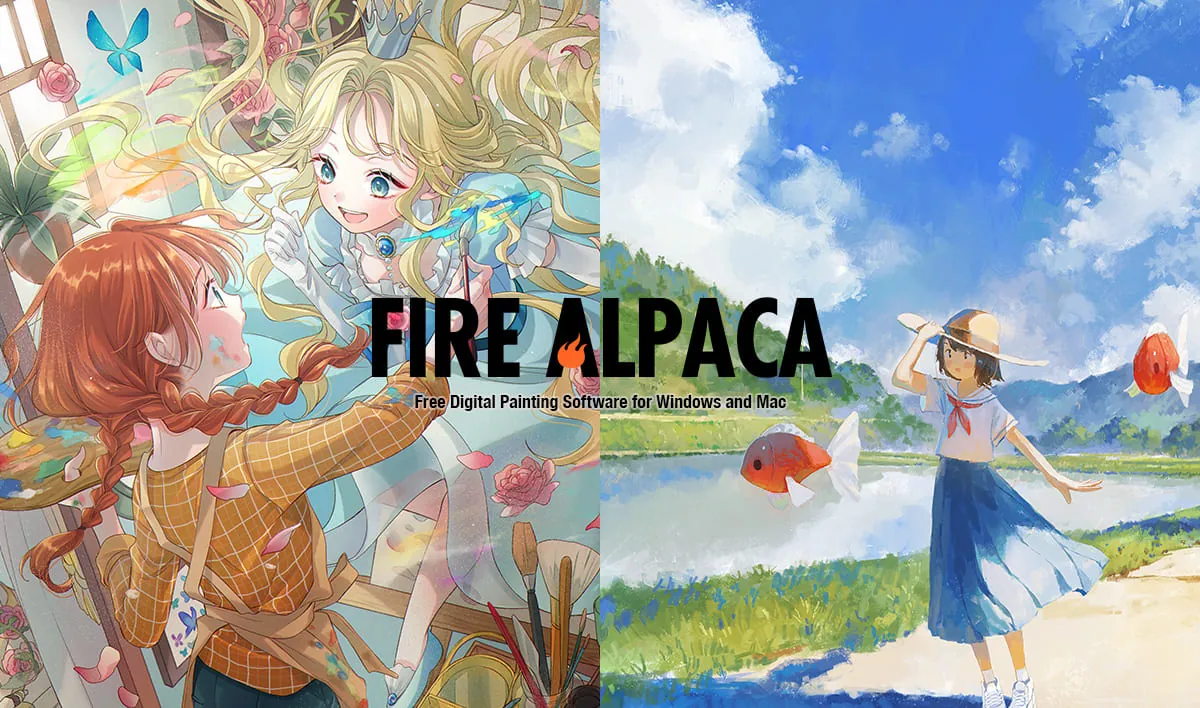
About FireAlpaca
FireAlpaca is developed by PGN Inc. in Japan and is available in 10 languages for Windows, macOS and Linux. The standard edition is free for personal and commercial use; FireAlpaca SE is a one-time purchase that removes ads and adds exclusive brushes, layer masks and a Projects feature.
Brushes are customized with simple sliders that update a live preview, and new original brushes are released every week. Post-drawing adjustment smooths lines with presets such as forced fade-in/out and hand lettering. Other tools include comic frames, speed lines, halftone, a 3D perspective grid, gradient maps, mesh deformation and a simple animation tool.
What it does well
- Custom brushes. Adjust spacing, intensity and texture with a live preview.
- Post-drawing adjustment. Automatically refines strokes with fade and ink pool presets.
- Comic tools. Frames, speed lines, concentration filter and halftone.
- 3D perspective grid. Guides for drawing backgrounds in perspective.
- Animation tool. Simple frame-by-frame animation with onion skin.
Who it is for
Good fit
Beginners, hobby illustrators and users with older or low-powered PCs.
Look elsewhere
Professionals who need layer masks, 16-bit color or an ad-free app without paying.
Pros and cons
Pros
- Free for commercial use
- Very lightweight
- Easy brush customization
- Comic and perspective tools
Cons
- Ads in the free edition
- Layer masks and other features only in paid SE
- Closed source
How to install FireAlpaca
Download the Windows 64-bit installer (Windows 10 or later) from the official site; a zip version is also offered. Only download from firealpaca.com. The free edition shows advertising inside the app.
Questions about FireAlpaca
Is FireAlpaca free?
Yes. The standard edition is free for personal and commercial use. FireAlpaca SE is a one-time purchase that removes ads and adds features.
Who owns art made in FireAlpaca?
You do. The copyright of your original illustrations belongs to you.


