

Our verdict: Movavi Video Editor is aimed at people who want to turn phone and camera clips into a finished video in an evening. The interface is simple and the effects library is large. The free version is only a test: exports get a watermark and may be cut short, so plan to pay or pick a free editor.
About Movavi Video Editor
Movavi Video Editor is made by Movavi. It covers cutting, cropping, rotating, color adjustments and speed changes, audio editing with beat detection, and one-click AI tools: automatic subtitles in 13 languages, background removal, noise reduction and motion tracking. A screen recorder and media converter are built in.
The free version is a trial build. Movavi says it adds a "Trial" watermark to exported videos and, depending on the build, may limit exports to 60 seconds of video or half the audio length, or lock some advanced export options. A 1-month subscription costs $19.95 per month, with a discount on the first month, and 1-year plans are also sold. No account or card is needed to try it; the activation key arrives by email after purchase.
What it does well
- Basic editing. Cut, crop, rotate, change speed and adjust colors on a simple timeline.
- AI subtitles. Generates subtitles automatically in 13 languages, with 30+ subtitle styles.
- AI cleanup. Removes backgrounds without a green screen and reduces noise in audio.
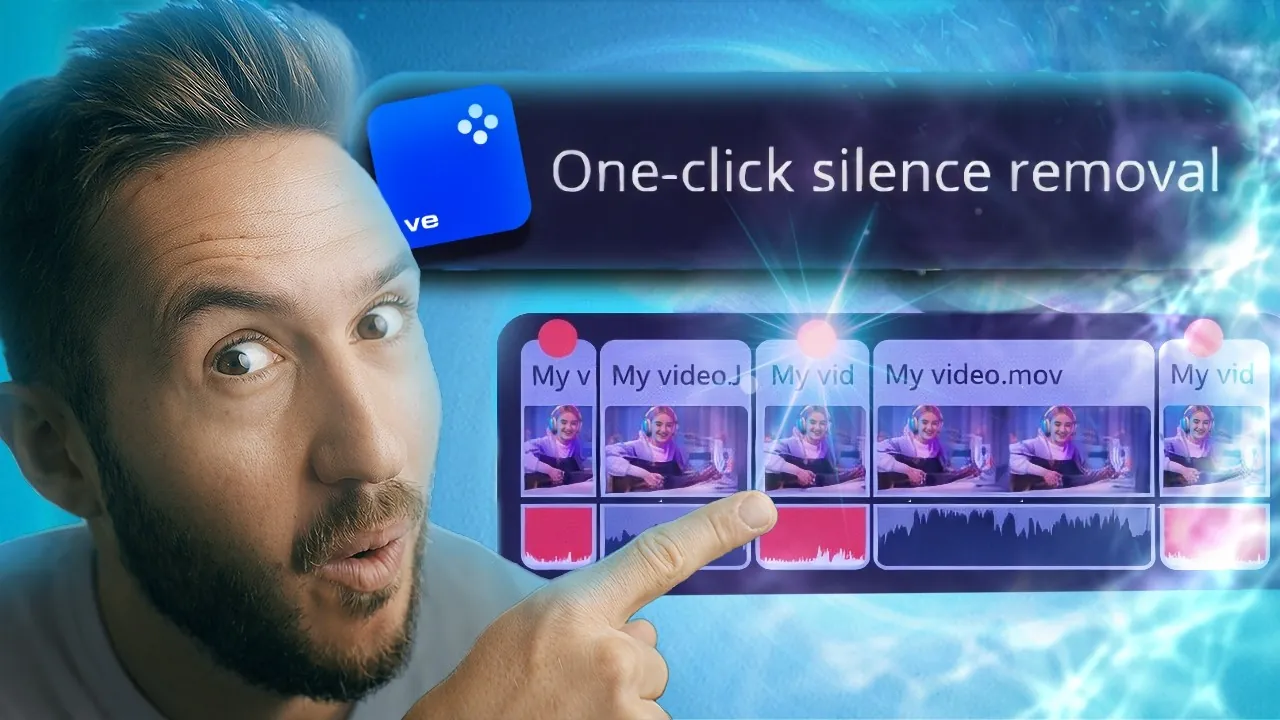
- Silence removal. Cuts pauses automatically with adjustable length and volume threshold.
- Effects library. Stickers, transitions, titles, overlays, intros, music and 40+ adjustable effects.
Who it is for
Good fit
Beginners making family videos, travel clips and simple social media content.
Look elsewhere
Anyone who needs a free editor with full exports, or pro features like advanced color grading.
Pros and cons
Pros
- Very simple interface
- AI subtitles in 13 languages
- Large built-in effects library
- Built-in screen recorder
Cons
- Free version watermarks and may shorten exports
- Templates are a separate subscription
- No real free tier for finished videos
How to install Movavi Video Editor
Download the installer from movavi.com; it is a small setup file that downloads the program, so keep the PC online. To remove trial limits, buy a plan and enter the activation key sent by email in the program's activation window. After activation, re-export old projects to remove the watermark.
Questions about Movavi Video Editor
Is Movavi Video Editor free?
No. The free download is a trial build: exports get a "Trial" watermark and may be limited to 60 seconds of video or half the audio. A 1-month subscription costs $19.95 per month on the official store, and yearly plans are also sold. No account or card is needed to try it.
Can I remove the Movavi watermark from a video I already exported?
No. Movavi says you must activate the program, open the saved project and export it again.
Is the Movavi templates collection included?
Only a few templates are included. The full collection is a separate Movavi Templates subscription.


