

Our verdict: PDFelement covers the PDF tasks most people have, with a layout that feels like a word processor, and it costs far less than Acrobat. The free trial is only for testing, because every saved file gets a watermark. Check the plan details at checkout: prices change often and some plans renew automatically.
About PDFelement
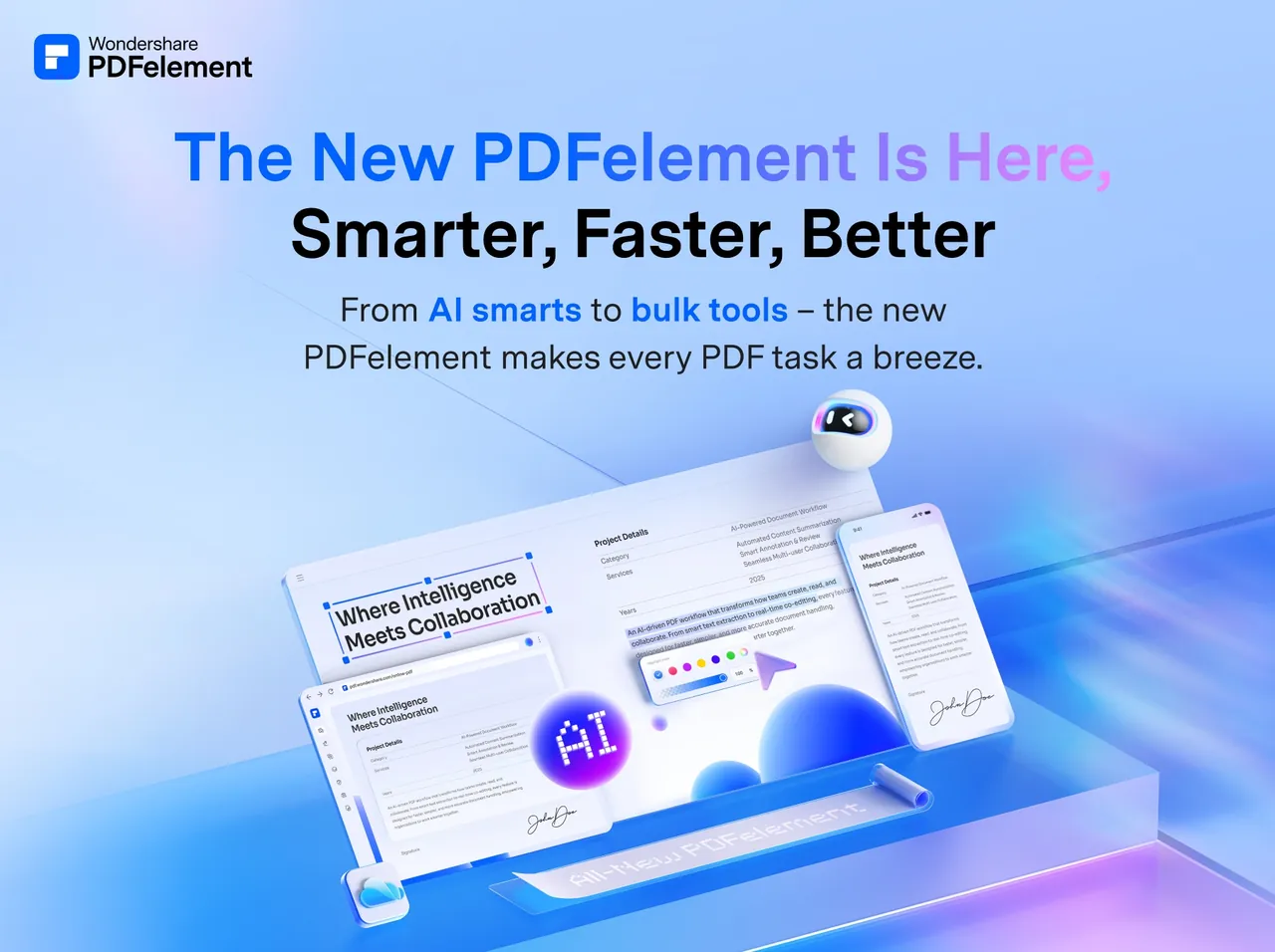
PDFelement is Wondershare's PDF editor. It edits text and images in PDFs, converts PDFs to and from Office formats, creates and fills forms, adds comments, passwords, redaction and digital signatures, and includes the Lumi AI assistant for summaries and translation with a usage quota. Paid plans also unlock OCR, compression and batch processing without limits.
Without an account the free trial only creates, views, protects and organizes PDFs and adds a watermark to saved files. Signing in with a Wondershare ID unlocks a 14-day trial of nearly all features, with no card needed, but saved files still get a watermark and OCR, compression and some other tools stay locked. After the 14 days the program keeps running in the limited, watermarked mode. When we checked, the cheapest plan was a Windows-only one-year plan for $31.99, and a perpetual license for PDFelement 13 was also sold.
What it does well
- Edit like a document. Change text, fonts and images in a PDF with a Word-style toolbar.
- Convert PDFs. Exports to Word, Excel, PowerPoint and images, and creates PDFs from them.
- Forms and signatures. Fill and create forms, sign with an image or a digital certificate.
- Protect and redact. Add passwords and permanently black out sensitive text.
- Lumi AI assistant. Summarizes, translates and rewrites PDF text within a usage quota.
Who it is for
Good fit
Home users and small offices who want an Acrobat-style editor for a lower price.
Look elsewhere
Anyone who needs clean output without paying, since the trial watermarks every saved file.
Pros and cons
Pros
- Familiar, Word-like editing
- Much cheaper than Acrobat
- Perpetual license option
- Apps for desktop and mobile
Cons
- Trial adds a watermark to every saved file
- OCR is not available in the trial
- Frequently changing promotional prices and auto-renewing plans
How to install PDFelement
The downloaded file is a small online installer that fetches the program. Sign in with a free Wondershare ID to start the 14-day trial. When buying, check whether the plan renews automatically and turn off renewal in your Wondershare account if you do not want it.
Questions about PDFelement
Is PDFelement free?
No. The trial is free and needs no card: without an account it has basic tools, and with a Wondershare ID you can test nearly all features for 14 days. Saved files always get a watermark until you buy a plan; the cheapest was $31.99 a year when we checked.
Does PDFelement have OCR?
Yes, but only in paid plans. The trial shows OCR previews only.
Can I buy PDFelement once?
Yes. Wondershare sells a perpetual license for the current major version, alongside quarterly, yearly and two-year plans.


