

Our verdict: Greenshot does one job well: press Print Screen, select an area, mark it up and send it on. It is lighter and simpler than ShareX, which makes it a good default for work documentation. It does not record video, and its annotation tools are basic.
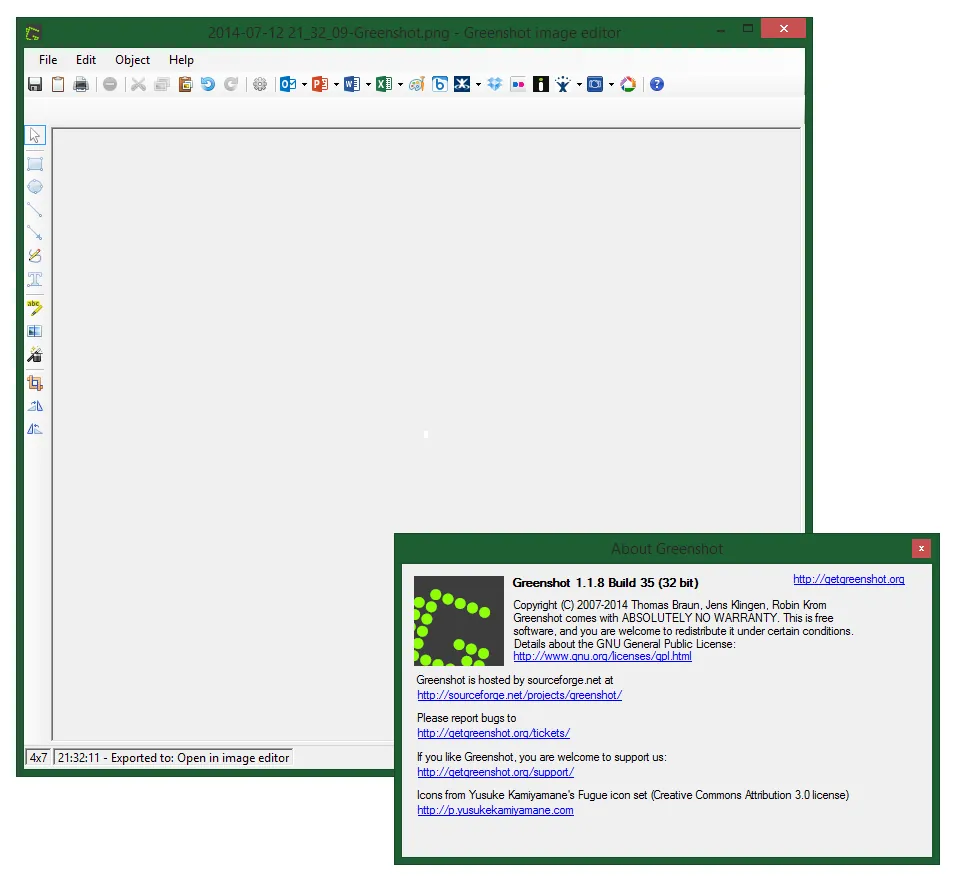
About Greenshot
Greenshot is an open source project developed on GitHub. It runs in the system tray and replaces the Print Screen key with captures of a region, a window or the full screen. The 1.3 series is the current stable Windows release and is still receiving updates, including security fixes in October 2026.
After a capture, Greenshot can open its image editor, where you add arrows, text, highlights and step numbers or obfuscate sensitive parts. From there the image goes to a file, the clipboard, a printer, an e-mail or Office programs, and plugins can upload to services such as Imgur, Jira, Confluence, Box and Dropbox.
What it does well
- Quick capture. Region, window and fullscreen captures from the Print Screen key or tray icon.
- Annotation editor. Arrows, shapes, text, highlights, step counters and blur or pixelate for private data.
- Many destinations. Save to file, copy to clipboard, print, attach to e-mail or send to Office apps.
- Upload plugins. Optional plugins send captures to Imgur, Jira, Confluence, Box, Dropbox and others.
- Configurable output. Choose file name patterns, formats and PNG optimization in the settings.
Who it is for
Good fit
Office workers, testers, support staff and technical writers who annotate screenshots every day.
Look elsewhere
Anyone who needs screen video recording, GIF capture or OCR without extra setup.
Pros and cons
Pros
- Fast region capture
- Clear annotation and blur tools
- Many export destinations
- Small and lightweight
Cons
- No screen video recording
- Installer opens a web page when it finishes
- Annotation tools are basic
How to install Greenshot
Download the installer from getgreenshot.org; the button links to the official GitHub release. Greenshot starts with Windows by default and takes over the Print Screen key, so close other screenshot tools first if the key does not respond. The installer opens a browser page at the end, which the FAQ says cannot be turned off.
Questions about Greenshot
Is Greenshot free?
Yes. The Windows version is free and open source under the GNU GPL.
Is Greenshot still maintained?
Yes. Version 1.3.323 was released in October 2026 with bug and security fixes, and version 1.4 is in development.
Why does the Print Screen key not work with Greenshot?
Usually another program, such as a different screenshot tool or cloud app, has reserved the key. Close or reconfigure that program, or change the hotkey in Greenshot's settings.


