

Our verdict: Snagit is a polished capture tool for people who write documentation, support replies and tutorials every day. Its editor, templates and scrolling capture save real time. Since 2025 it is sold only as a yearly subscription, and free tools cover basic screenshots just as well.
About Snagit
Snagit is made by TechSmith, the company behind Camtasia. Since Snagit 2025 it is sold as an annual subscription only: Snagit Individual costs US$39 per year, with no monthly option, and is activated by signing in with your TechSmith account. Earlier perpetual versions keep working for people who bought them.
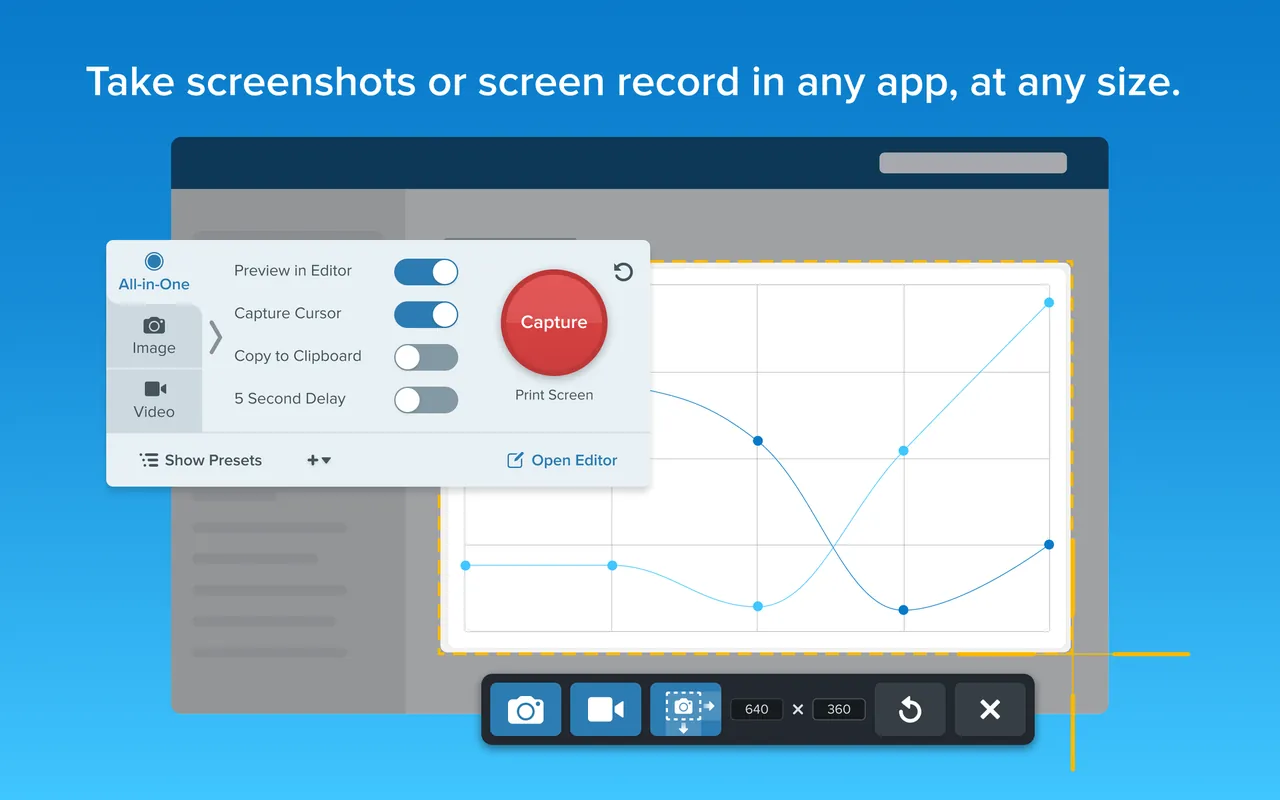
The capture tool grabs a region, a window, a scrolling page or a short screen video with webcam and audio. The editor adds arrows, callouts, step numbers and blur, and can simplify interfaces into clean diagrams. The free trial is fully functional for 15 days and can be extended once by another 15 days; after that Snagit needs a license key or subscription to unlock.
What it does well
- Scrolling capture. Captures long web pages and documents in one image.
- Annotation editor. Arrows, callouts, step numbers, blur and stamps for clear instructions.
- Screen recording. Short videos with webcam and audio, exported as MP4 or GIF.
- Templates. Combines several captures into step-by-step guides and one-page documents.
- Text grab. Copies text out of a screenshot so it can be pasted and edited.
Who it is for
Good fit
Technical writers, support teams, trainers and anyone who sends annotated screenshots every day.
Look elsewhere
Casual users who take an occasional screenshot, or people who want a one-time purchase.
Pros and cons
Pros
- Excellent annotation editor
- Reliable scrolling capture
- Templates for step-by-step guides
- Trial can be extended once
Cons
- Subscription only since 2025
- Needs online activation every 90 days
- Free tools cover basic screenshots
How to install Snagit
The direct link downloads the 64-bit Windows installer from TechSmith. The trial starts on first launch and needs no card. Snagit replaces the Print Screen key by default; change the capture hotkey in preferences if another tool uses it.
Questions about Snagit
Is Snagit free?
No. Snagit has a fully functional 15-day free trial that can be extended once by 15 days. After it you need a subscription, US$39 per year for Snagit Individual.
Can I still buy Snagit once?
No. TechSmith moved Snagit to annual subscriptions with Snagit 2025. Perpetual licenses bought earlier keep working.
Does Snagit need an internet connection?
Only for activation and then once every 90 days to keep the subscription active, according to TechSmith.


