

Our verdict: MediaMonkey is built for people with big, messy music collections who want to tag, rename and sync them. The free version covers most tasks; automation, faster CD ripping and some encoders need the paid Gold license.
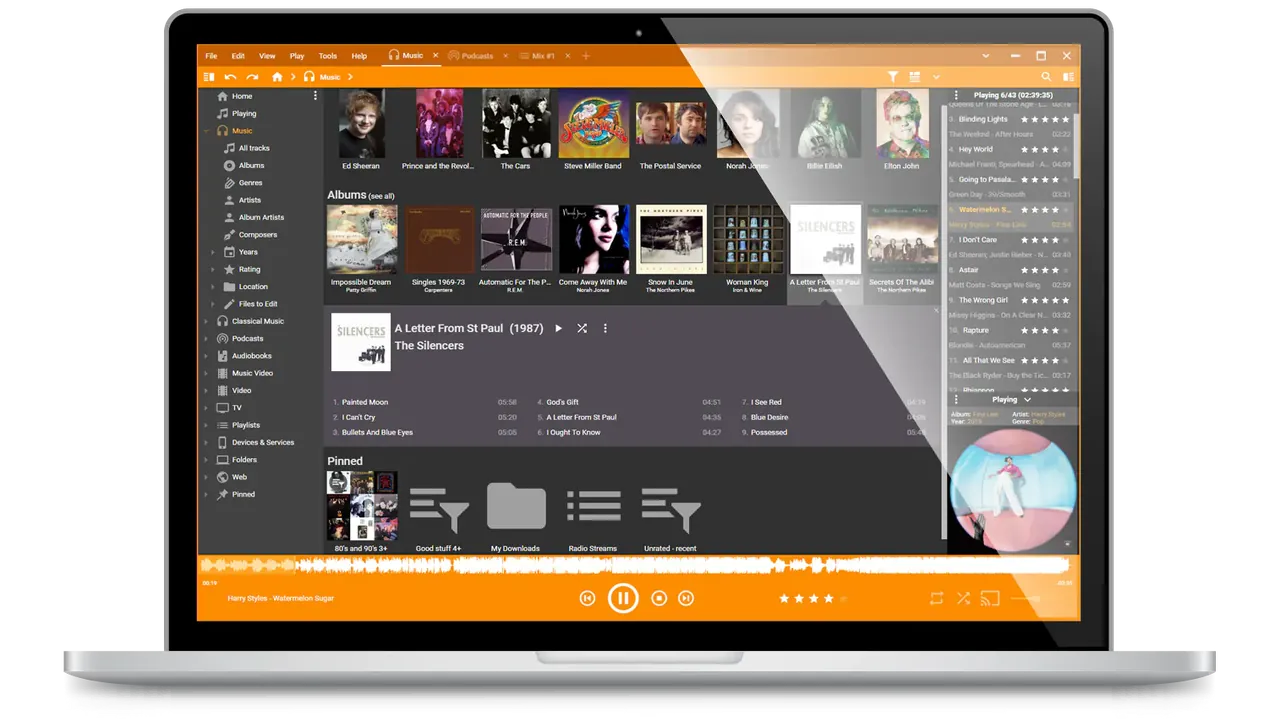
About MediaMonkey
MediaMonkey by Ventis Media organizes music, podcasts, audiobooks and videos in one library. It looks up missing tags, artwork and lyrics, finds duplicates, and can rename and move files into folders based on artist, album and other fields.
It rips CDs, converts between formats, syncs with iPhone and Android devices, shares the library over UPnP/DLNA and casts to Google Cast devices. The free version has a 30-minute limit for streaming to other devices and limits the M4A, AVI and MP4 encoders to 30 days; MediaMonkey Gold removes these limits and adds automatic organizing, tagging and volume leveling.
What it does well
- Auto-tagging. Looks up missing metadata, artwork and lyrics for your tracks.
- Organize and rename. Moves and renames files into folders based on tag fields.
- CD ripping and conversion. Rips to MP3, FLAC, OGG and other formats and converts files while keeping tags.
- Device sync. Syncs music, playlists and ratings with iPhone, iPad and Android, including over Wi-Fi.
- DLNA and casting. Shares your library with TVs and consoles and streams to Google Cast devices.
Who it is for
Good fit
Collectors with large local music libraries who want to clean up tags and sync to phones.
Look elsewhere
People who mostly stream music and just want a lightweight player.
Pros and cons
Pros
- Handles very large libraries
- Strong tagging and renaming tools
- Phone sync for iOS and Android
- DLNA server and casting
Cons
- Automation, AccurateRip and unlimited streaming require Gold
- M4A, AVI and MP4 encoders stop after 30 days in the free version
- Interface is dense for casual users
How to install MediaMonkey
Download the installer from mediamonkey.com and choose your music folders on first run so MediaMonkey can scan them. Back up your files before running Auto-Organize, because it moves and renames files on disk. Windows N editions need the Media Foundation Pack.
Questions about MediaMonkey
Is MediaMonkey free?
Yes. The free version has no time limit. MediaMonkey Gold is a paid license that adds automation and removes some limits.
What does MediaMonkey Gold add?
Automatic organizing, tagging and volume leveling, faster multi-core encoding, AccurateRip-verified CD ripping, custom collections, a sleep timer and unlimited streaming.
Can MediaMonkey sync with an iPhone?
Yes. It syncs audio, video and playlists with iPhone, iPod and iPad, as well as Android devices.


