

Our verdict: MySQL Workbench is the natural choice if you work mainly with MySQL and want visual database design on top of a SQL editor. Its EER modeling and forward and reverse engineering are hard to find in other free tools. It is heavy, sometimes unstable on large schemas, and of little use for databases other than MySQL.
About MySQL Workbench
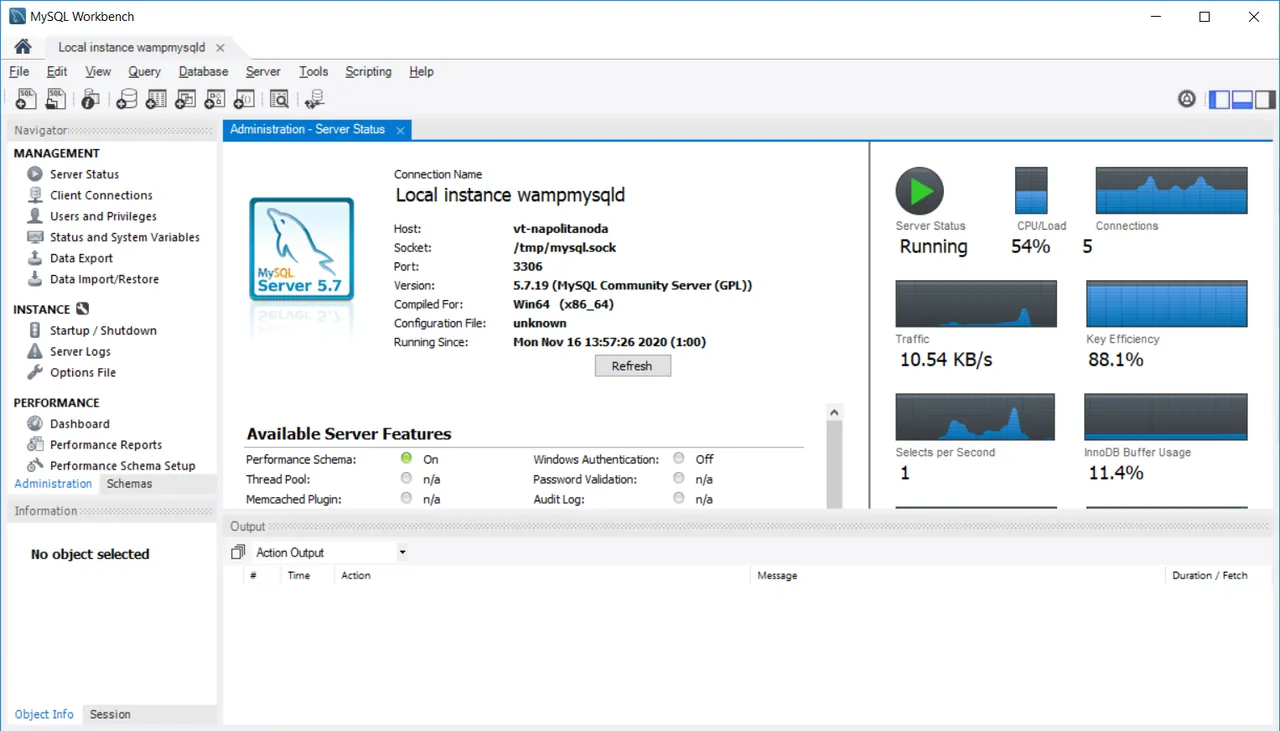
MySQL Workbench is the official graphical tool for MySQL, developed by Oracle. The Community Edition is free and distributed under the GNU GPL. It combines a SQL editor with result grids, a visual data modeler for EER diagrams, server administration screens and a migration wizard in one application.
You can design a schema as a diagram and generate SQL from it, or reverse-engineer an existing database into a diagram and sync changes both ways. Administration screens cover users and privileges, server status, logs, configuration, and backup and restore. On Windows it needs the Visual C++ 2019 Redistributable and .NET Framework 4.5.
What it does well
- SQL editor. Syntax highlighting, autocompletion, query history and editable result grids.
- Visual EER modeling. Design tables and relations as diagrams and forward- or reverse-engineer them to a live database.
- Server administration. Manage users and privileges, view server status and logs, and edit configuration.
- Backup and restore. Export and import data and schemas through a graphical front end to mysqldump.
- Migration wizard. Moves tables and data from SQL Server, PostgreSQL, SQLite and other databases to MySQL.
Who it is for
Good fit
Developers and DBAs who use MySQL and want schema diagrams plus administration in one tool.
Look elsewhere
People who work with PostgreSQL, SQLite or several database types, or want a light and fast client.
Pros and cons
Pros
- Official MySQL tool, free under the GPL
- Strong visual schema design and sync
- Administration and migration tools included
Cons
- Built for MySQL only; limited with MariaDB and useless for other databases
- Heavy, slow to start and can crash on large models
How to install MySQL Workbench
Install the Visual C++ 2019 Redistributable and .NET Framework 4.5 first if they are missing; Oracle lists both as prerequisites on the download page. On first launch, add a connection with your server host, port and user. Workbench may warn about untested server versions such as MariaDB; many features still work, but some do not.
Questions about MySQL Workbench
Is MySQL Workbench free?
Yes. The Community Edition is free and open source under the GNU GPL. Oracle also sells commercial MySQL editions with extra tools and support.
Do I need an Oracle account to download MySQL Workbench?
No. On the download page you can skip the login and start the download directly.
Does MySQL Workbench work with MariaDB?
Partly. It can connect, but MariaDB is not an officially supported server, so some features may fail.


