

Our verdict: qutebrowser is made for people who live in Vim and want to browse without touching the mouse. Hint mode, commands and a Python config file make it extremely fast once learned. It has a steep learning curve and no support for Chrome or Firefox extensions.
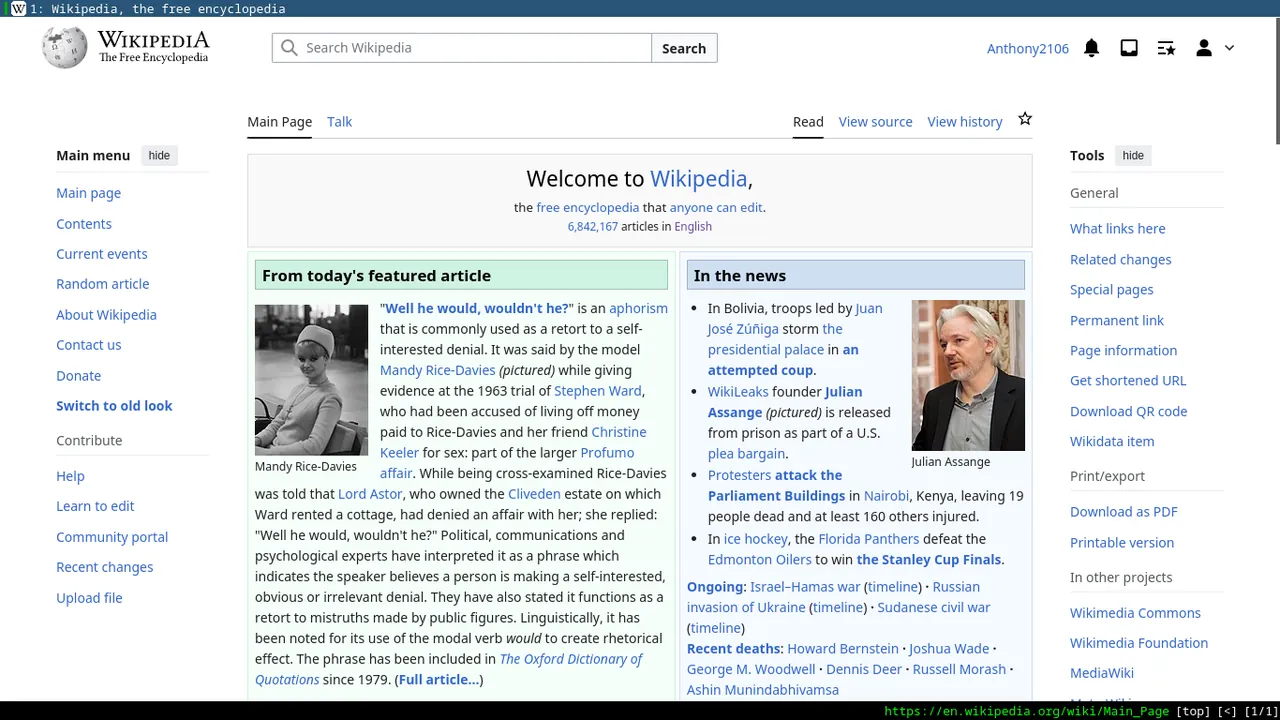
About qutebrowser
qutebrowser is a keyboard-focused browser with a minimal GUI, written in Python on top of Qt and its Chromium-based QtWebEngine backend. It is free software under the GPL, maintained by Florian Bruhin with funding from donations, and inspired by dwb and the Vimperator and Pentadactyl add-ons.
Navigation uses Vim-like modes: hint mode puts letter labels on links so you can follow them by typing, and a command line with completion handles opening pages, managing tabs and changing settings. Configuration can be done in the settings page or in a Python config file, and there is built-in ad blocking and support for user scripts.
What it does well
- Keyboard control. Vim-style keys for scrolling, tabs, history and almost every other action.
- Hint mode. Labels every link with letters so you can follow it without the mouse.
- Command line. Run commands with completion for URLs, bookmarks, history and settings.
- Python configuration. Configure keys and settings in a config.py file or through the settings page.
- Minimal interface. Just the page, a status bar and tabs, with nothing else on screen.
Who it is for
Good fit
Vim users and keyboard enthusiasts who want maximum browsing speed without the mouse.
Look elsewhere
Beginners and anyone who relies on Chrome or Firefox extensions such as password-manager add-ons.
Pros and cons
Pros
- Very fast once you learn the keys
- Minimal, distraction-free interface
- Scriptable Python configuration
- Active open-source development
Cons
- Steep learning curve
- No support for Chrome or Firefox extensions
- No automatic updates on Windows; new versions are installed manually
How to install qutebrowser
The direct link is the Windows installer from the latest GitHub release; a standalone ZIP is also available. Press ? or open the built-in help and cheatsheet first, because almost nothing is done with the mouse. Settings live in :set or in config.py in your profile folder.
Questions about qutebrowser
Is qutebrowser free?
Yes. qutebrowser is free and open source under the GNU GPL.
Which engine does qutebrowser use?
By default it uses QtWebEngine, which is based on Chromium.
Can I use a mouse in qutebrowser?
Yes, clicking links and scrolling work, but the browser is designed around keyboard commands.


